The full list

DaVinci Resolve Plugins

Browse DaVinci Resolve plugins for transitions, color grading, VFX, audio, captions, and templates, filtered by category and price across free, paid, and freemium options. You can also discover my own templates and plugins in the xere.my store.
Advanced SFX Pack
Advanced SFX Packaudio

Angel Barclay

Asset Blaster
Asset Blastervfx

European Filmmaker

AutoCut
AutoCutcaption

AutoCut

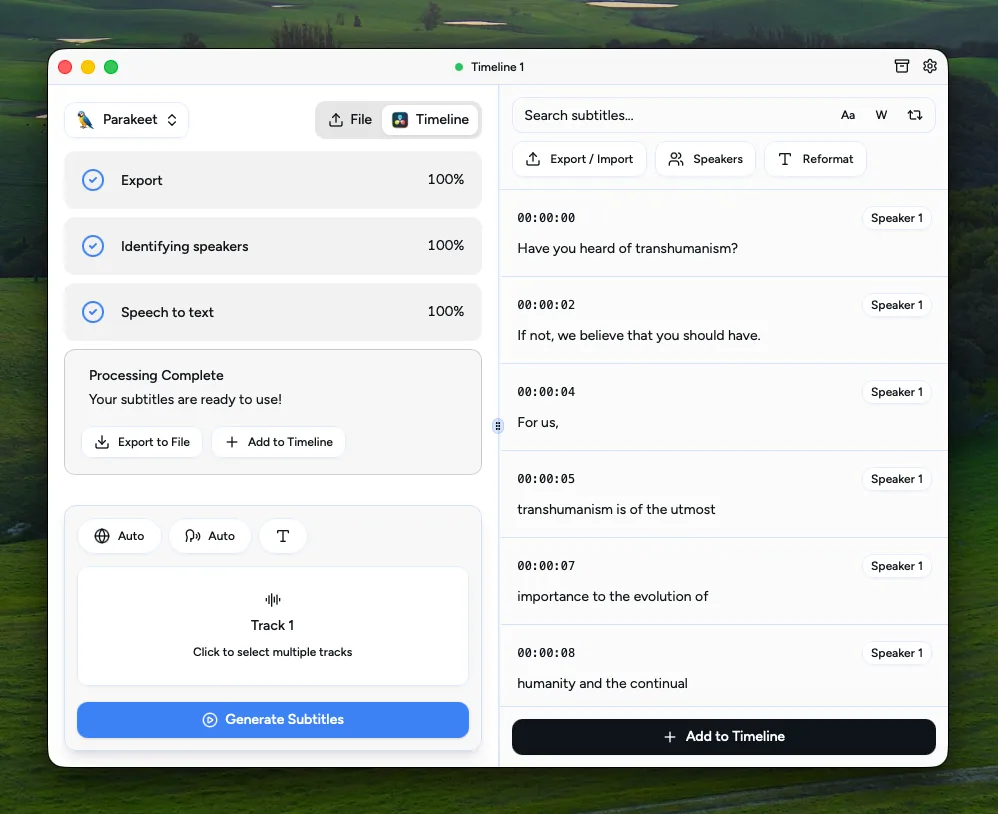
AutoSubs
AutoSubscaption

tmoroney

Bitmapper
Bitmappervfx

BLEWTOOF

Boris FX Sapphire
Boris FX Sapphirevfx

Boris FX

Camcorder
Camcordervfx

BLEWTOOF

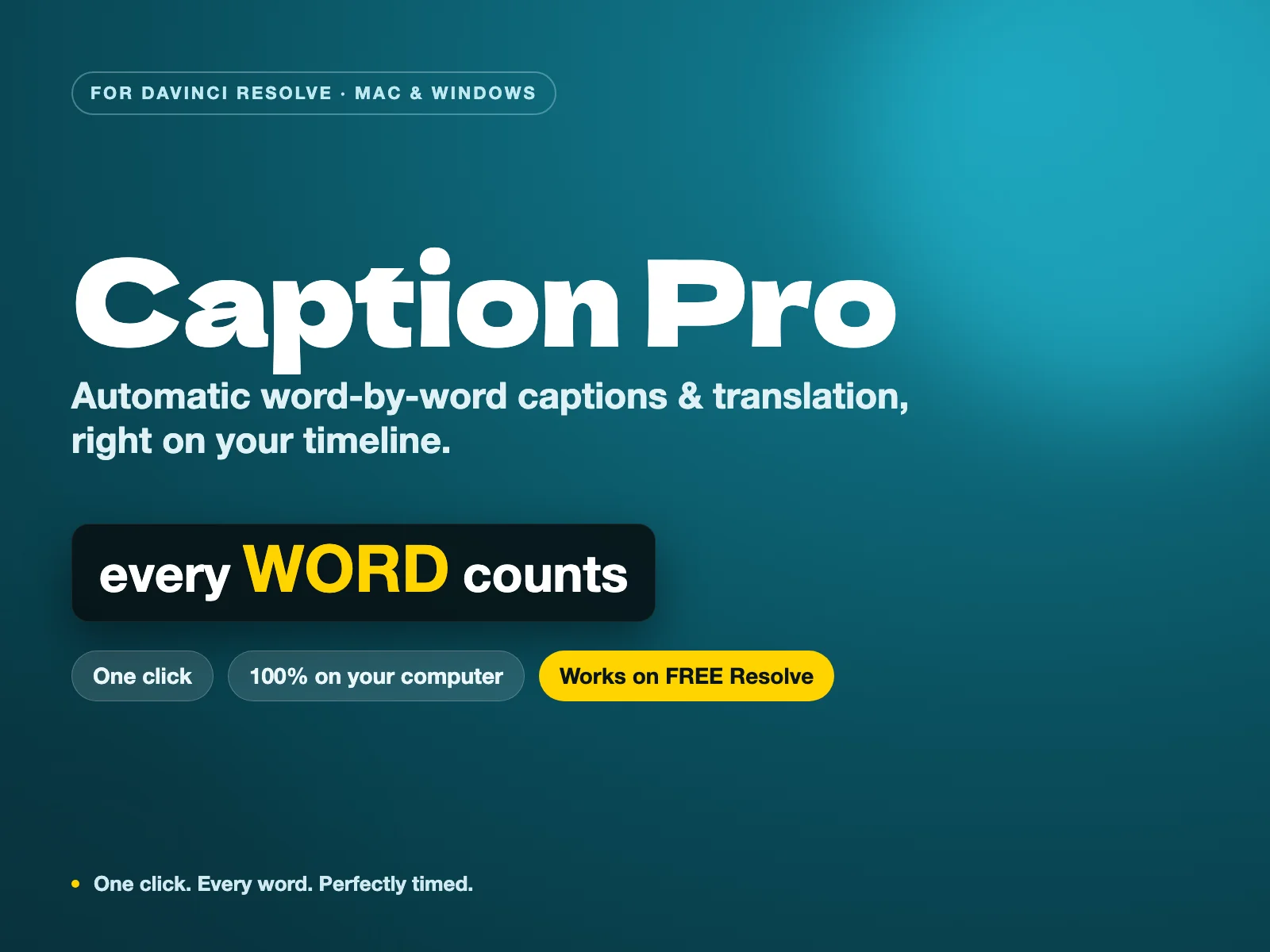
Caption Pro
Caption Procaption

xeremy

CinemaX Film Titles
CinemaX Film Titlestitle

The Resolve Store

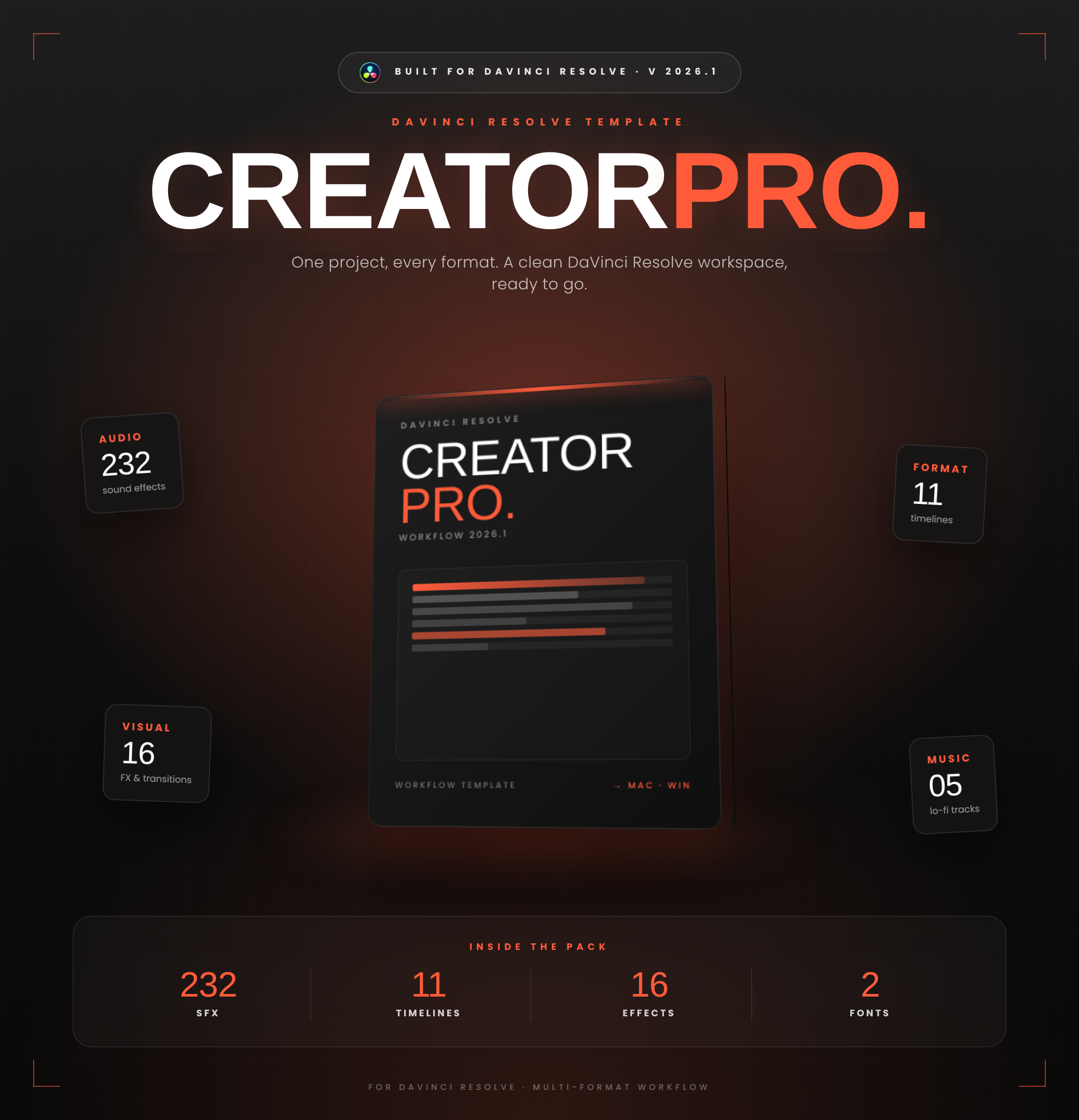
Creator Pro
Creator Protemplate

xeremy

CrumplePop AudioDenoise
CrumplePop AudioDenoiseaudio

CrumplePop

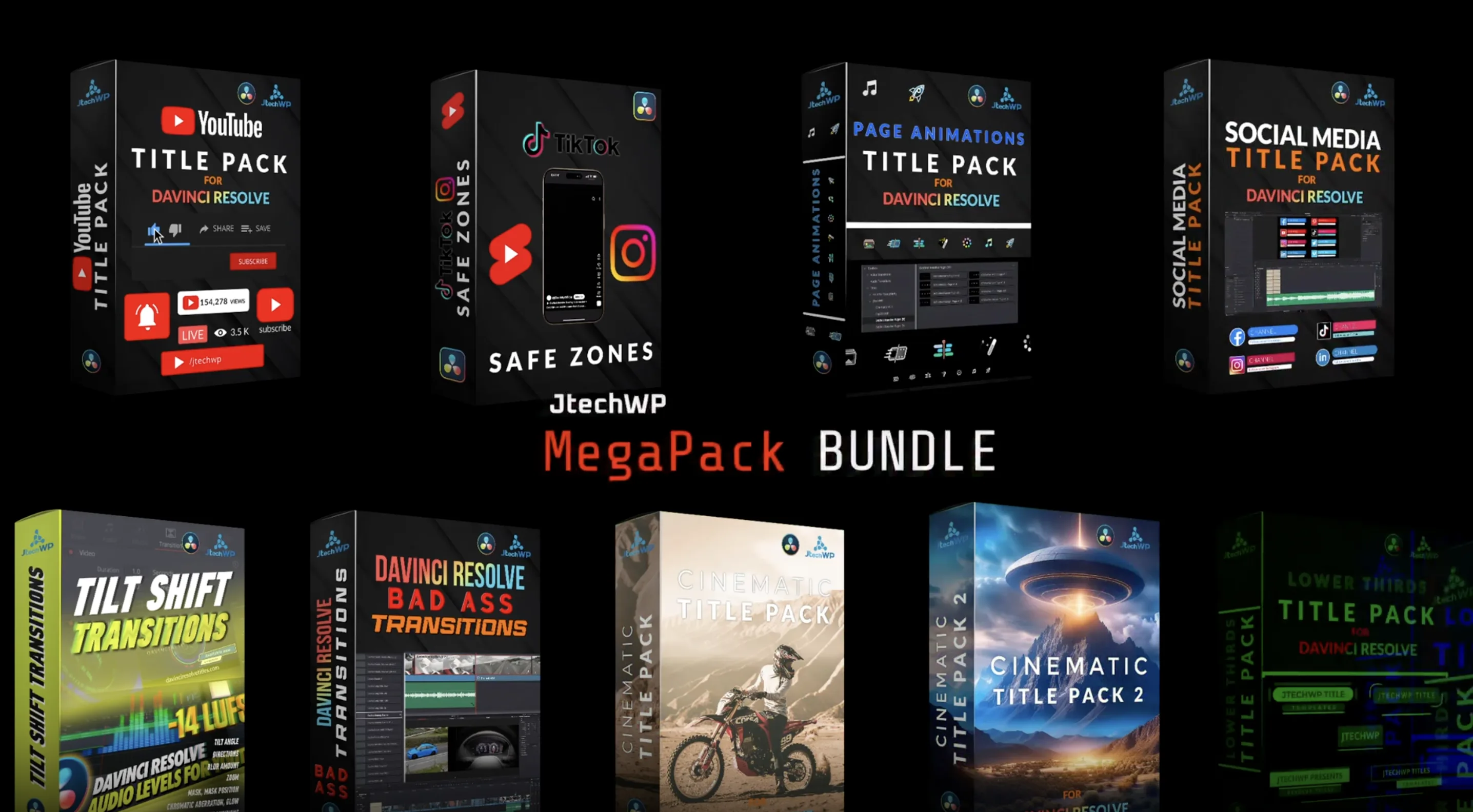
DaVinci Resolve Titles
DaVinci Resolve Titlestitle

J Tech WP

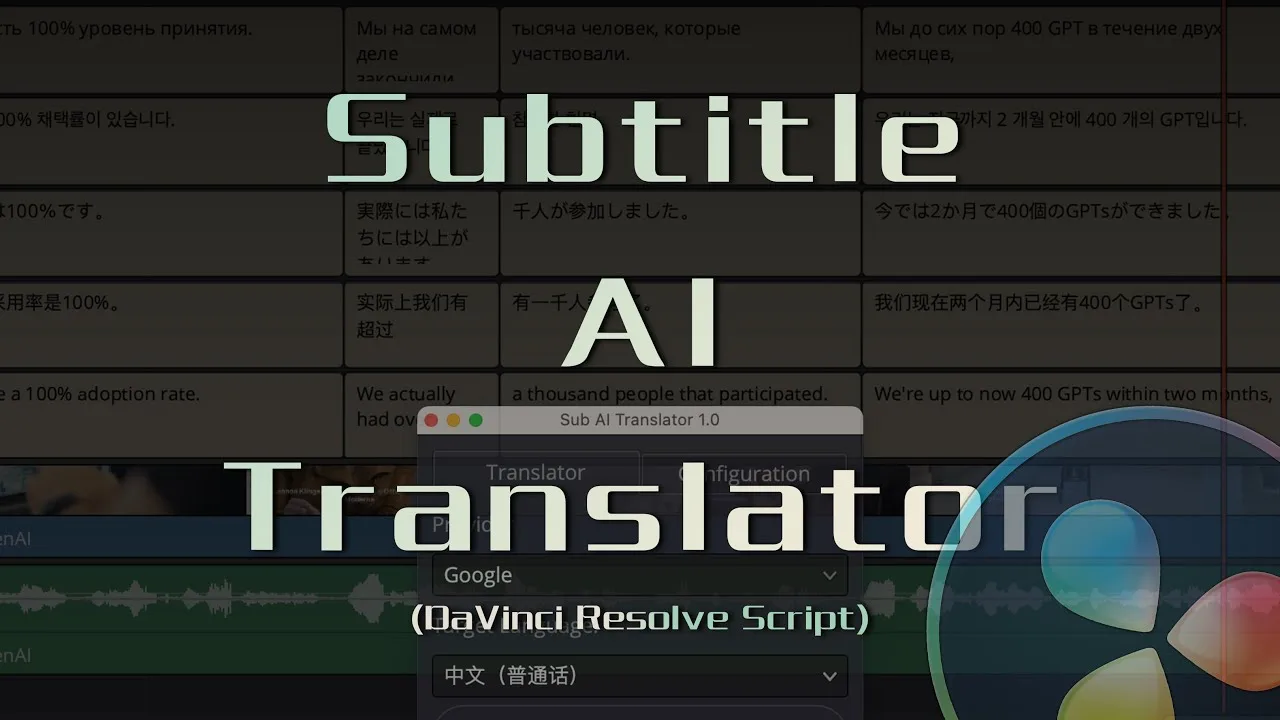
DaVinci Sub Translator
DaVinci Sub Translatorcaption

heiba

Dehancer Film
Dehancer Filmcolor

Dehancer

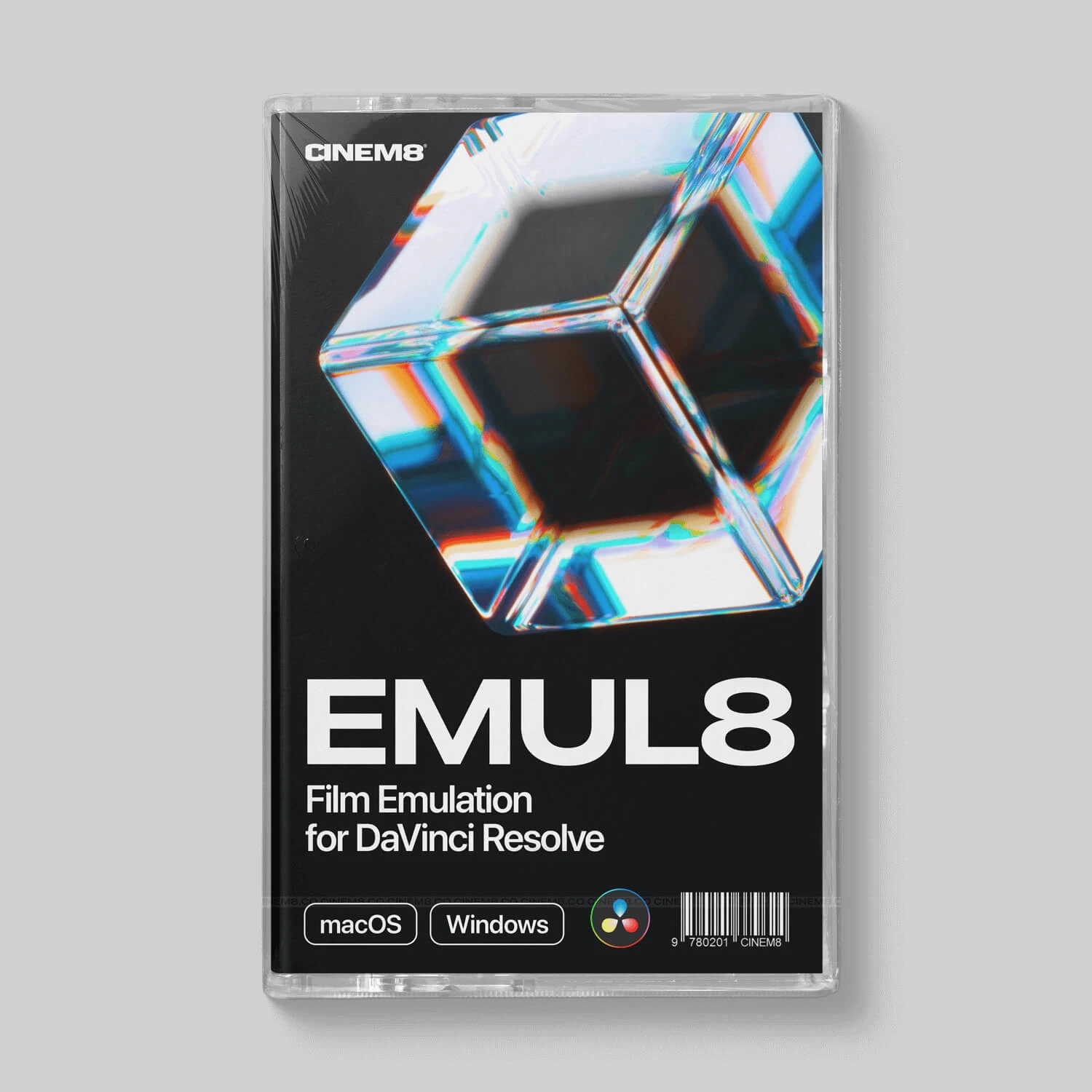
EMUL8
EMUL8color

Cinem8

Epidemic Sound
Epidemic Soundaudio

Epidemic Sound

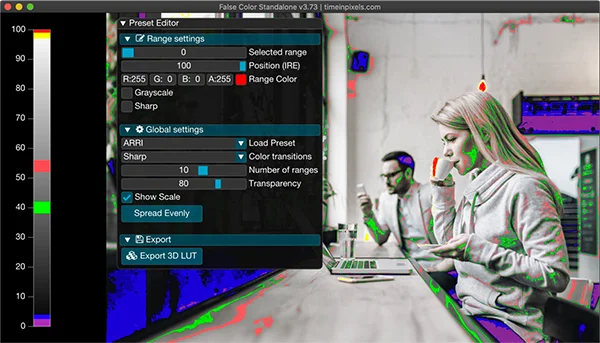
False Color
False Colorcolor

Time in Pixels

Filmbox
Filmboxcolor

Video Village

FilmConvert Nitrate
FilmConvert Nitratecolor

FilmConvert

Filmkid 16
Filmkid 16color

Filmkid

Filmkid SFX
Filmkid SFXaudio

Filmkid

Filmkid VHS
Filmkid VHScolor

Filmkid

FireCut
FireCutorganization

FireCut

Flicker Free
Flicker Freevfx

Digital Anarchy

Free Starter Pack
Free Starter Packvfx

Video Editor Studio

GrainX Film Grain
GrainX Film Graincolor

The Resolve Store

Jumper
Jumperorganization

Witchcraft Software

MagicAnimate V3
MagicAnimate V3transitions

mrAlexTech

MagicSubtitles Pro
MagicSubtitles Procaption

mrAlexTech

MagicZoom FREE
MagicZoom FREEtransitions

mrAlexTech

Nobe OmniScope
Nobe OmniScopecolor

Time in Pixels

Proto V3
Proto V3vfx

Stirling Supply Co

PunchX Transitions
PunchX Transitionstransitions

The Resolve Store

Reactor
Reactorvfx

We Suck Less

ResolveX Transitions
ResolveX Transitionstransitions

The Resolve Store

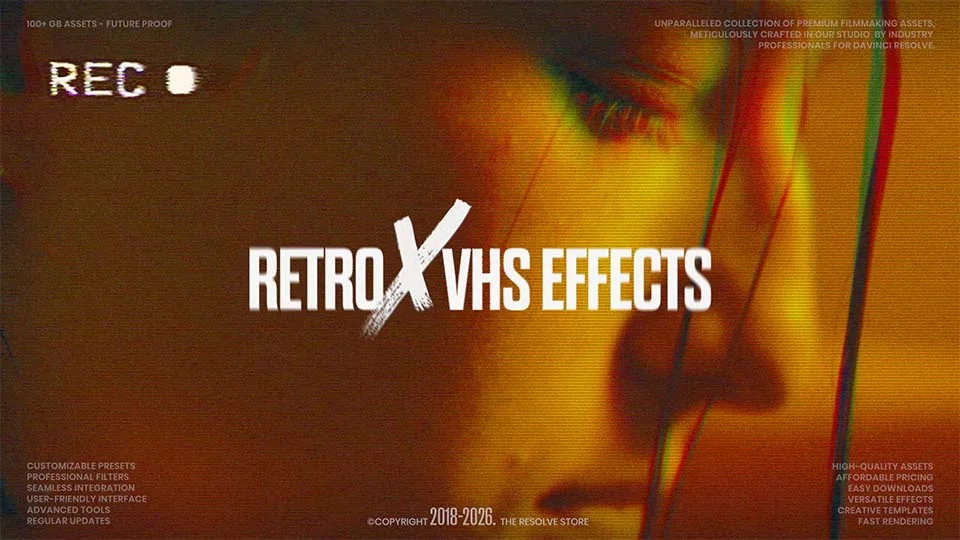
RetroX VHS Effects
RetroX VHS Effectsvfx

The Resolve Store

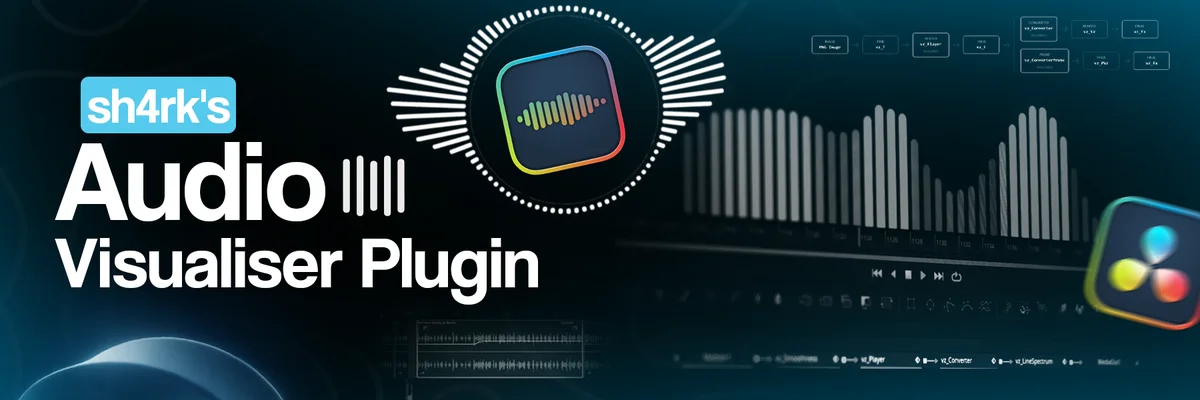
sh4rk's Audio Visualiser Plugin
sh4rk's Audio Visualiser Pluginvfx

sh4rk

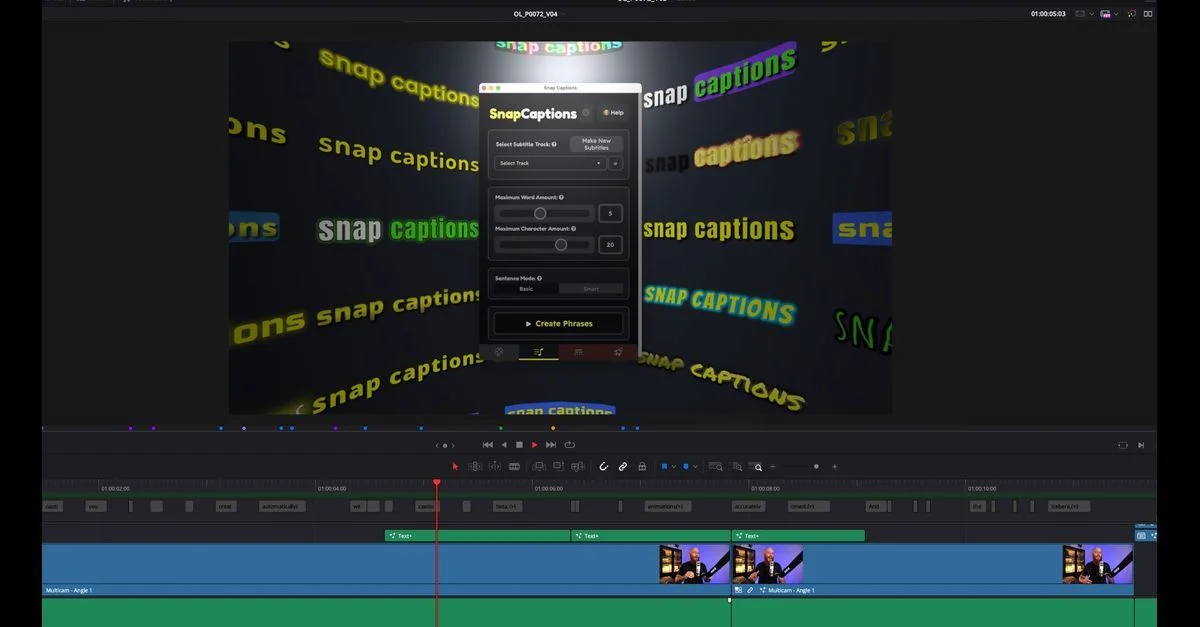
Snap Captions 2
Snap Captions 2caption

orsonlord

Soundly
Soundlyaudio

Soundly

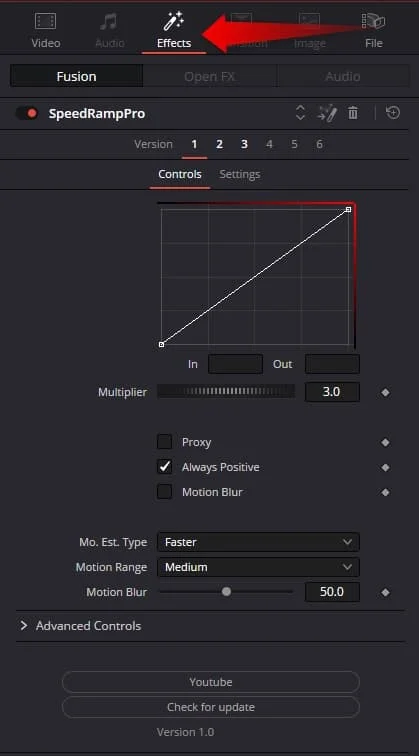
Speed Ramp Lite
Speed Ramp Litetransitions

Creator Academy

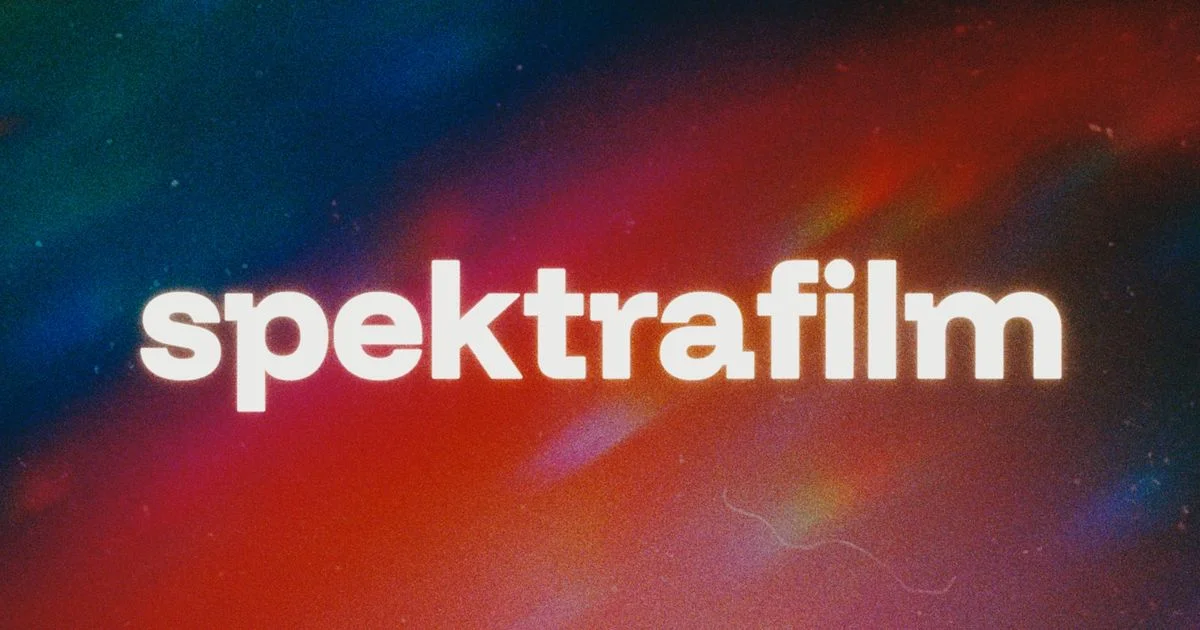
spektrafilm OFX
spektrafilm OFXcolor

Aedan

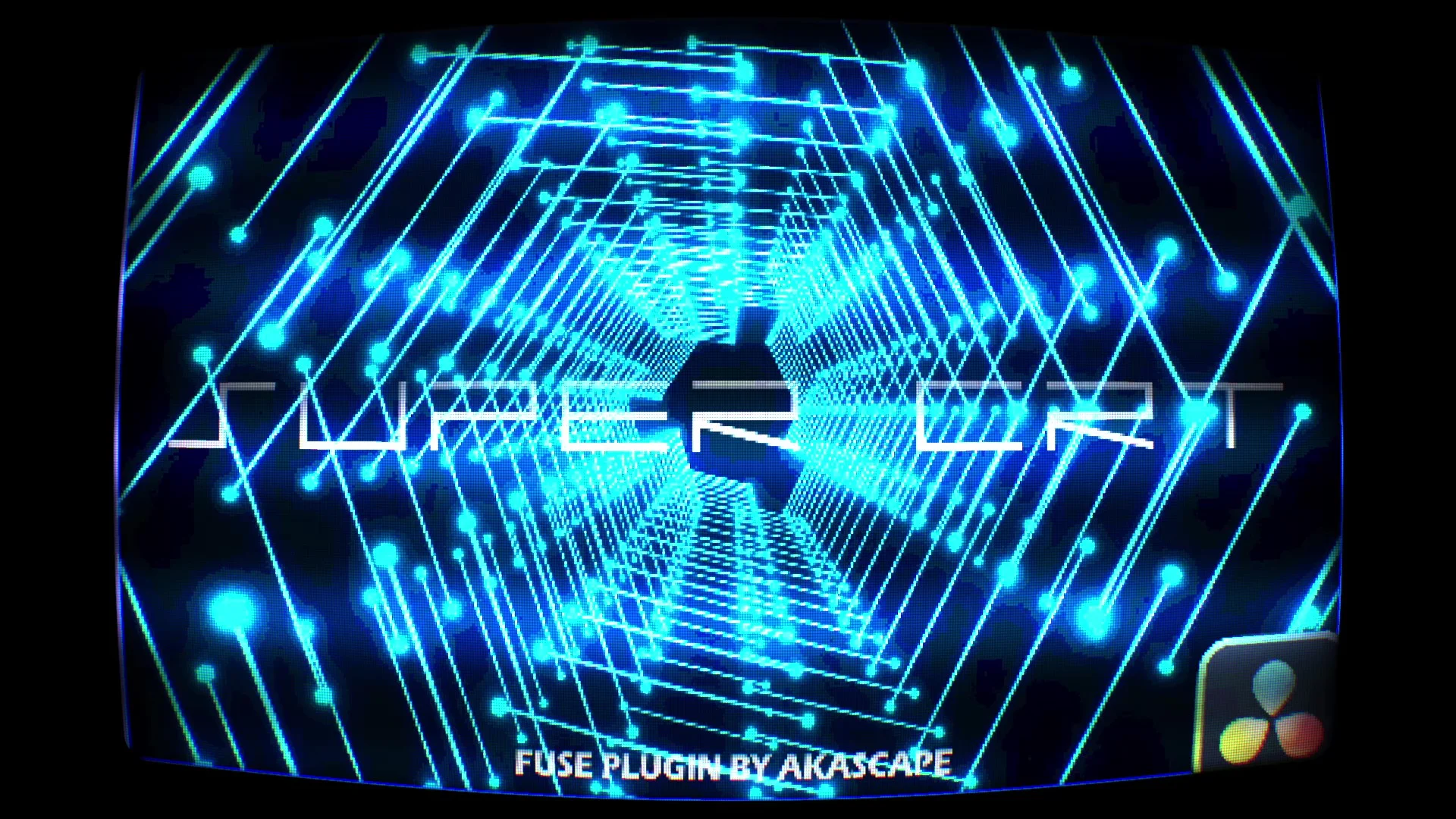
SuperCRT
SuperCRTvfx

Akascape

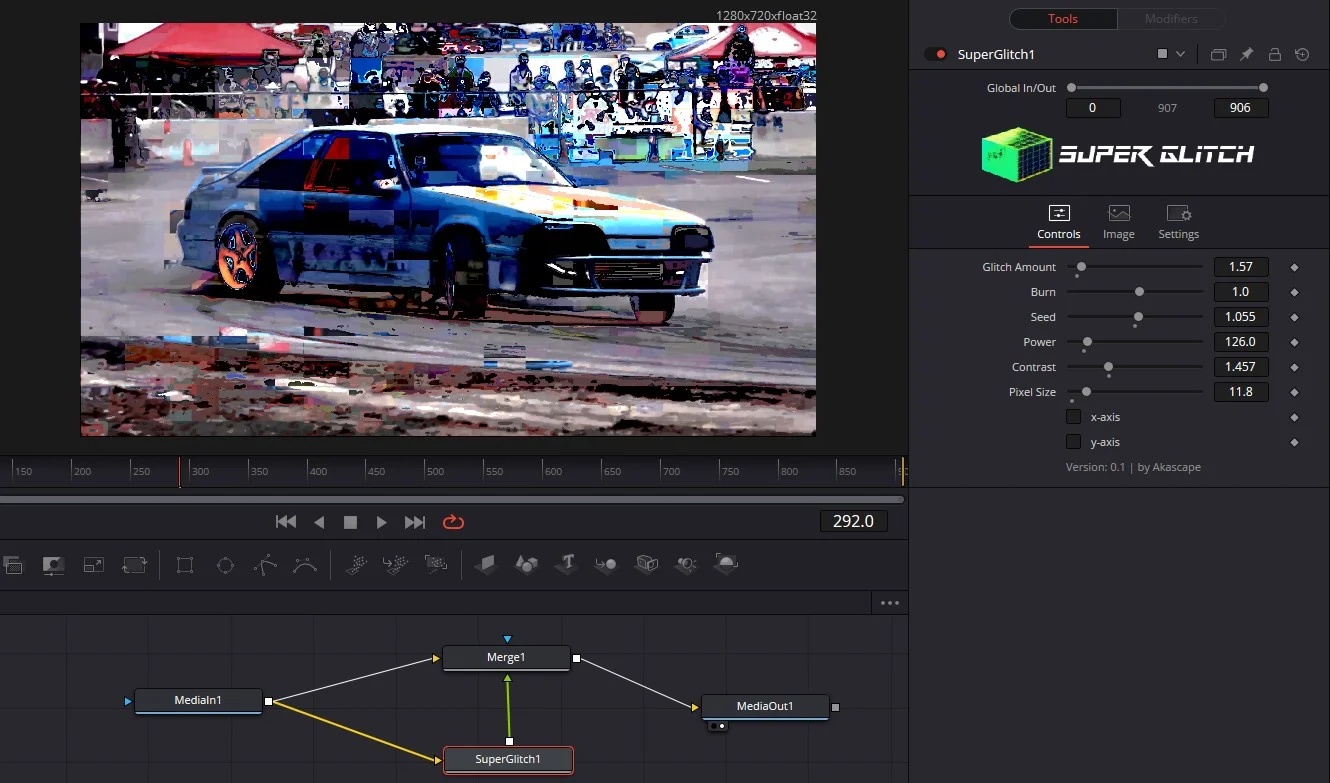
SuperGlitch
SuperGlitchvfx

Akascape

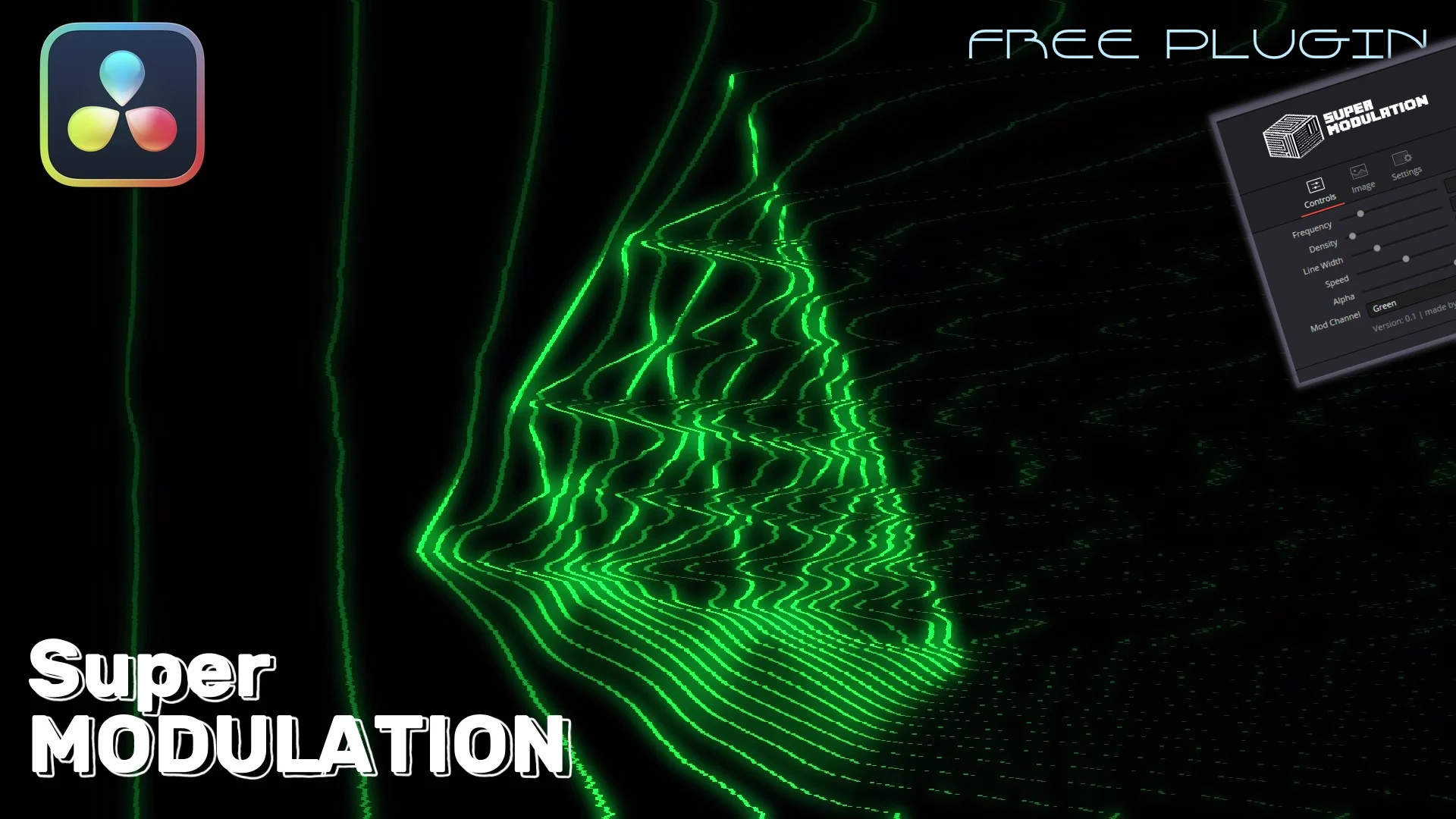
SuperModulation
SuperModulationvfx

Akascape

SuperPaperTear
SuperPaperTearvfx

Akascape

SuperPrintFX
SuperPrintFXvfx

Akascape

SuperTrails
SuperTrailsvfx

Akascape

SuperVHS
SuperVHSvfx

Akascape

Tagger for Resolve
Tagger for Resolveorganization

Tagger

Titler Pro 7
Titler Pro 7title

NewBlue

Turbulent Noise
Turbulent Noisevfx

Learn Now FX

VHS Nostalgia
VHS Nostalgiavfx

xere.my

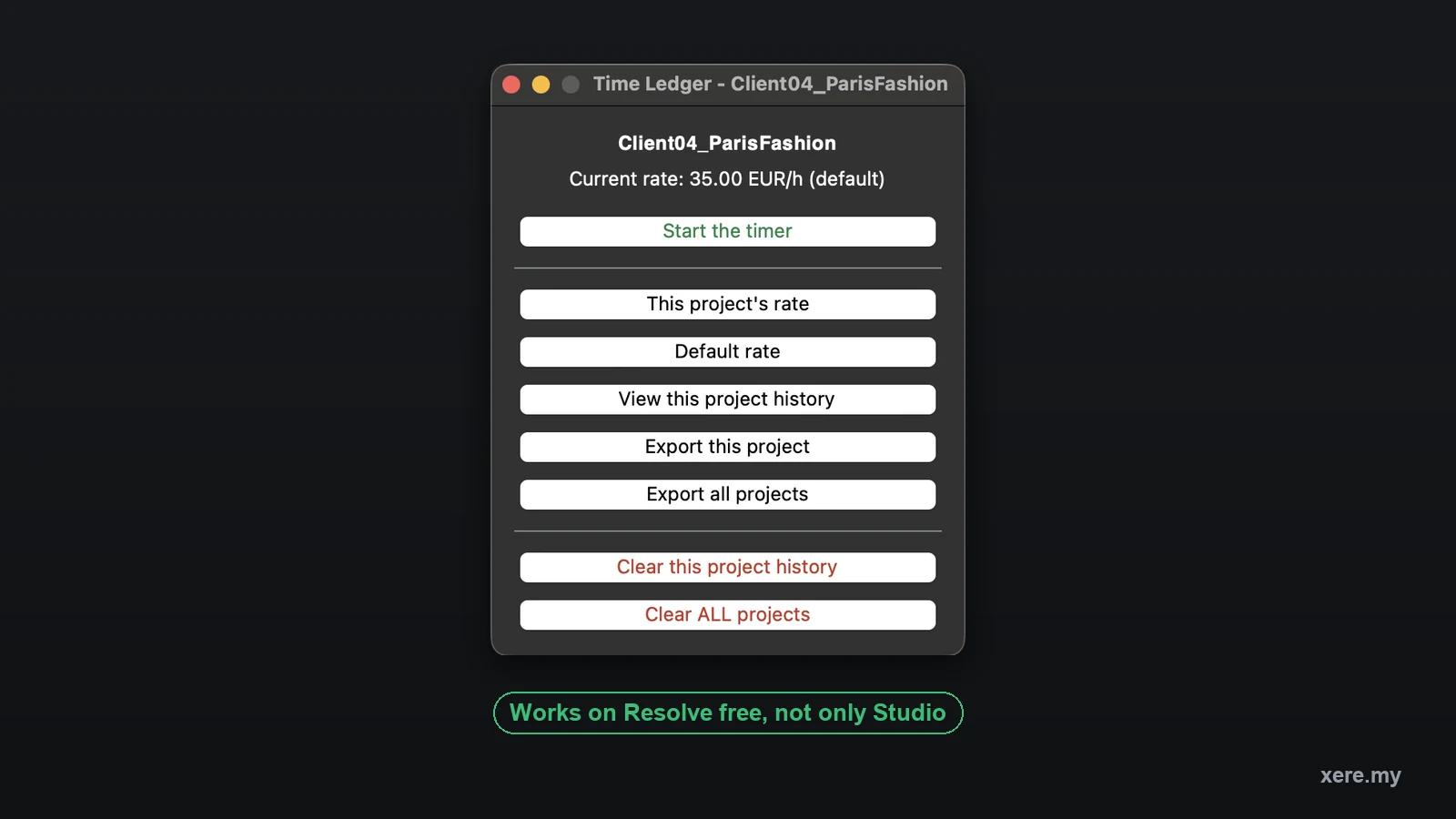
Time Ledger
Time Ledgerorganization

xeremy

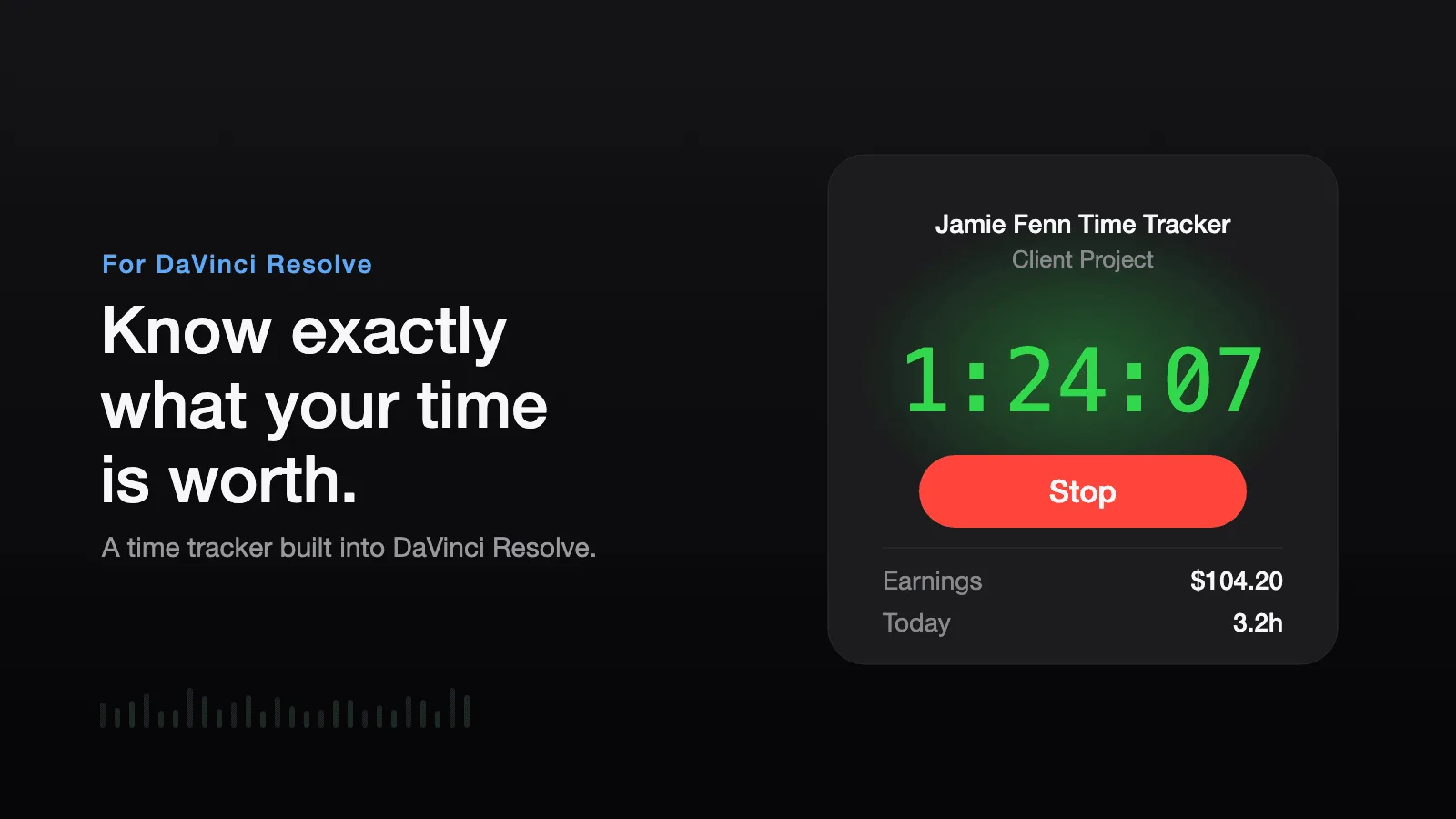
Time Tracker
Time Trackerorganization

Jamie Fenn

Are you a plugin creator? Get your tool listed in the directory.

Contact me

DaVinci Resolve plugins by category

DaVinci Resolve covers a lot on its own, but plugins fill the gaps where a built-in tool stops short. The list above groups them into six categories so you can jump straight to what your project needs, and our side-by-side plugin comparisons go deeper when you are choosing between two similar tools.

Transitions add movement between shots, from clean dissolves to glitch and VHS-style effects Resolve does not ship with, whether you build them with a plugin or drop in a ready-made pack like VHS Nostalgia.

Color grading plugins bring film emulation, LUT engines, and camera-matched looks to the color page. If you grade often, the best color grading plugins comparison is a good starting point.

VFX tools handle compositing, particles, lighting, and cleanup on the Fusion and color pages.

Audio plugins clean dialogue, reduce noise, and master your mix on the Fairlight page.

Caption plugins generate, style, and translate subtitles faster than the built-in workflow. Our own Caption Pro handles local transcription and translation in one click.

Template packs give you ready-made titles, lower thirds, and motion graphics you drop onto the timeline, like our Creator Pro pack.

Pricing splits three ways. Free plugins give you the full feature set at no cost. Paid plugins are a one-time purchase or a subscription. Freemium plugins ship a free core with optional paid upgrades. Whether a plugin runs in the free build or needs Resolve Studio matters too, so it helps to know how Resolve Free and Studio differ. Use the price filter above to match plugins to your budget, or see everything in the xere.my store.

New to Resolve? Our tutorials walk through core workflows step by step, and the video hub gathers every plugin, comparison, and guide in one place.

Frequently Asked Questions

Plugins fall into a handful of categories. Transitions add movement between shots, from dissolves to glitch and zoom effects. Color grading plugins bring film emulation, LUT engines, and camera-matched looks to the color page. VFX tools handle compositing, particles, lighting, and cleanup. Audio plugins clean dialogue and master your mix on the Fairlight page. Caption plugins generate, style, and translate subtitles. Title packs give you ready-made lower thirds, text animations, and title cards. Template packs cover broader project starter kits, like pre-built timelines and media pool structures. Organization tools tag, transcribe, and sort your Media Pool so you spend less time scrubbing footage. Use the category filter above to narrow the list to one type.
It depends on the format. OFX plugins, which cover most color and VFX tools, come with their own installer and show up under the Effects library once Resolve restarts. Fusion plugins and free scripts are usually installed through Reactor, a package manager that puts everything in the right folder for you. Template packs are dragged into the Edit page Effects panel or imported into the media pool. Each plugin page lists the exact steps.
Most do. The majority of plugins listed here run in both DaVinci Resolve Free and Studio. Some tools, such as Boris FX Sapphire, require Resolve Studio because OFX support is a Studio-only feature for certain plugin types. Always check the compatibility note on each plugin page before you buy.
A free plugin gives you the full feature set at no cost, often maintained by the community or a creator giving back to the Resolve ecosystem. A paid plugin is a one-time purchase or a subscription with full support and updates. A freemium plugin ships a free core version with optional paid upgrades for more presets, templates, or advanced controls. The price filter above lets you sort by any of the three.
Start with free tools before spending money. Reactor is the first thing most editors install because it bundles dozens of free Fusion effects and scripts in one place. For color, a film emulation plugin teaches you a lot about looks with very little setup. Once you know which part of your workflow needs help, the paid plugins in that category are easier to choose.

We respect your privacy

We use cookies to improve your experience, analyze traffic, and personalize content. By clicking "Accept All", you consent to the use of this data by Google for advertising and analytics. Read our Cookie Policy.