Video hub
Tools and techniques for better edits
A curated collection of DaVinci Resolve plugins, step-by-step tutorials, and honest comparisons covering color grading, VFX, transitions, and captions, to help photographers and videographers create better video.
 For DaVinci Resolve
DaVinci Plugins
54 plugins reviewed and tested
Color grading, VFX, transitions, and captions, each plugin tested in a real edit with notes on price and Resolve Free support.
For DaVinci ResolveTutorials
6 step-by-step guides
Follow color matching, halation, transitions, and plugin setup, one technique per guide with a screenshot at every step.
For DaVinci ResolveComparisons
19 head-to-head reviews
Side-by-side breakdowns that weigh price, features, and best use case, so you can pick the right tool without buying twice.
Why DaVinci Resolve?
The same tool used by Hollywood colorists, now accessible to every creator, for free.
Best Color Grading
Industry-standard color tools that professionals trust. No other NLE comes close to Resolve's node-based grading.
All-in-One
Edit, composite, color, mix audio, and deliver. All in a single app. No round-tripping between tools.
No Subscription
The free version is incredibly capable. The Studio upgrade is a one-time purchase. No monthly fees, ever.
Plugin Ecosystem
A rich library of OpenFX plugins and Fusion templates lets you expand Resolve without leaving the app.
Recently added
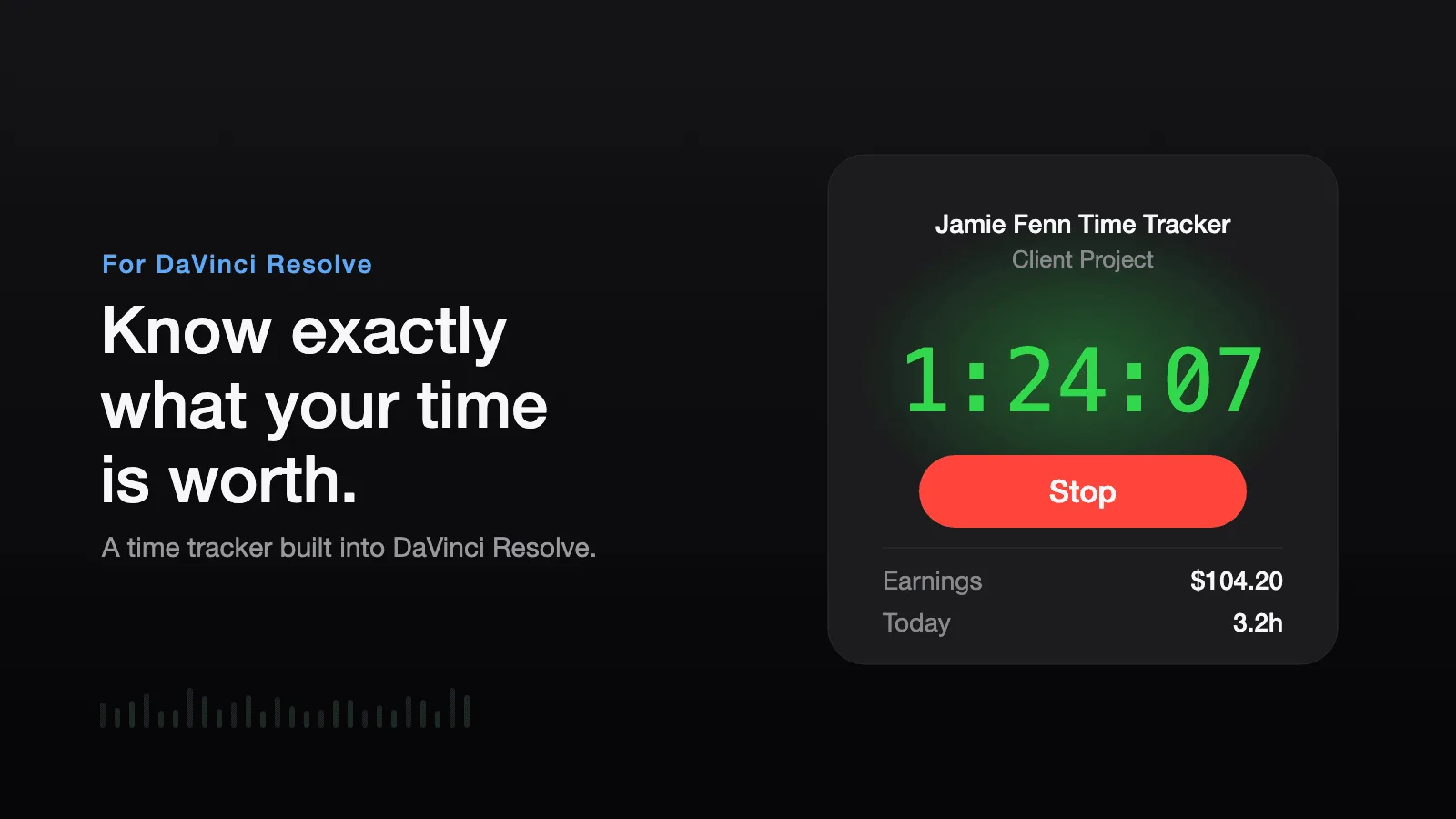
Time Tracker
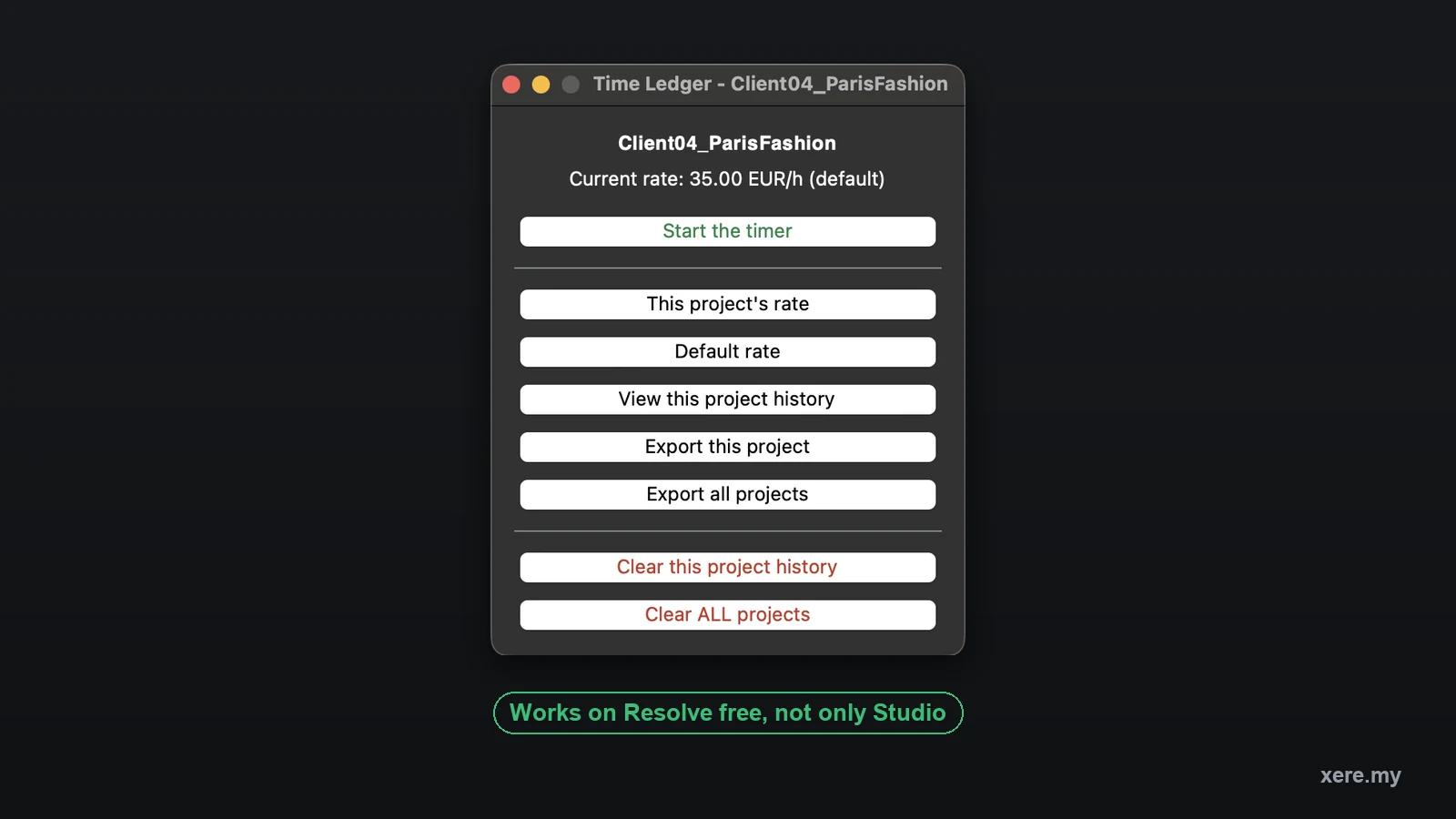
Time Ledger
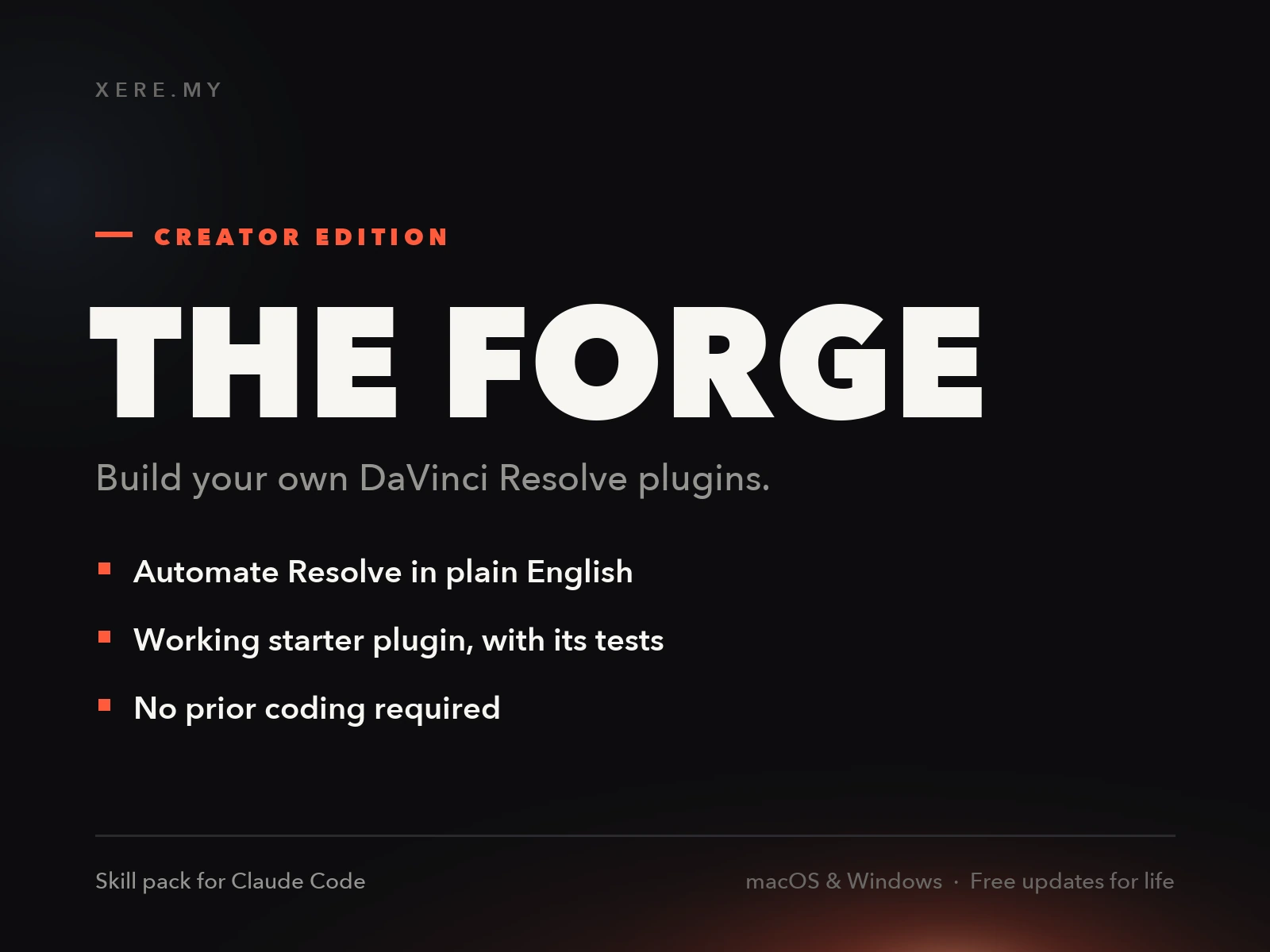
How to Build Unlimited DaVinci Resolve Plugins Using AI Workers & Claude Code
Find the right tool for your edit
This hub brings together everything I publish about DaVinci Resolve: the plugins I test, the tutorials I write, and the side-by-side comparisons that help you choose. Pick a topic below to jump straight to what your edit needs.
For DaVinci Resolve templates, plugins, and caption tools you can keep, visit the xere.my store.
Color grading is where Resolve outclasses other editors. See the best color grading plugins for film emulation and camera-matched looks, or browse the full plugin directory.
VFX and compositing cover everything from particles to cleanup. The best VFX plugins comparison weighs heavy hitters like Sapphire against free toolkits like Reactor.
Captions and subtitles can be generated, styled, and translated automatically. Compare the best caption plugins, or see the automatic subtitles and per-language guides for social and long-form video.
Free or paid is the first question for most editors. Start with the best free plugins, then check how Resolve Free and Studio differ before you upgrade.
Looks and templates add character fast. Bring retro texture with VHS-style plugins, or drop in ready-made title and motion templates.
Learning the workflow matters as much as the tools. The step-by-step tutorials walk through color matching, halation, and more, one technique at a time.