Polaroid & Instax Card Maker
Generate beautiful Polaroid-style photo cards with your camera's EXIF metadata. Choose your frame style, add capture details, and create shareable cards instantly. 100% private, no upload required.
InstantCardlab
Drop your photo here
Create Retro Photo Cards with EXIF Data
InstantCard Lab is a free polaroid maker and instax generator designed to help photographers showcase their work and the technical details behind it. By automatically extracting EXIF data from your photos, it creates a clean, classic photo card perfect for sharing on social media.
Whether you're using a Fujifilm X-T5, X100VI, or any other camera, our tool lets you customize the appearance of your card to match your style. 100% private, browser-based, and built for the community.
Automatic Metadata Extraction
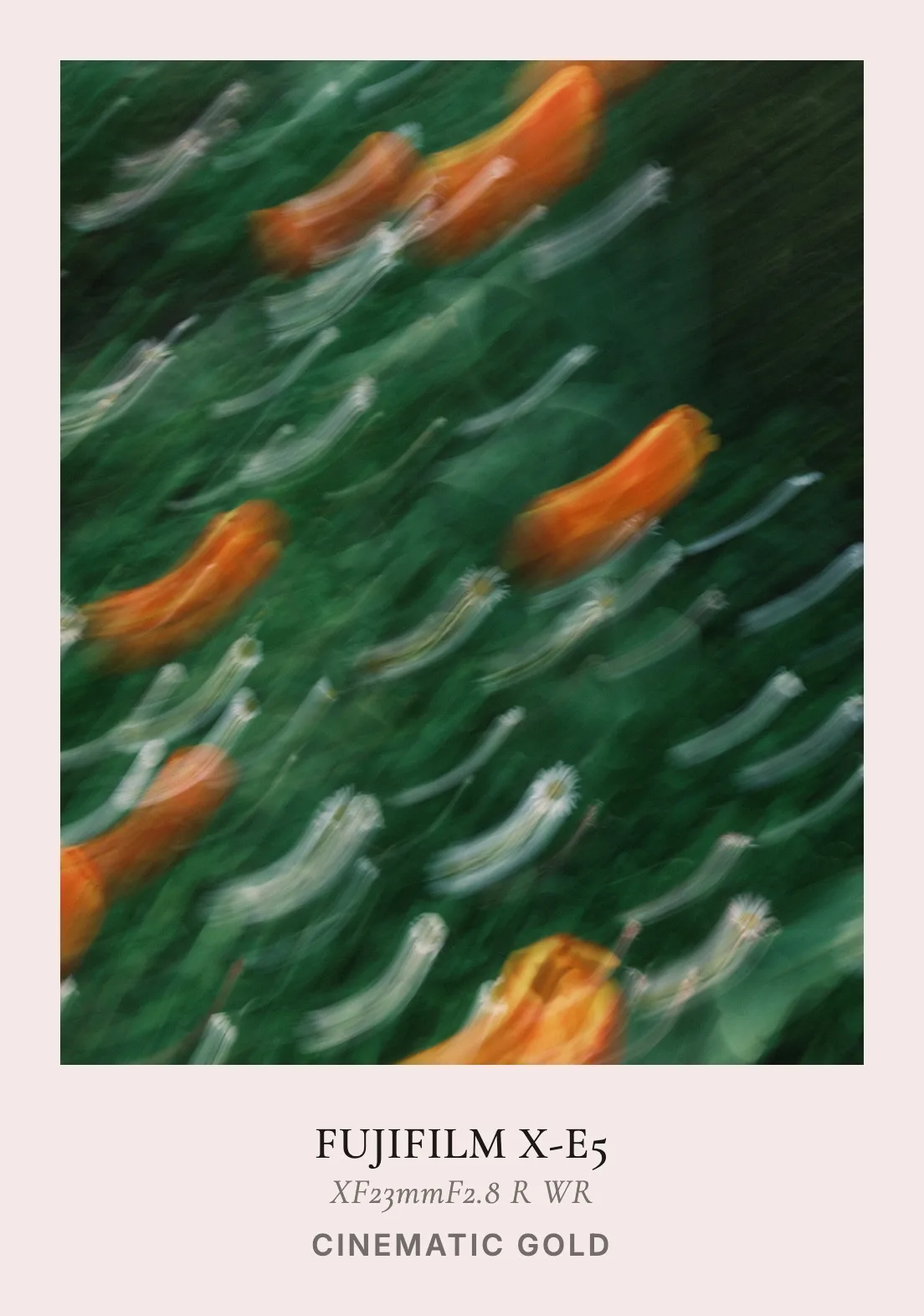
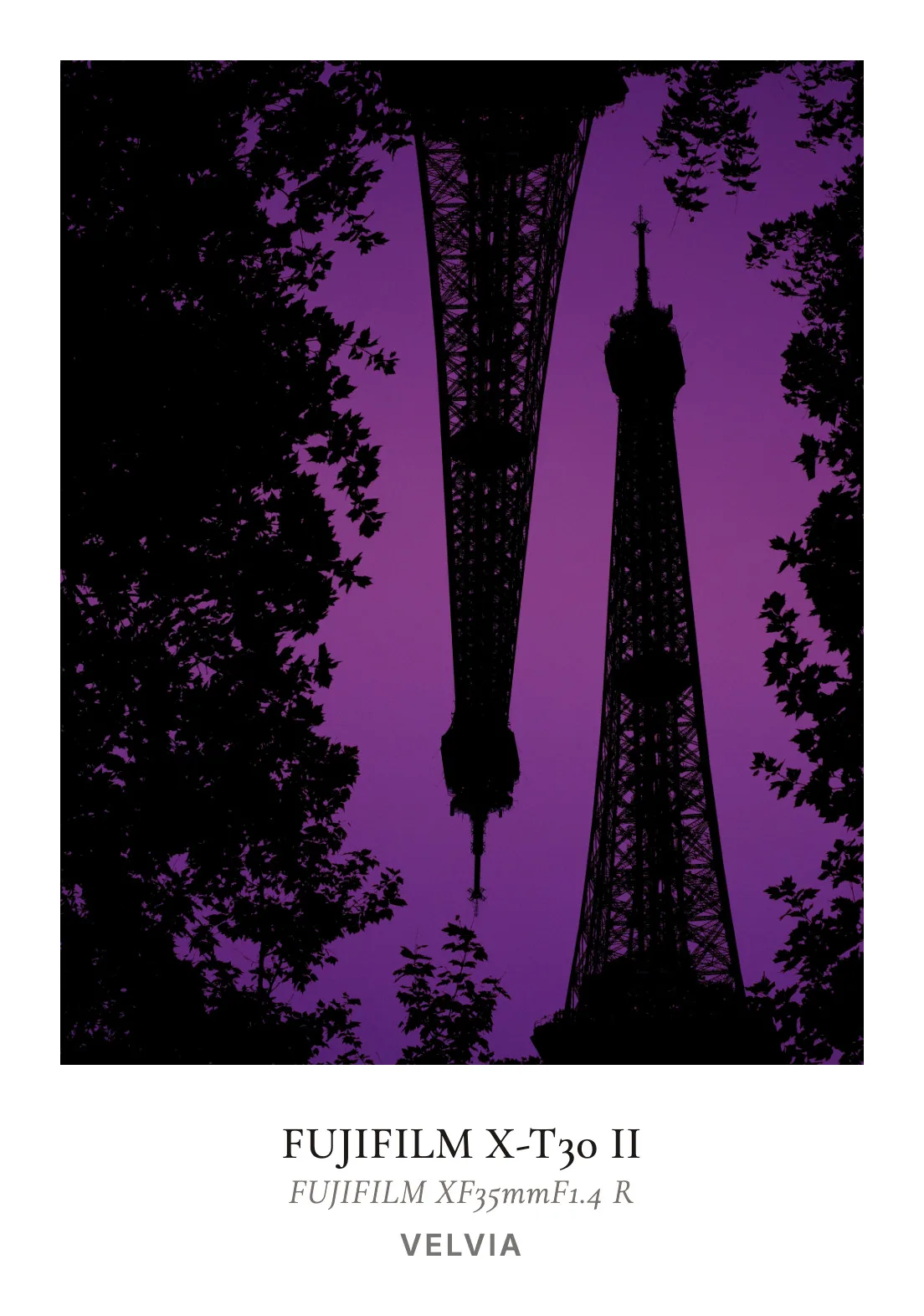
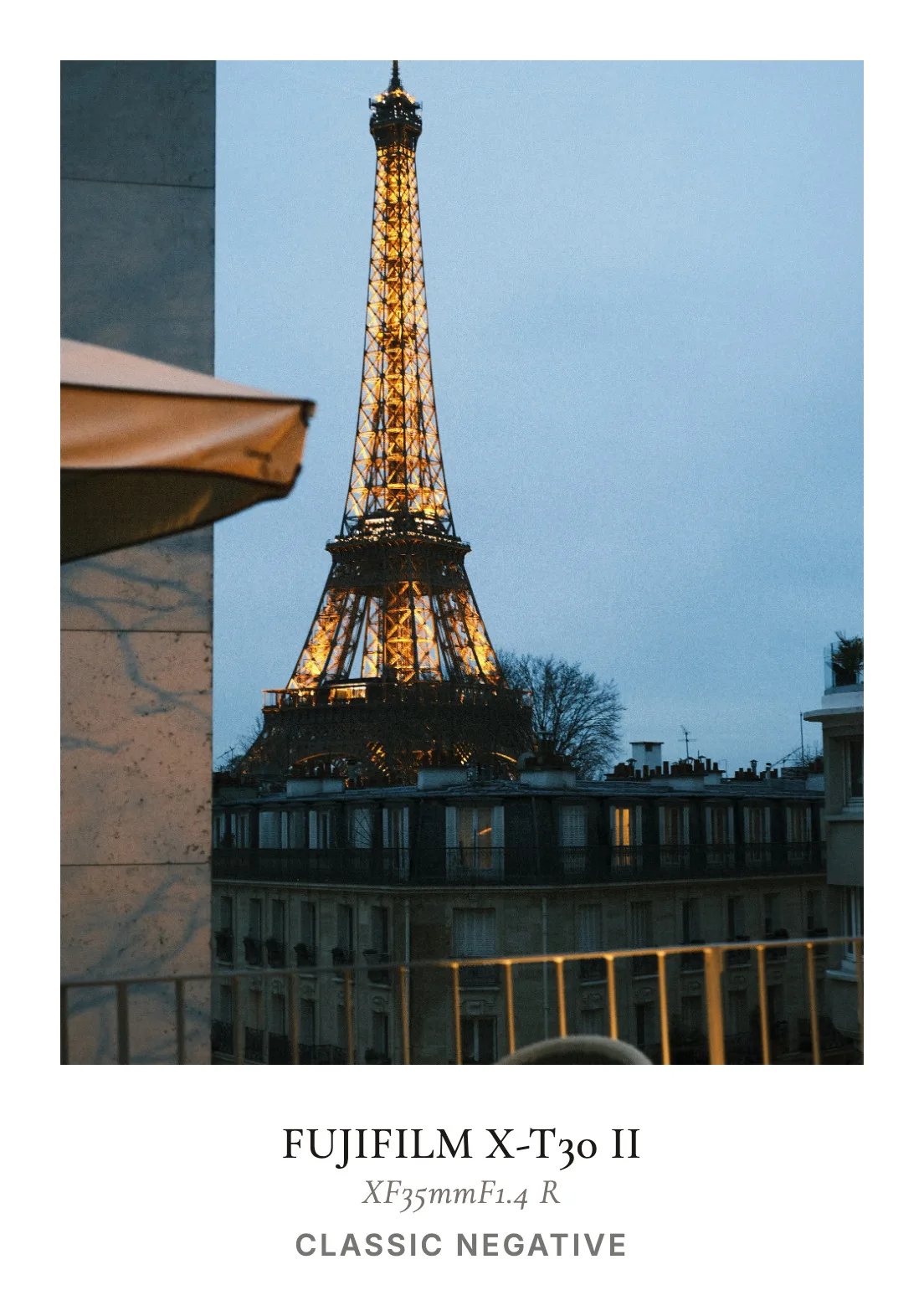
Upload your photo and we'll try to extract the camera model, lens, aperture, shutter speed, and ISO automatically. You can also manually edit them, and add your own Fujifilm recipe names.
Custom Aesthetics
Choose from preset card colors like White, Cream, or Sage, or use the color picker for a custom look. Adjust the border size and aspect ratio (1:1, 3:4, 4:5, 4:3) to fit your vision.
High-Resolution Export
Export your finished card as a high-quality PNG file. The export is optimized for social media sharing while preserving the clarity of your photography and typography.
Privacy First
Your photos never leave your computer. All processing, metadata extraction, and card generation happen entirely within your web browser.
Instant Card Export Examples
Frequently Asked Questions
Guides & Tutorials
InstantCard Lab Guide
Overlay camera EXIF metadata onto customizable film frame layouts.
Whiteborder Lab Guide
Add professional frames, customize border widths, and export in batch.
Add Border to Photo
Add a clean border online for free. Choose width, color, and aspect ratio.
Other Tools
Halation Lab
CineStill 800T film halation effect
CineStill 800T Preset
Preloaded iconic red glow settings
Whiteborder Lab
Custom borders & aspect ratios
Film Border Generator
Classic film look border
Double Border Generator
Sharp double frame border
Carousel Lab
Seamless Instagram carousels
Grading Lab
Color palette extractor
FotoZine Lab
Create printable photo zines
Camera Finder
Find your perfect Fujifilm