Film Halation Simulator
Recreate the iconic red glow and highlight bloom of analog film stocks like CineStill 800T. Upload your photo, adjust the halation settings, and download the result instantly. 100% private, no upload required.
Halationlab
Drop your images here
Free Film Halation Simulation Tool
Halation Lab is a browser-based halation simulator designed for photographers and film enthusiasts. Recreate the iconic red glow and highlight bloom characteristic of legendary film stocks like CineStill 800T, Kodak Vision3, and Harman Phoenix 200, completely free.
Free Alternative to Dehancer & Expensive Film Plugins
Tired of paying $100+ for Dehancer, FilmConvert, or premium Lightroom presets just to add halation effects? Halation Lab offers a completely free alternative with no subscription, no plugin installation, and no hidden costs.
Unlike expensive software that requires Adobe Creative Cloud or DaVinci Resolve, Halation Lab runs directly in your browser. Get professional-quality halation and film bloom effects without the price tag.
Precise Creative Control
Fine-tune your cinematic look with adjustable threshold, bloom intensity, red saturation, and realistic film grain, perfect for achieving that authentic Kodak film aesthetic in your digital photography.
Privacy-First, No Upload Required
Built with Rust and WebAssembly (WASM), Halation Lab processes your images locally using Web Workers. Your photos never leave your device, with support up to 4K resolution.
Upload Your Photo
Drag and drop or browse. Halation Lab processes your images locally with WebAssembly, no server upload required.
Fine-Tune Your Look
Adjust spread, amount, red saturation, threshold, and grain to match your desired film stock aesthetic.
Download in 4K
Hit download to get your processed image at full resolution. JPEG output, print-ready quality.
Watch Halation Lab in action: upload, adjust, and download.
Halation Lab Image examples

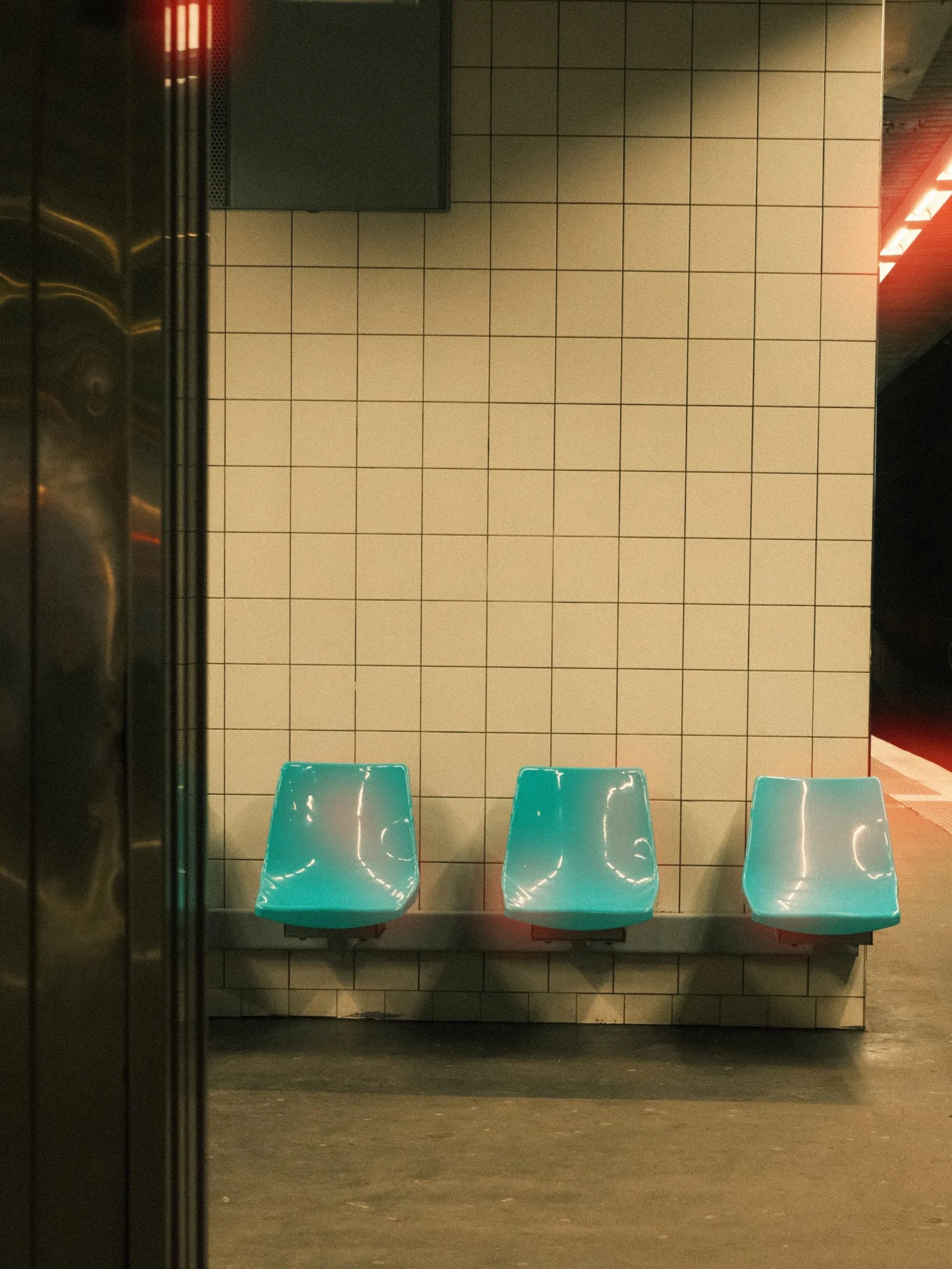
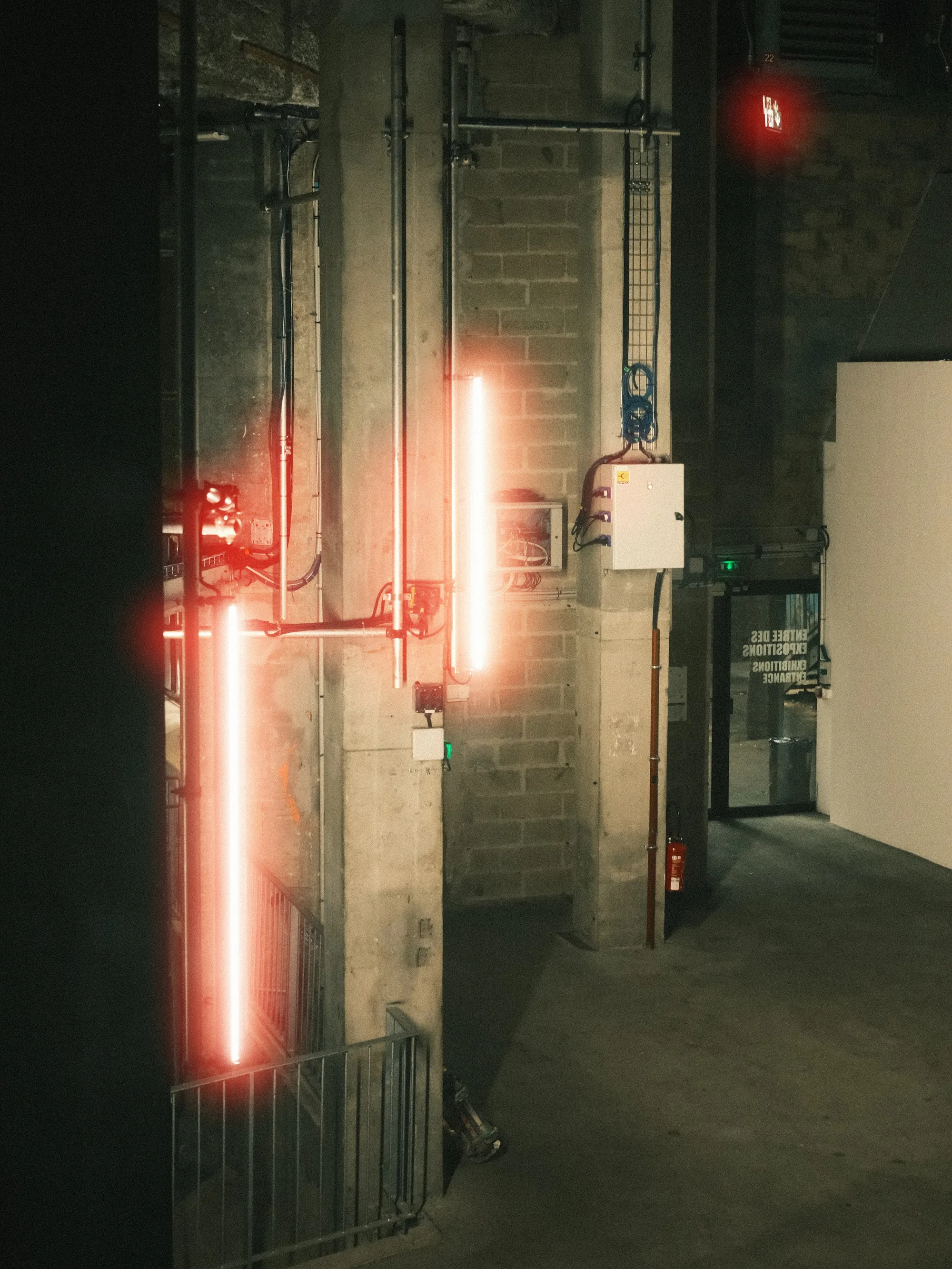
Film Looks
- • CineStill 800T / 400D
- • Kodak Vision3 500T
- • Harman Phoenix 200
- • Reflx Lab / Sinostill
Key Features
- • 100% Local Processing
- • 4K Resolution Support
- • Custom Red Saturation
- • Real-time Comparison
Credits
This website uses Photon, a high-performance image processing library developed by Silvia O'Dwyer.
Portions of this software are copyright © Silvia O'Dwyer. Licensed under the Apache License, Version 2.0. Unless required by applicable law or agreed to in writing, software distributed under the License is distributed on an "AS IS" BASIS, WITHOUT WARRANTIES OR CONDITIONS OF ANY KIND.
Frequently Asked Questions
Guides & Tutorials
Other Tools
CineStill 800T Preset
Preloaded iconic red glow settings
Whiteborder Lab
Custom borders & aspect ratios
Film Border Generator
Classic film look border
Double Border Generator
Sharp double frame border
InstantCard Lab
Photo cards with camera metadata
Carousel Lab
Seamless Instagram carousels
Grading Lab
Color palette extractor
FotoZine Lab
Create printable photo zines
Camera Finder
Find your perfect Fujifilm