Free Online Tools for Photographers
Discover free photo editing tools crafted for photographers, content creators, and visual artists. Transform your images with authentic film halation effects reminiscent of CineStill 800T, create clean white borders for Instagram posts and stories, and effortlessly split panoramas into seamless carousel posts. Our browser-based image editor requires no signup, no download, and no watermarks. Simply upload your photos and start creating stunning visuals in seconds. Whether you're shooting with a Fujifilm, Sony, Canon camera, or your smartphone, these tools deliver great results instantly.
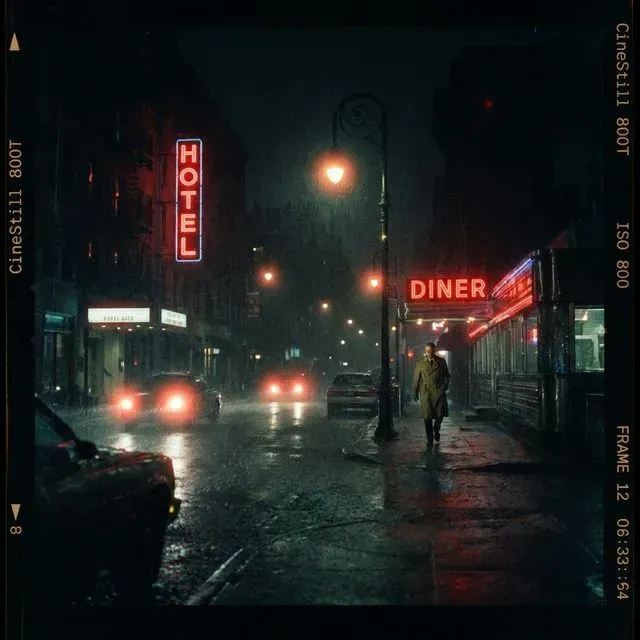
Halation Lab
Recreate the iconic red glow of CineStill 800T. Add authentic analog halation effects to your digital photos instantly.
Whiteborder Lab
Add professional white borders to your photography with custom aspect ratios. Perfect for Instagram or print-ready files.
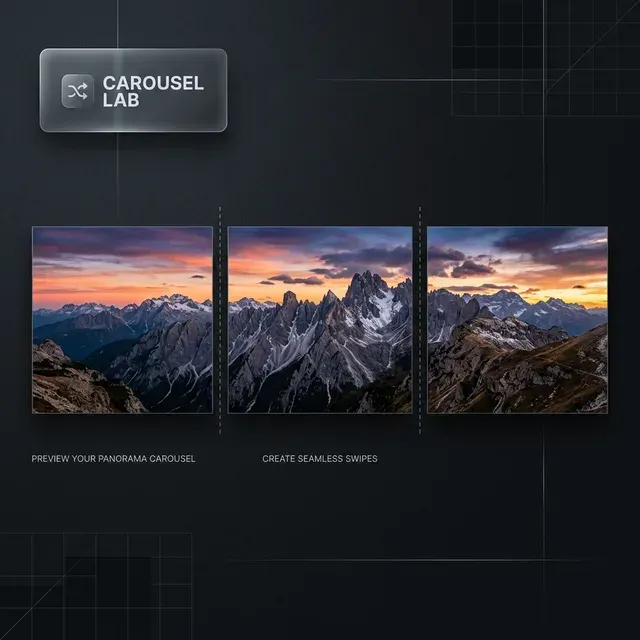
Carousel Lab
Easily create seamless Instagram carousels and panoramas. Split images with perfect alignment for your feed.
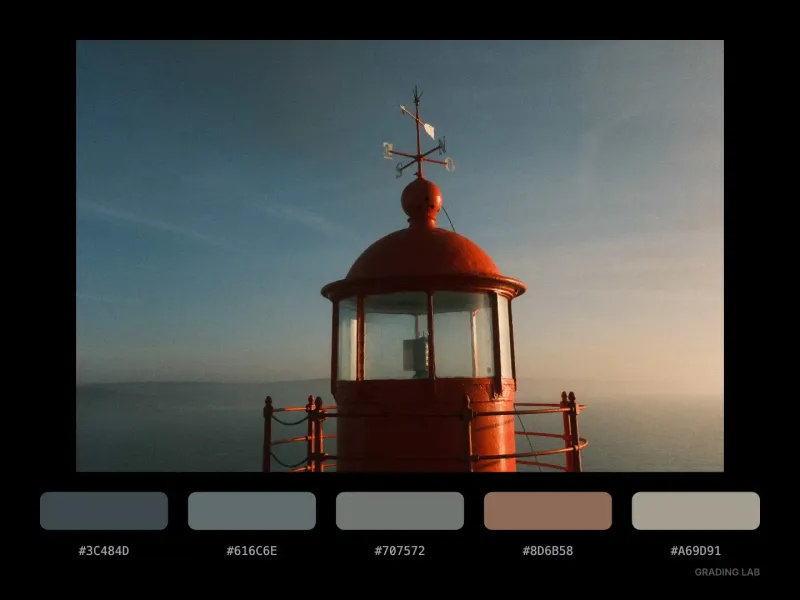
Grading Lab
Extract professional color grading palettes from your photos with cinematic precision and export them as sharable cards.
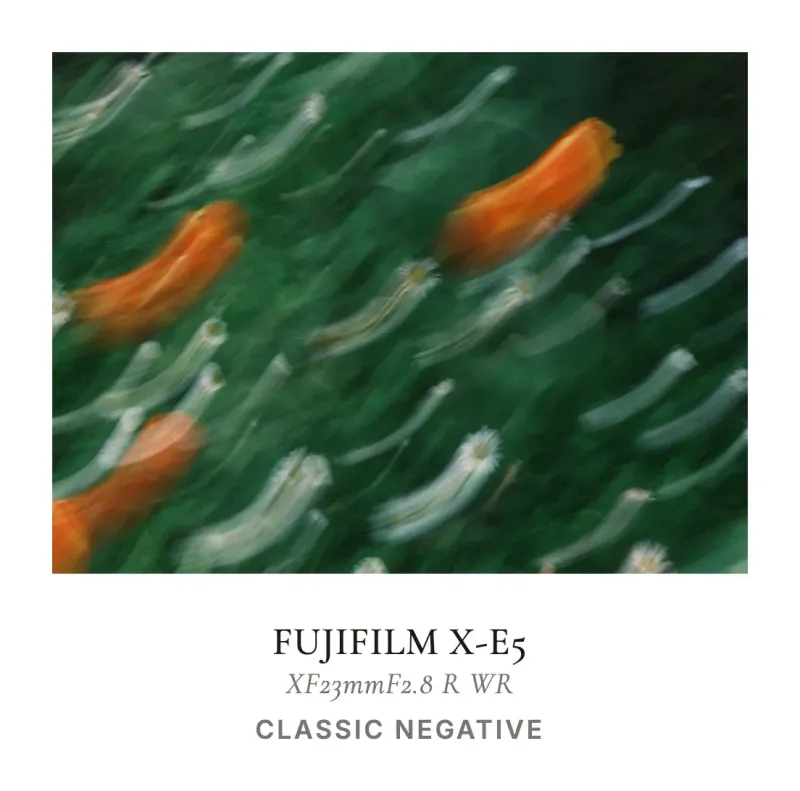
InstantCard Lab
Create beautiful aesthetic photo cards with your camera's metadata. 100% private and customisable.
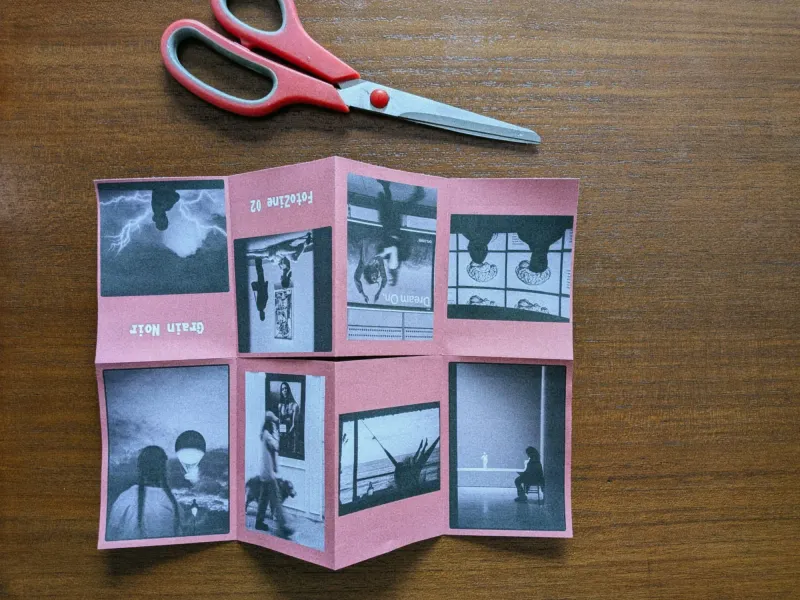
FotoZine Lab
Create a printable 8-page photo zine from a single A4 sheet. Upload photos, arrange pages, and export a ready-to-fold PDF.
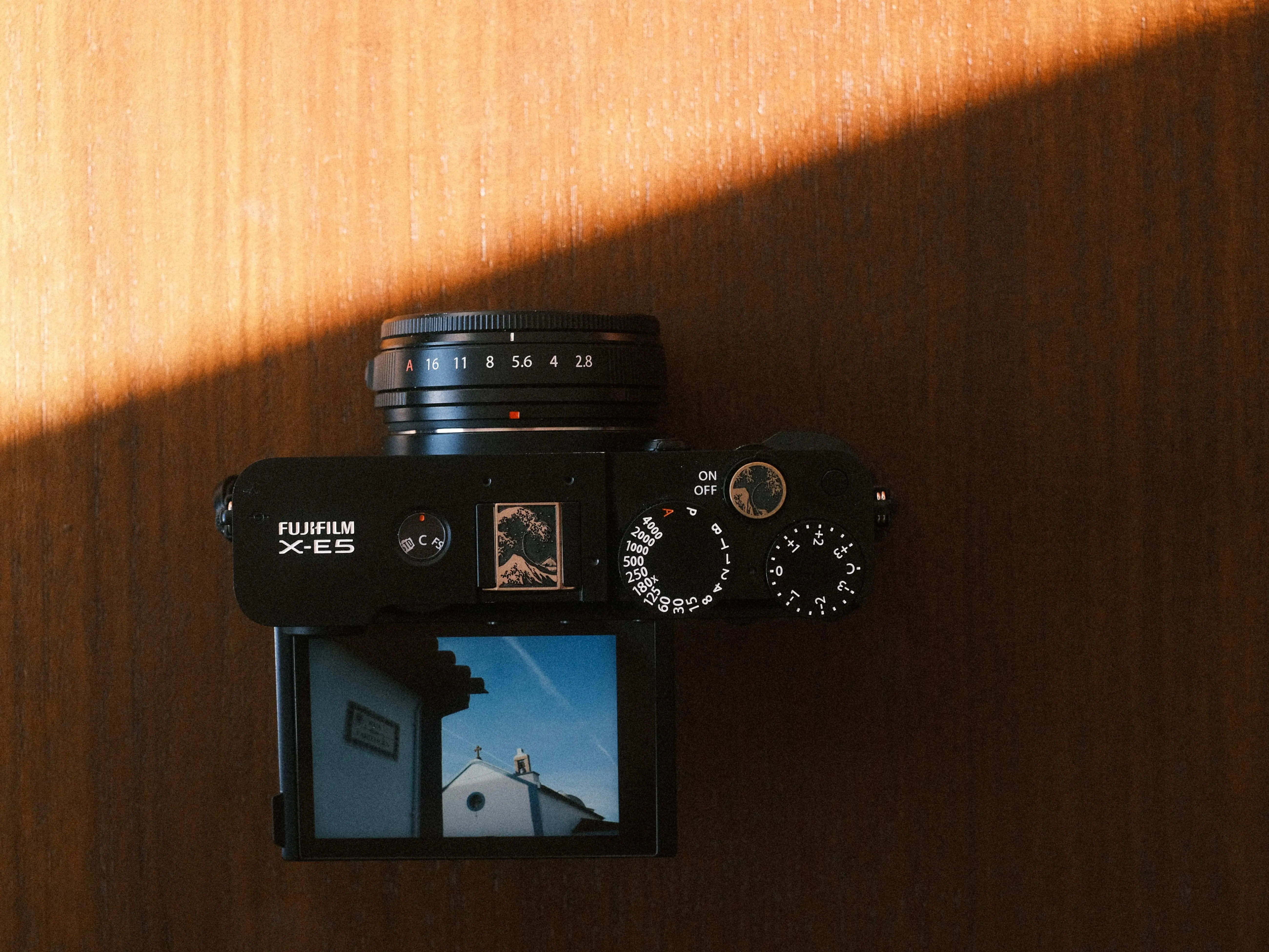
Camera Finder
Answer 6 quick questions to discover which Fujifilm camera body is your perfect match. Personalized recommendations based on your shooting style.
More tools coming soon. I'm working on new creative utilities for photographers. Follow me on my networks to be notified when new tools launch. For DaVinci Resolve templates and plugins, visit the xere.my store.
Why Choose Our Free Online Photo Editing Tools?
Professional-Grade Film Effects
Our Halation Lab simulates the organic light bleeding characteristic of analog cinema film stocks like CineStill 800T. Unlike generic filters, this tool recreates the authentic red glow that appears around bright highlights, the signature look beloved by film photographers and cinematographers worldwide. Pair it with the Grading Lab to lift a color palette straight from your favorite film stills.
Instagram-Ready Output
The Whiteborder Lab helps you achieve that clean, editorial aesthetic that top photographers use on Instagram. Add custom white borders with precise aspect ratio control (1:1, 4:5, 16:9, and more). Create cohesive feed aesthetics, prepare print-ready files, or simply give your photos that gallery-quality presentation that makes your work stand out in any social feed. See it in action in our guide on adding a white border to your photos.
Seamless Carousel Creation
Carousel Lab solves the frustrating problem of splitting panorama photos into perfectly aligned Instagram carousel posts. Upload your wide landscape shots, architectural photography, or sweeping street scenes and split them with pixel-perfect precision. Maintain image quality and create immersive swipeable experiences that boost engagement on your posts.
Print-Ready Zines & Instant Cards
New: the FotoZine Lab and our One-Sheet Zine Template turn a single A4 sheet into a foldable 8-page photo zine, perfect for portfolio handouts, zine fairs, or gifting prints. Follow our step-by-step zine-making guide, read about the best paper for printing photo zines, or create instant-film frames with the Polaroid Frame Maker and InstantCard Lab.
Privacy-First & Accessible
All our tools run entirely in your browser. Your photos never leave your device. No cloud processing, no data collection, no account required. Compatible with all modern browsers including Chrome, Safari, Firefox, and Edge. Works on desktop, tablet, and mobile devices. Accepts JPEG, PNG, and TIFF files up to high resolutions for professional workflows.
Beyond the Browser
Want to go further than these free tools? Visit the video hub for a curated collection of DaVinci Resolve plugins, side-by-side comparisons, and step-by-step guides and tutorials to level up your color grading and editing workflow.
Guides & Tutorials
Whiteborder Lab Guide
Learn how to add professional frames, customize border widths, snap to sticky points, and export in batch.
Add Border to Photo Guide
Learn how to add a clean border to your photos online for free. Choose width, color, and aspect ratio — no signup required.
Add Outline to Photo Guide
Learn how to add a professional double outline to your photos. White outer border + black inner line, gallery-ready look.
Halation Lab Guide
Step-by-step guide to adding film halation effects. Learn how to adjust spread, amount, red saturation, and export in full resolution.
CineStill Halation Guide
Step-by-step instructions to simulate the iconic red glow of CineStill 800T film in digital post-processing.
InstantCard Lab Guide
Discover how to overlay camera EXIF metadata onto customizable film frame layouts for social media shares.