Gallery
Overview
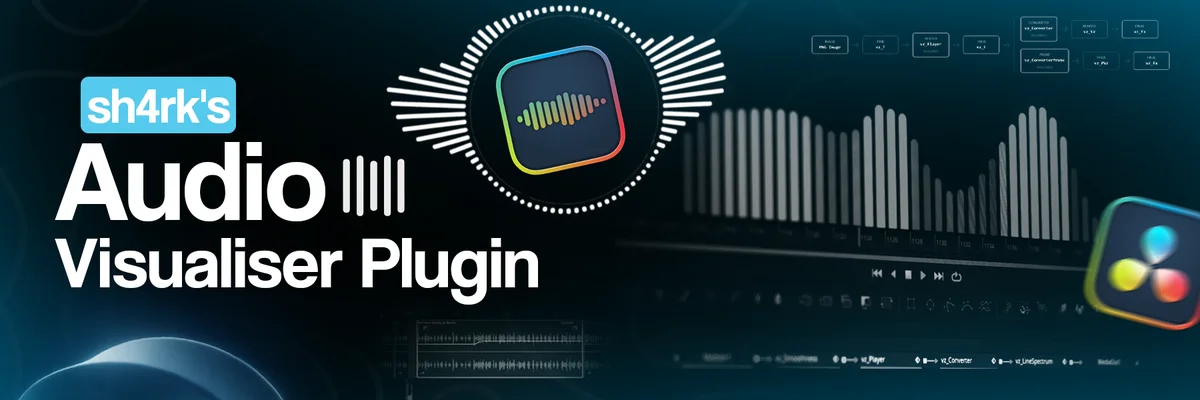
sh4rk's Audio Visualiser reads a track's audio and drives visuals from it in real time inside DaVinci Resolve, so bars, waveforms, and any animatable parameter move in time with the sound. Controls cover smoothing, EQ bands, and how strongly each frequency range reacts, and you can point the reaction at images, video, text, or any node rather than a fixed template.
It comes in two tiers. The Free Edition is a set of more than 70 Fusion macros aimed at people who already build in the node graph and want to wire the reaction themselves. The Full Edition at $31.90 adds 18 drag-and-drop visualizers and 7 effects that live on the Edit page, so you can apply a look without opening Fusion. Both run on Resolve Free and Studio, on macOS and Windows.
sh4rk's Audio Visualiser Plugin is featured in our comparisons Best Free DaVinci Resolve Plugins (2026) and Best VFX Plugins for DaVinci Resolve.
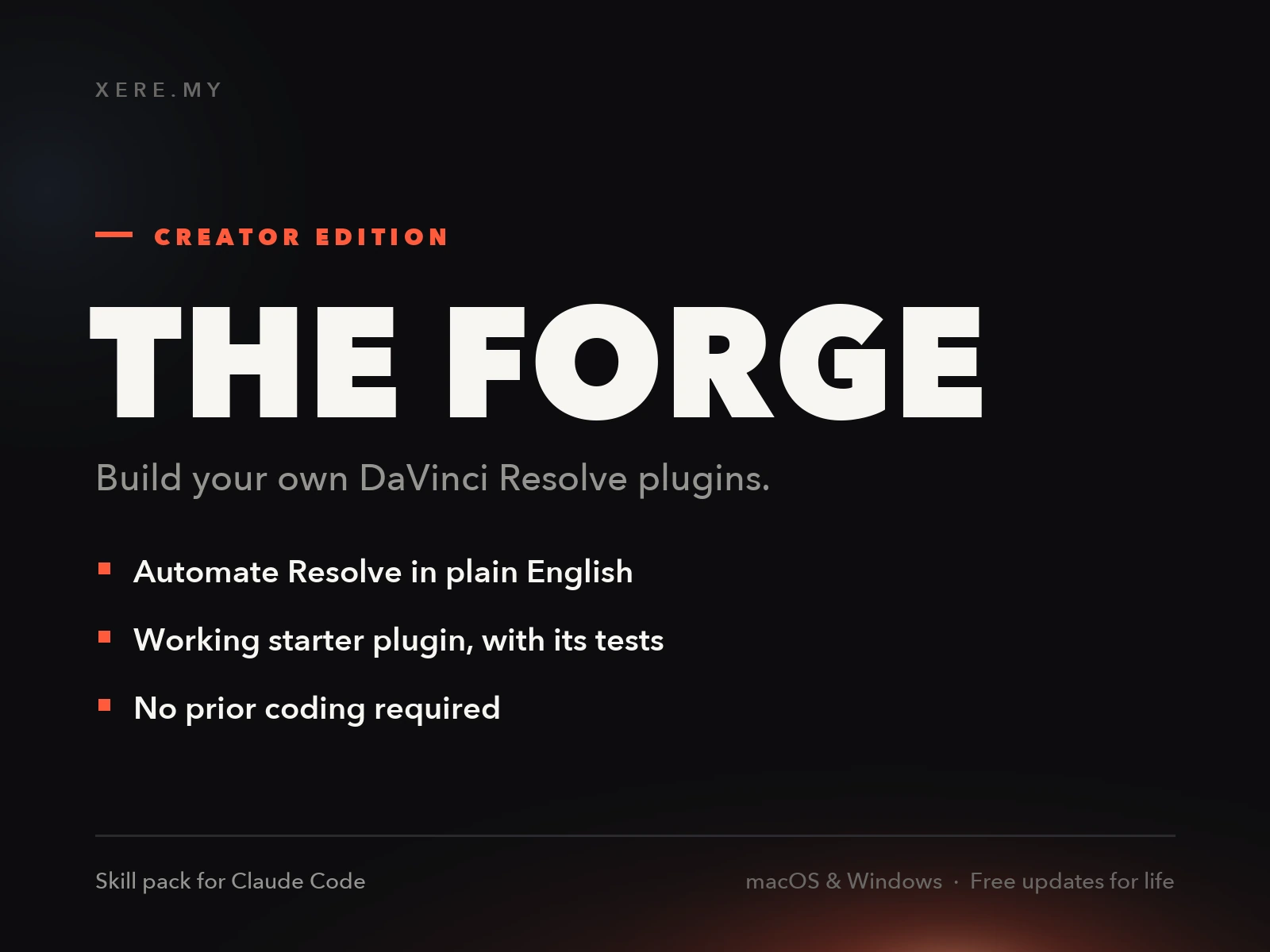
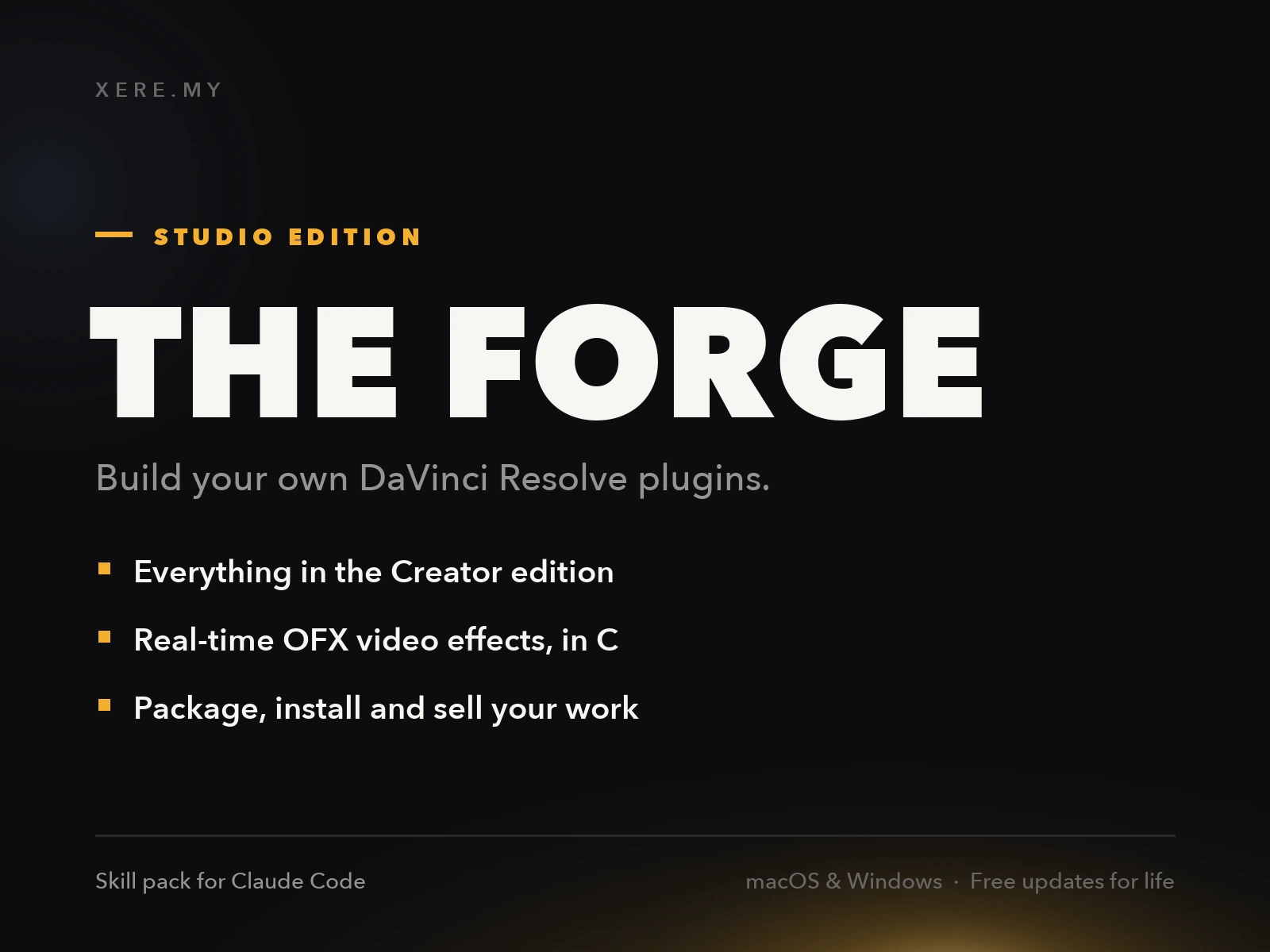
Stop buying plugins. Build your own.
Every plugin you buy solves someone else's problem. Through The Forge skill packs, you can teach Claude Code to write, test, and install custom DaVinci Resolve tools in plain English. Save money, learn the workflow, and own your tools forever.
Pros
- Free core toolkit with 70+ Fusion Macros available
- Full Edition offers drag-and-drop Edit Page workflow
- Highly optimized real-time playback performance
- Works with both Resolve Studio and Resolve Free
Cons
- Free Edition requires advanced Fusion knowledge
- Full Edition Edit Page visualizers are paid-only
- Setup involves multiple manual steps for Free Edition
Verdict
The free tier is genuinely capable but assumes real Fusion fluency, 70+ macros with no drag-and-drop Edit Page workflow. If you don't already work comfortably in Fusion, the paid Full Edition with its Edit Page visualizers is the version that's actually usable day to day.
Reviewed by JérémyRelated DaVinci Resolve Plugins from the Store