 OpenFX plugin for DaVinci Resolve
VHS Nostalgia — DaVinci Resolve OpenFX Plugin for Real VHS & CRT Emulation
Not another grain-and-blur filter. VHS Nostalgia emulates the NTSC analog signal line by line: color bleeding, composite noise, tracking errors, tape aging, CRT curvature. The result looks like it came off a real cassette.
Early bird — launch price·increases to €59 next month
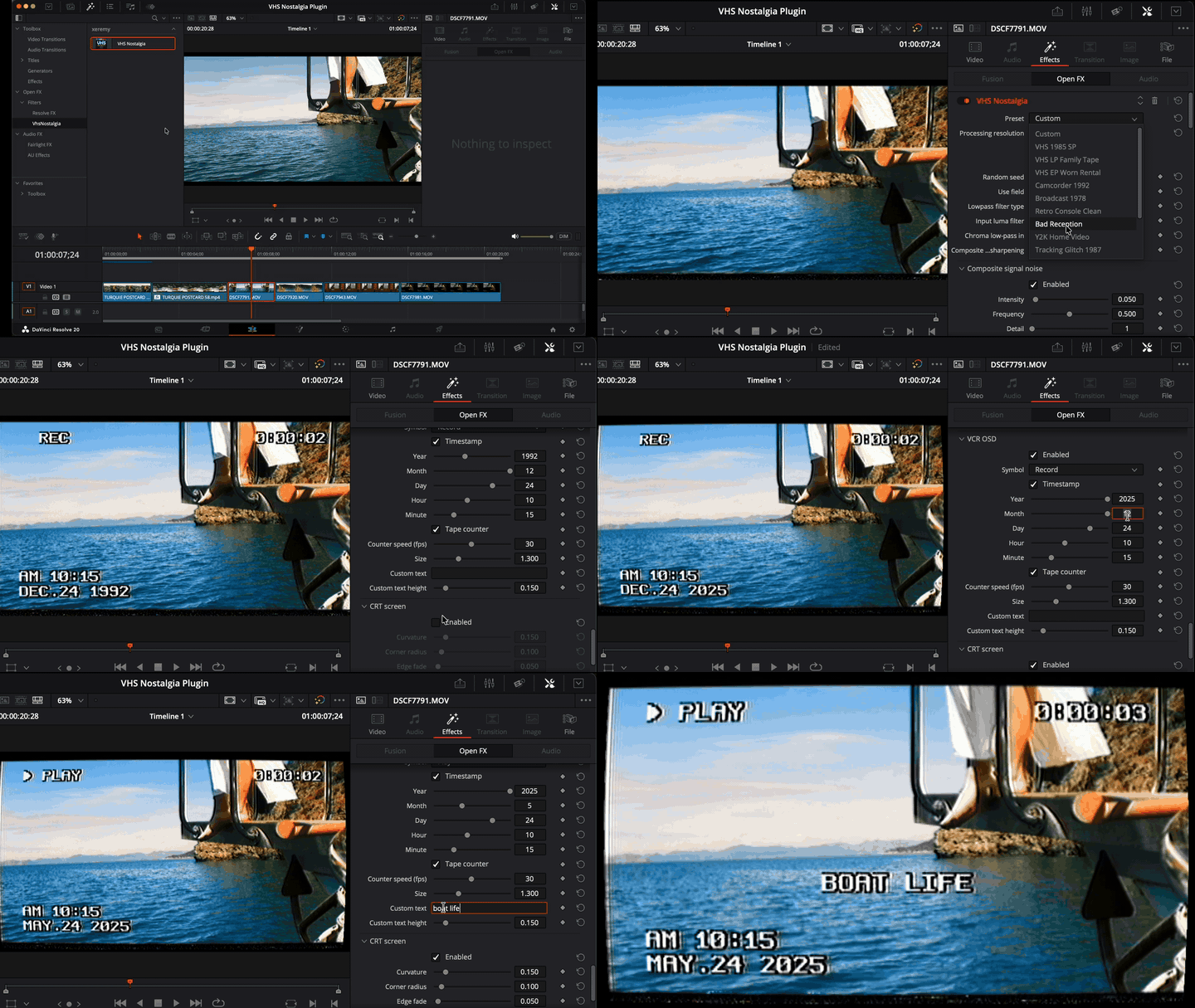
See the DaVinci Resolve VHS plugin in action.
A short trailer of presets, CRT screen and VCR OSD running on real footage.
VHS Nostalgia plugin features at a glance.
The signal degrades first, then the tape ages, then the CRT displays it. Every stage lives in the plugin, and every block can be switched on or off.
Built-in presets
From clean 1985 SP to worn-out rental tape. One click each, also included as JSON files.
Tape sounds
Raw cassette noise, glitch bursts, video cassette motor sounds and broken tape textures. A small set of audio scraps to layer under your clip, not a full sound library.
Lines emulated
Authentic NTSC artifact scale, processed line by line, on HD and 4K footage.
Minute install
Drop the OpenFX bundle in place, restart Resolve, done. The guide walks you through it.
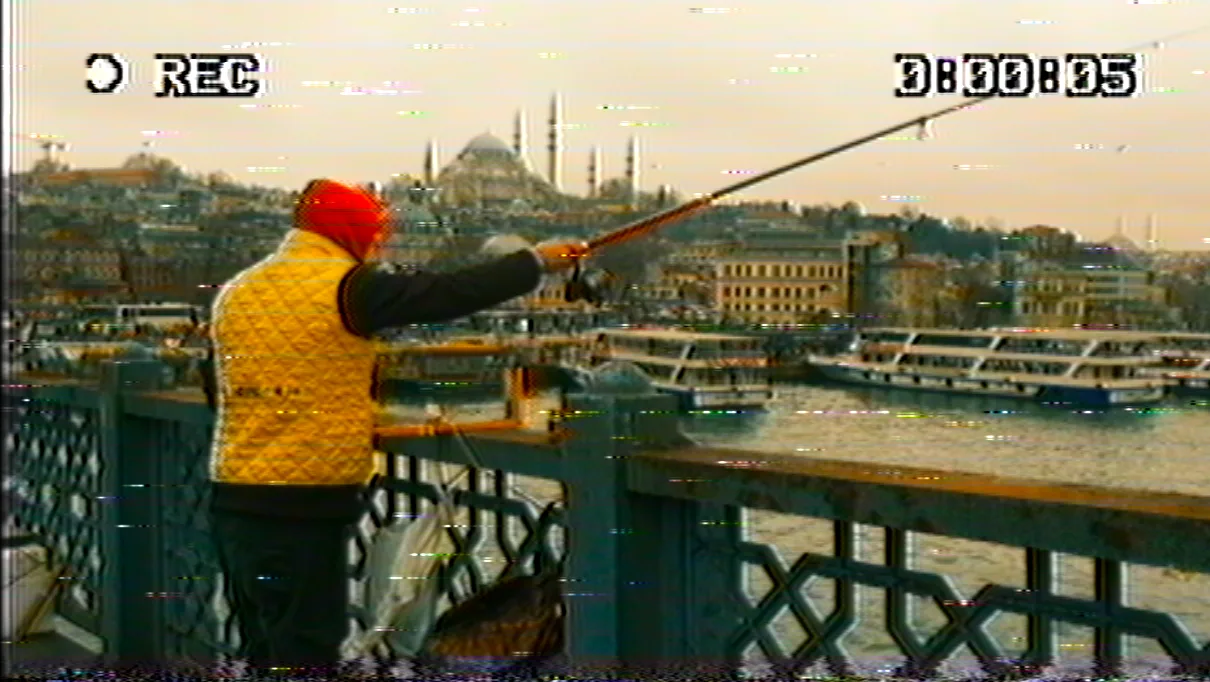
A real NTSC engine.
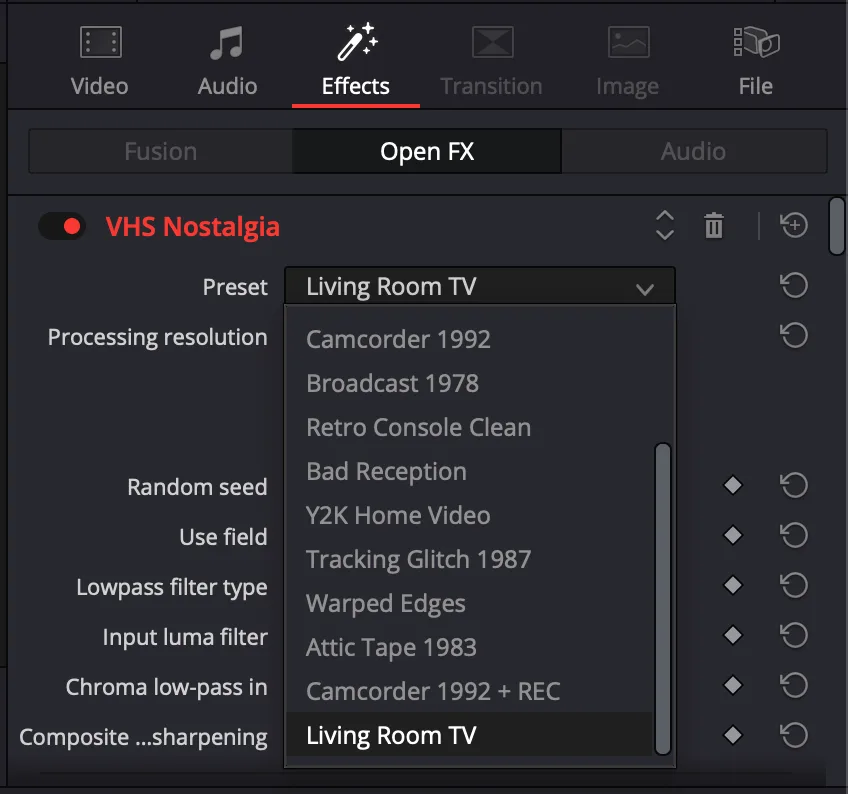
13 looks, one click.
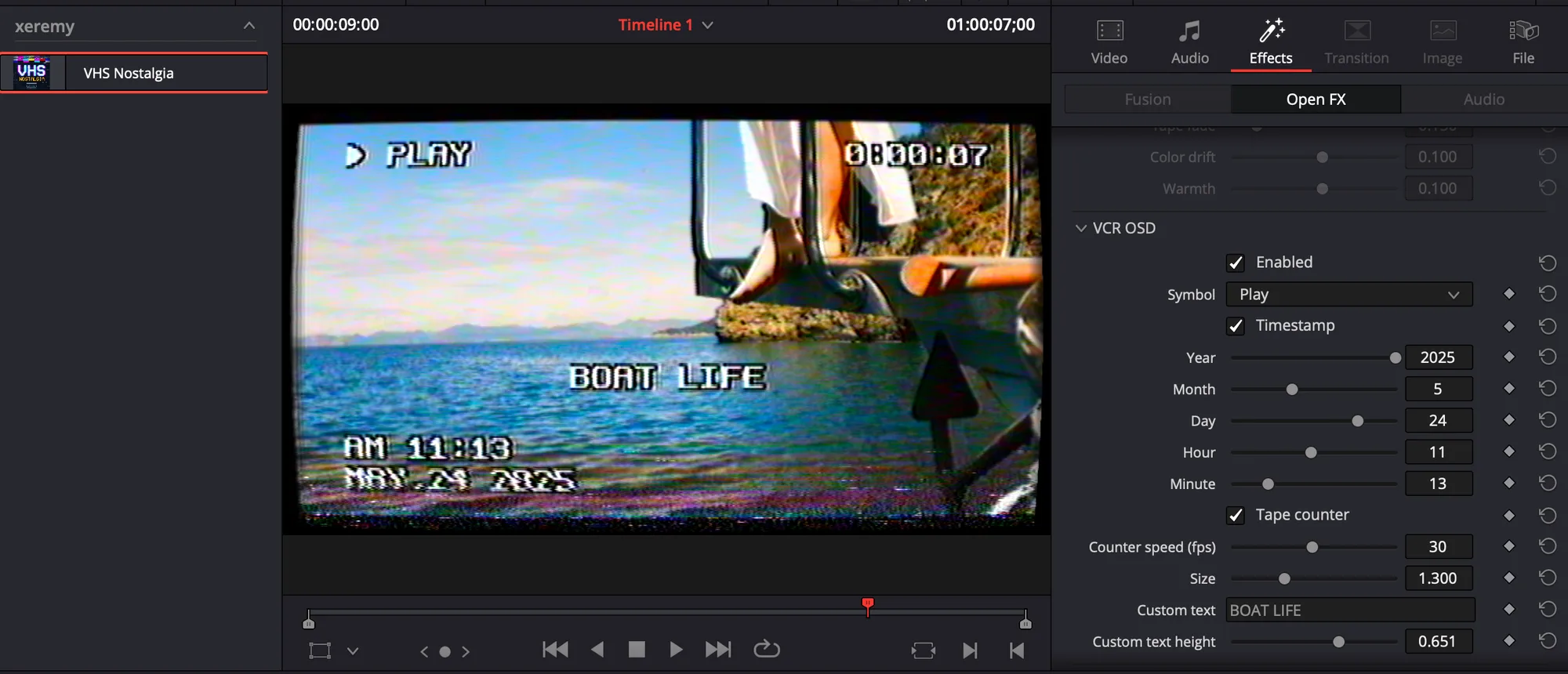
The VCR on screen.
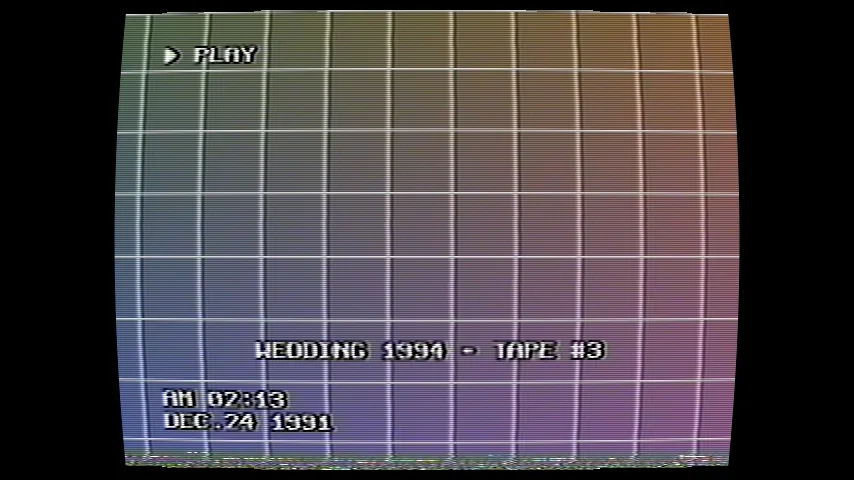
VHS Nostalgia preset gallery for DaVinci Resolve.
A test pattern run through the plugin. Each look is one preset, no extra grading.
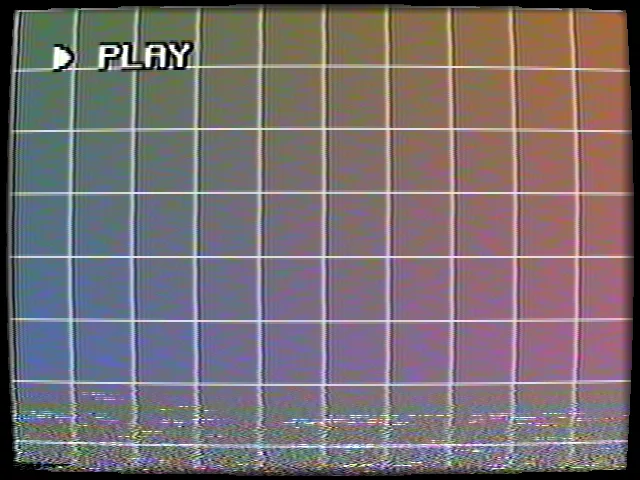
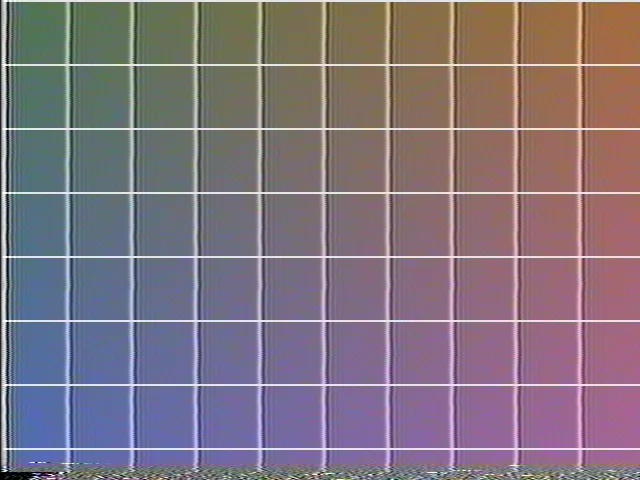
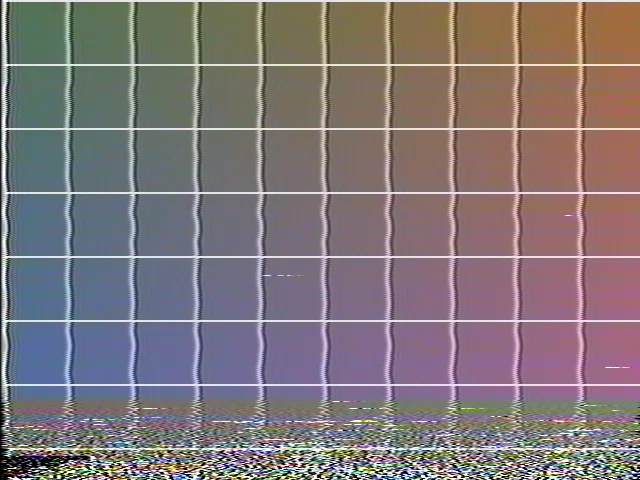
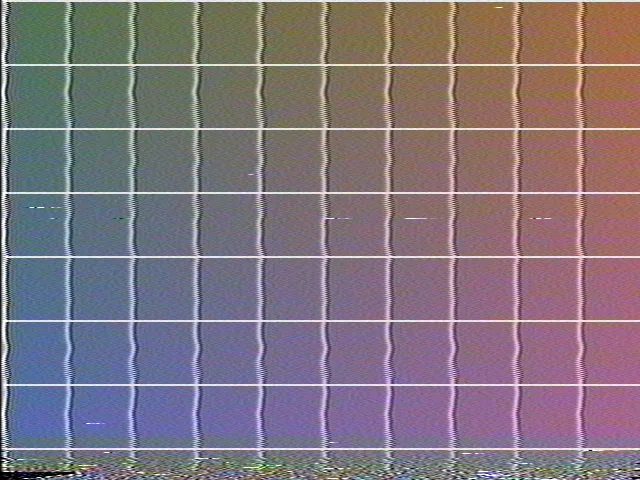
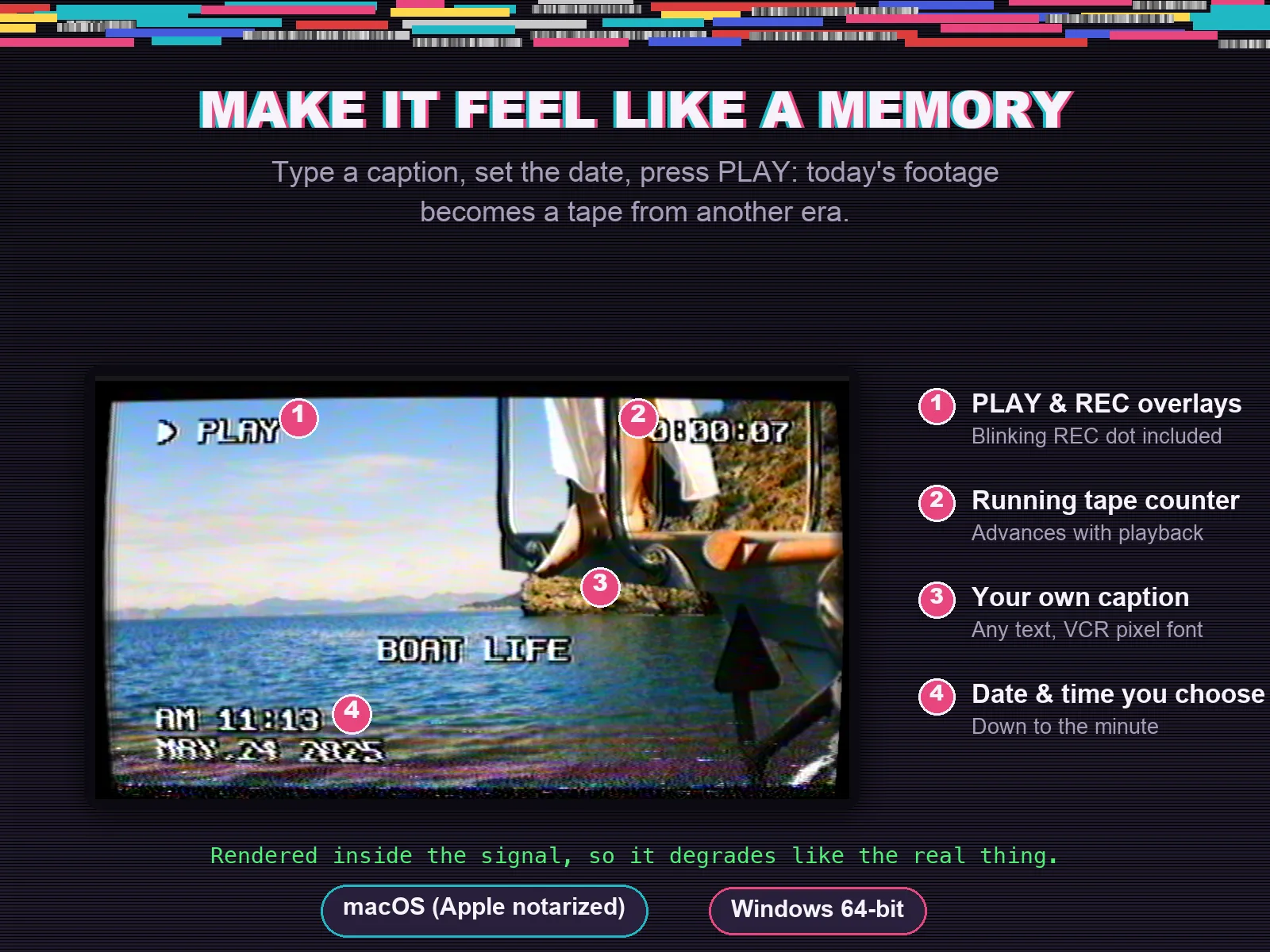
Give your footage real VHS & CRT tape looks in DaVinci Resolve.
Drop the effect on a clip, pick a preset, press play.
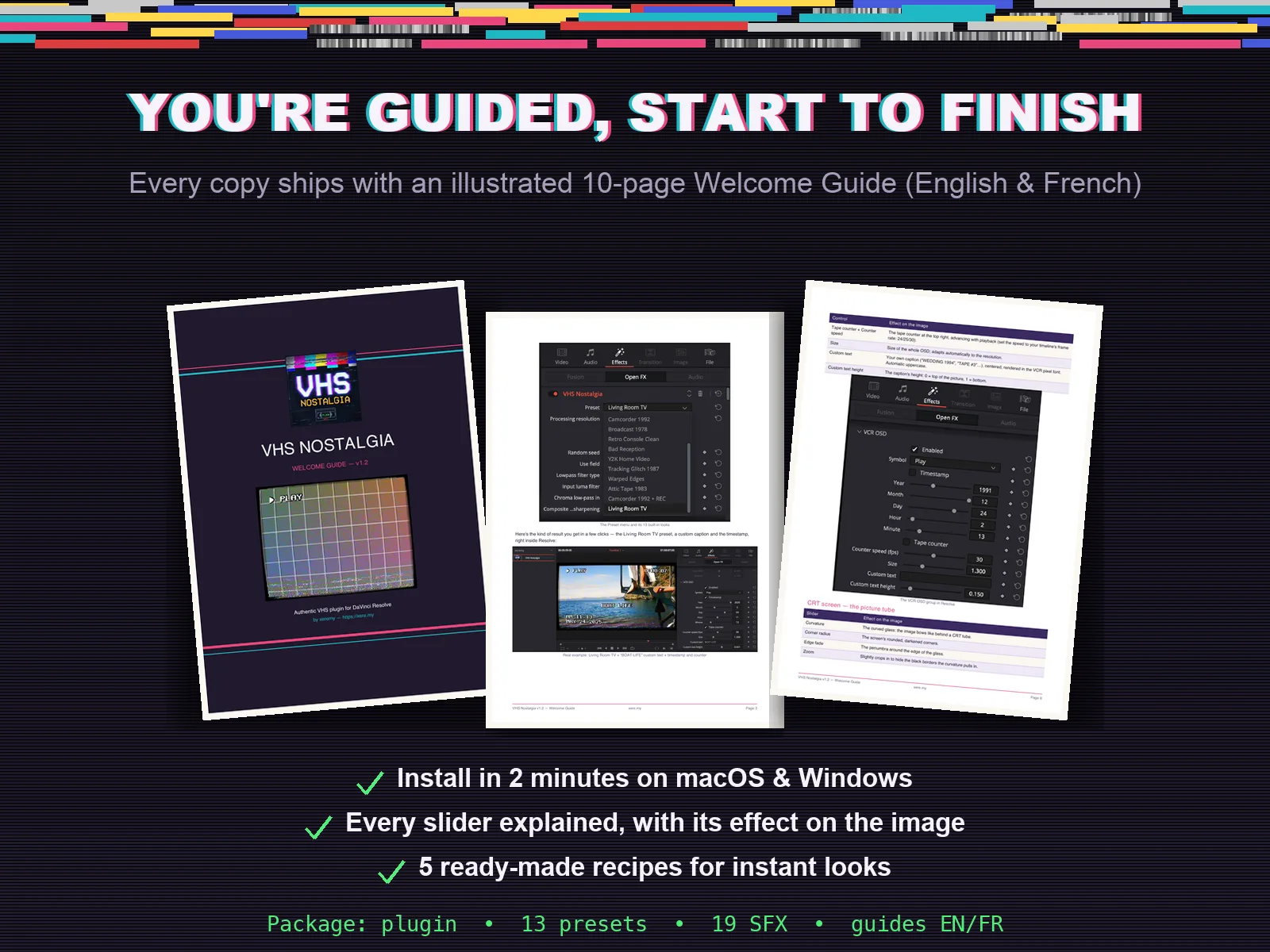
Guided, start to finish.
Every copy ships with an illustrated Welcome Guide (English and French) that takes you from installation to your first finished tape, with every slider explained and ready-made recipes for the most wanted looks.
- 01What your download includes
- 02Installation on macOS and Windows
- 03The 13 built-in presets
- 04The controls, block by block
- 05Recipes for the best results
- 06Sound: raw tape textures to layer under your footage
- 07End-user license agreement
Same plugin, pushed further.
VHS Nostalgia ships regular updates that add speed, presets and accuracy. The signal chain never changes.
- v1.3July 2026
macOS & Windows · DaVinci Resolve (free version supported)
Up to 3× faster
The processing pipeline has been rebuilt from the ground up. Playback is now real-time on 1080p timelines (about 44 fps) and roughly 3× faster in 4K, without render caching in most projects.
New: Quick Look controls
Five macro sliders at the top of the plugin (Tape Wear, Picture Noise, Color Bleed, Wobble, Sharpen) let you push any preset further, or dial it back, in one move. They modulate the look without ever touching your fine-tuned settings, and they are keyframable.
New: PAL mode (576 lines)
European tapes finally get their authentic line count. Pick "576 lines (PAL)" in Processing Resolution for the exact artifact scale of a PAL VHS.
Smarter tape counter
The OSD counter and the blinking REC dot now follow your clip's real frame rate (24, 25 or 30 fps): one counter second equals one real second. You can still set the rate manually if you prefer a stylized counter.
Better on-screen text
Accented characters now render correctly in captions ("ÉTÉ 94", "NOËL 1989"), and the VCR pixel font gains the comma, parentheses and ampersand.
Updating from v1.2
Download the new zip, replace your old VHS Nostalgia ofx.bundle with the new one, then restart DaVinci Resolve. All your existing presets and projects load unchanged.
One-time payment for the DaVinci Resolve VHS plugin.
No subscription. No upsells. One single payment, that's it.
Launch price for the first release. Price increases to €59 next month — buy now and lock it in for life, including all future updates.
VHS Nostalgia
The complete VHS signal chain for DaVinci Resolve, ready to install.
One-time payment to support my work.
Instant download · Mac & Windows · DaVinci Resolve compatible
- VhsNostalgia.ofx.bundle (Mac universal + Windows 64-bit)
- 13 built-in presets, also shipped as JSON files
- Raw tape textures: cassette noise, glitches, video cassette motor sounds, broken tape scraps
- Illustrated Welcome Guide in English and French
- Installation cheat sheet (EN/FR)
Frequently asked questions about VHS Nostalgia.
How is this different from a VHS filter or LUT?
A LUT only changes colors. VHS Nostalgia emulates the NTSC analog signal itself, line by line: the color modulation, the composite noise, the VCR's mechanical flaws like tracking and head-switching, the tape aging. Even the overlays are rendered inside that signal, so they degrade with the image. That is what makes the result indistinguishable from a real cassette.
Will it slow down my timeline?
The effect runs as multithreaded native code and responds in real time, right inside DaVinci Resolve's Edit or Color page. Sliders react instantly, and renders stay fast on HD and 4K projects.
Can I customize the presets?
Yes. Presets are starting points. The NTSC emulation, tape color, CRT screen and VCR OSD blocks can each be enabled or disabled, and every slider can be keyframed. Change the random seed and two copies of the same shot will never share the same noise, like two different playbacks of the same cassette.
Is this a one-time payment or a subscription?
One-time payment. You pay once, that's it. No recurring fees, no upsells, no expiration.
What about the sound?
A perfect VHS picture with crystal-clear digital audio breaks the illusion. Your download includes 19 tape-inspired textures — cassette noise, glitch bursts, video cassette motor sounds and broken tape scraps. They are meant to be layered under your clip as a starting point. They are not a full sound-design library, and you may still want to add your own music or additional SFX.
What if I'm new to DaVinci Resolve effects?
The included Welcome Guide covers installation on macOS and Windows, explains every control block by block with its effect on the image, and gives you ready-made recipes: the perfect fake archive, the camcorder look, the one-shot glitch. You apply the plugin like any built-in effect.
How does delivery work?
After purchase you receive an instant download link with the plugin bundle, the 13 presets as JSON files, the tape sound effects and the Welcome Guide. Everything is contained in a single ZIP file.
Who is VHS Nostalgia for?
Who is this for?
Editors and creators who want footage that reads as a real cassette: music videos, wedding recaps, fake archives, retro intros, social content. If you care about the difference between a filter and a signal, this was built for you.
Who is this NOT for?
- ·Users of other editors: this is an OpenFX plugin built and tested for DaVinci Resolve. It will not load in Premiere Pro, Final Cut Pro or CapCut.
- ·Anyone who just needs a quick color wash: VHS Nostalgia is a full signal emulation with independent NTSC, tape, CRT and OSD blocks. A simple LUT may be enough for your project.
- ·Linux setups: the plugin ships for macOS (Intel and Apple Silicon, notarized) and Windows 64-bit.