Overview
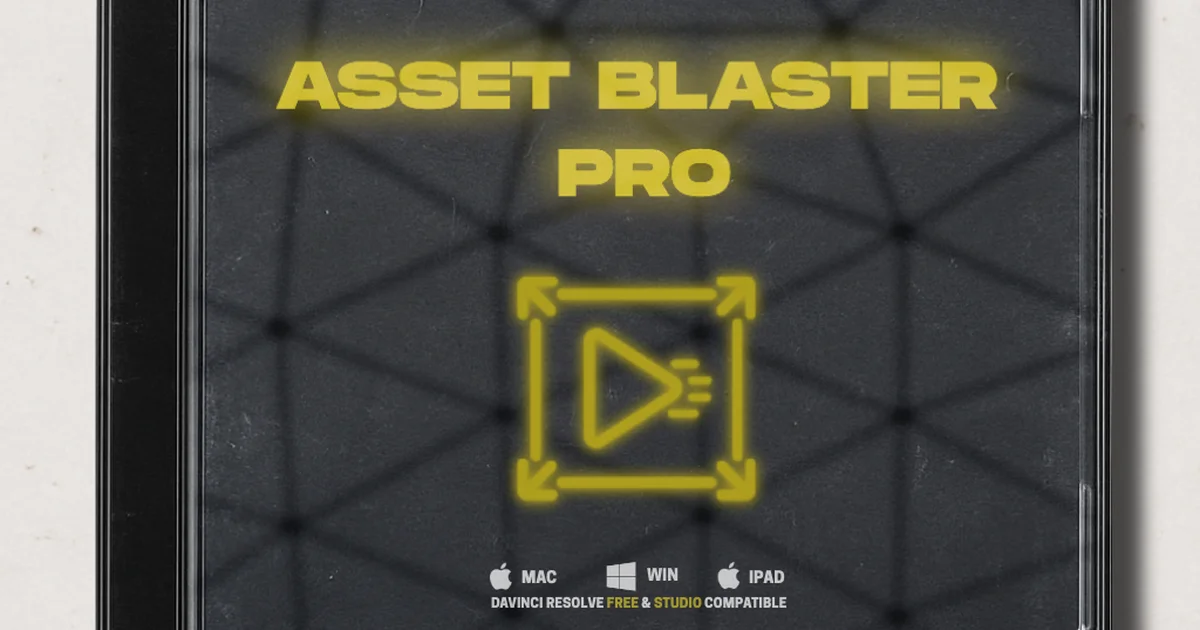
Asset Blaster is a custom plugin for DaVinci Resolve built to speed up animation workflows. Whether you are a pro editor or just starting out, it lets you transform assets, animate titles, and add visual effects.
The free version includes core transform tools to scale, rotate, and position any asset with total control, plus built-in animations like swipe, spin, and zoom with smooth motion and no keyframing required. Outline Magic adds depth with a customizable border, suited to logos, titles, or cutouts. Stylized FX include glowing effects and VHS overlays for bold looks.
The Pro version (€29.90) adds independent IN and OUT animation controls, three additional animation curves (Log1, Log2, and Elastic), spin rotation direction options (clockwise and counterclockwise), animation delay, and improved blur quality. Advanced effects include jitter intensity controls, shake-motion shape selector, film dirt with color selector, glow with speed slider, and VHS with color noise slider. Motion blur, outline blur, shadow blur, and strobe animation complete the toolset.
Version 4.1 works with both DaVinci Resolve Free and Studio on macOS and Windows.
Asset Blaster is featured in our comparison Best VFX Plugins for DaVinci Resolve.
Stop buying plugins. Build your own.
Every plugin you buy solves someone else's problem. Through The Forge skill packs, you can teach Claude Code to write, test, and install custom DaVinci Resolve tools in plain English. Save money, learn the workflow, and own your tools forever.
Pros
- Free version with solid transform, animation, and FX tools
- No keyframing required - smooth motion out of the box
- Pro version adds independent IN/OUT controls and 3 extra animation curves
- Advanced effects: shake, film dirt, glow, VHS, jitter, and strobe
- Works with both DaVinci Resolve Free and Studio
- Affordable one-time Pro purchase at €29.90
- Frequent updates with performance improvements and new features
Cons
- Requires DaVinci Resolve 20 or later
- No Linux support
- iPad OS compatibility not widely documented beyond product page
Verdict
The free tier alone covers most of what casual editors need: transforms, animations, no keyframing. The Pro upgrade at €29.90 is worth it mainly for the extra animation curves and advanced FX, but it locks you to DaVinci Resolve 20 or newer, so check your version before buying.
Reviewed by JérémyRelated DaVinci Resolve Plugins from the Store