Gallery
Overview
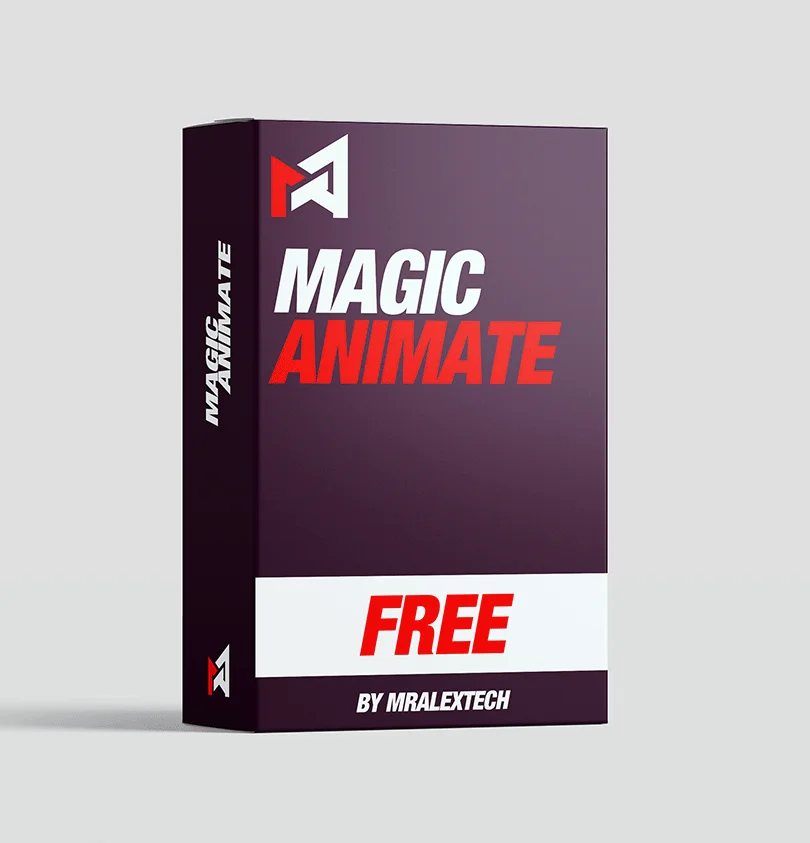
MagicAnimate V3 is a fast and simple animation tool for DaVinci Resolve designed to eliminate the need for manual keyframes. The free version includes all core animation features, allowing users to control transform, motion blur, shadows, and in/out animations directly from the Effects Library.
Advanced controls enable customization of start/end positions, delay timing, animation length, and separate in/out behaviors with hundreds of curve combinations. Mid-animations including loops, spins, perspective shifts, and wave effects add continuous motion with adjustable loop count and spacing. Built-in mask tools support animated ellipse and rectangle masks with borders, glow, gradients, and positioning for creative overlays.
The paid version (~$29.99) adds preset packs with 70+ ready-made animations, a Saver Tool to create and save custom presets, and creator tools to optimize performance and simplify the UI for reuse. Works on videos, images, text, and adjustment clips for maximum flexibility.
MagicAnimate V3 is featured in our comparisons Best Transition Plugins for DaVinci Resolve (2026) and Best Free DaVinci Resolve Plugins (2026).
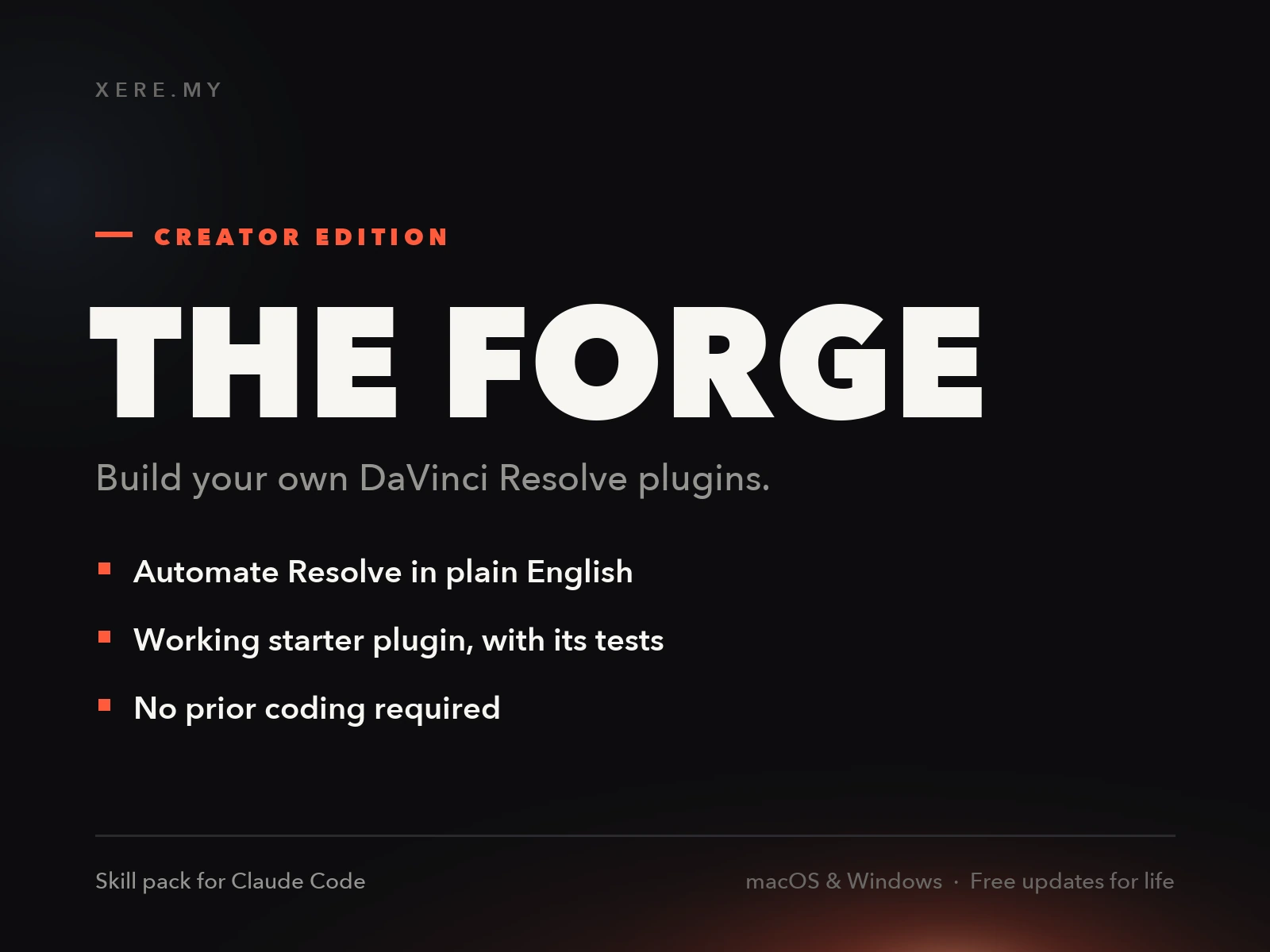
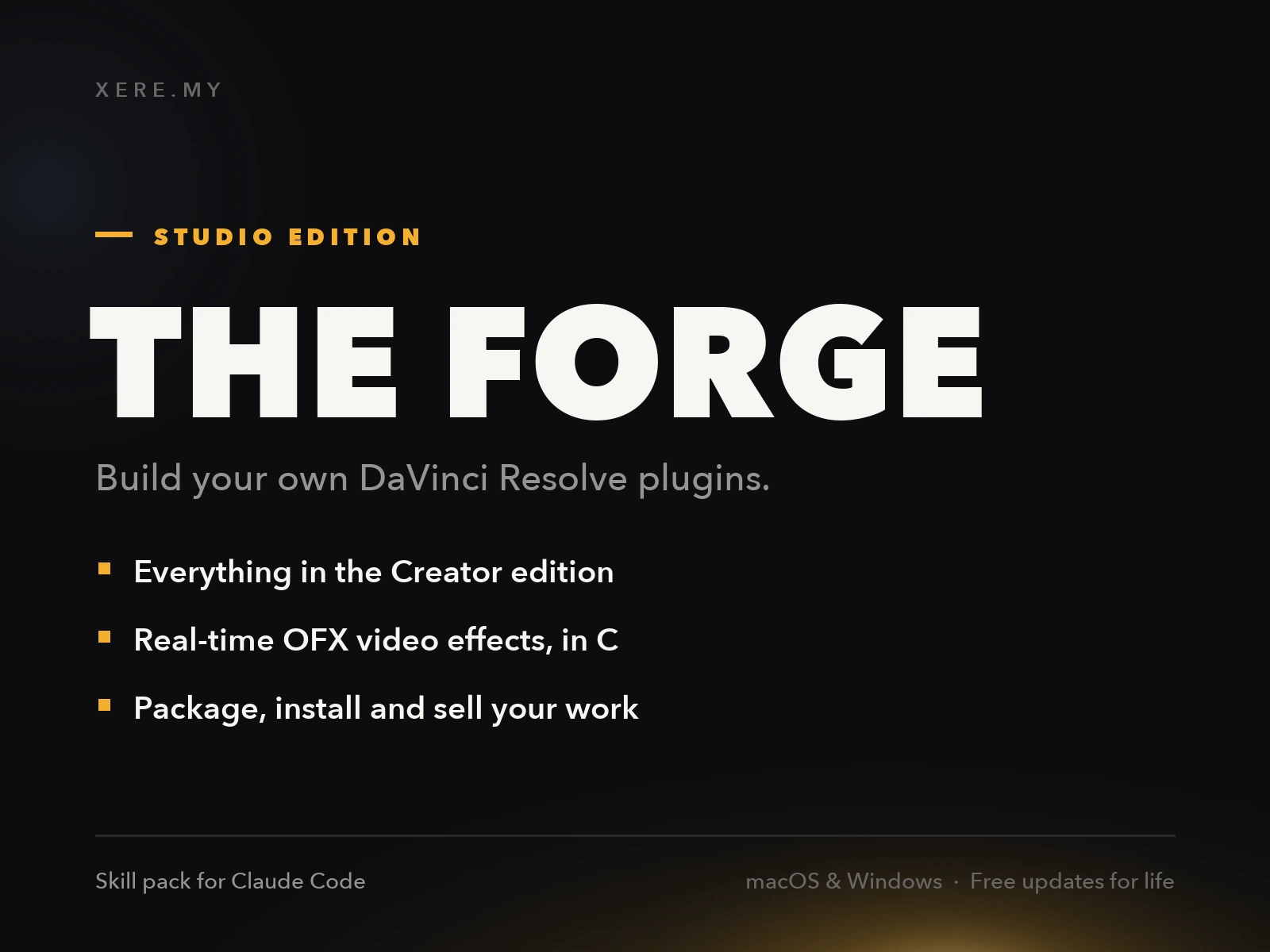
Stop buying plugins. Build your own.
Every plugin you buy solves someone else's problem. Through The Forge skill packs, you can teach Claude Code to write, test, and install custom DaVinci Resolve tools in plain English. Save money, learn the workflow, and own your tools forever.
Pros
- Completely free core version with full animation controls
- No keyframes needed - intuitive drag-and-drop controls
- Works on videos, images, text, and adjustment clips
- Built-in animated masks with borders, glow, and gradients
- Paid version adds 70+ presets and a custom preset saver tool
Cons
- 70+ preset packs require the paid version
- Some advanced features locked behind the paid tier
- Windows and macOS only (no Linux support)
Verdict
The free version is genuinely capable on its own: transform, motion blur, in/out animation, no keyframes. The paid tier is really paying for convenience, 70+ ready-made presets, rather than unlocking core functionality you are missing.
Reviewed by JérémyRelated DaVinci Resolve Plugins from the Store