Overview
MagicZoom FREE by mrAlexTech is a zoom tool for DaVinci Resolve that eliminates the need for keyframes and Dynamic Zooms entirely. Built for 2024 with improved performance and smooth motion blur, it makes adding zooms to your edit simple.
The plugin features a Pitch/Yaw 3D-style effect for added depth, quick access buttons for faster workflow, and an improved UI. Simply toggle Motion Blur on or off to switch between the fast version and the motion-blur-enabled version, with no need for separate tools anymore.
Version 1.4.1 (27th February) unifies MagicZoom and MagicZoomFAST into a single tool. Keyframe functionality for Pivot was added in version 1.3, alongside improved expressions for better performance and a fix for Resolve crashes when double-clicking controls to reset them.
Installation is simple: double-click the downloaded .drfx file and Resolve handles the rest. Updates work the same way, just redownload and overwrite.
MagicZoom FREE is featured in our comparison Best Transition Plugins for DaVinci Resolve (2026).
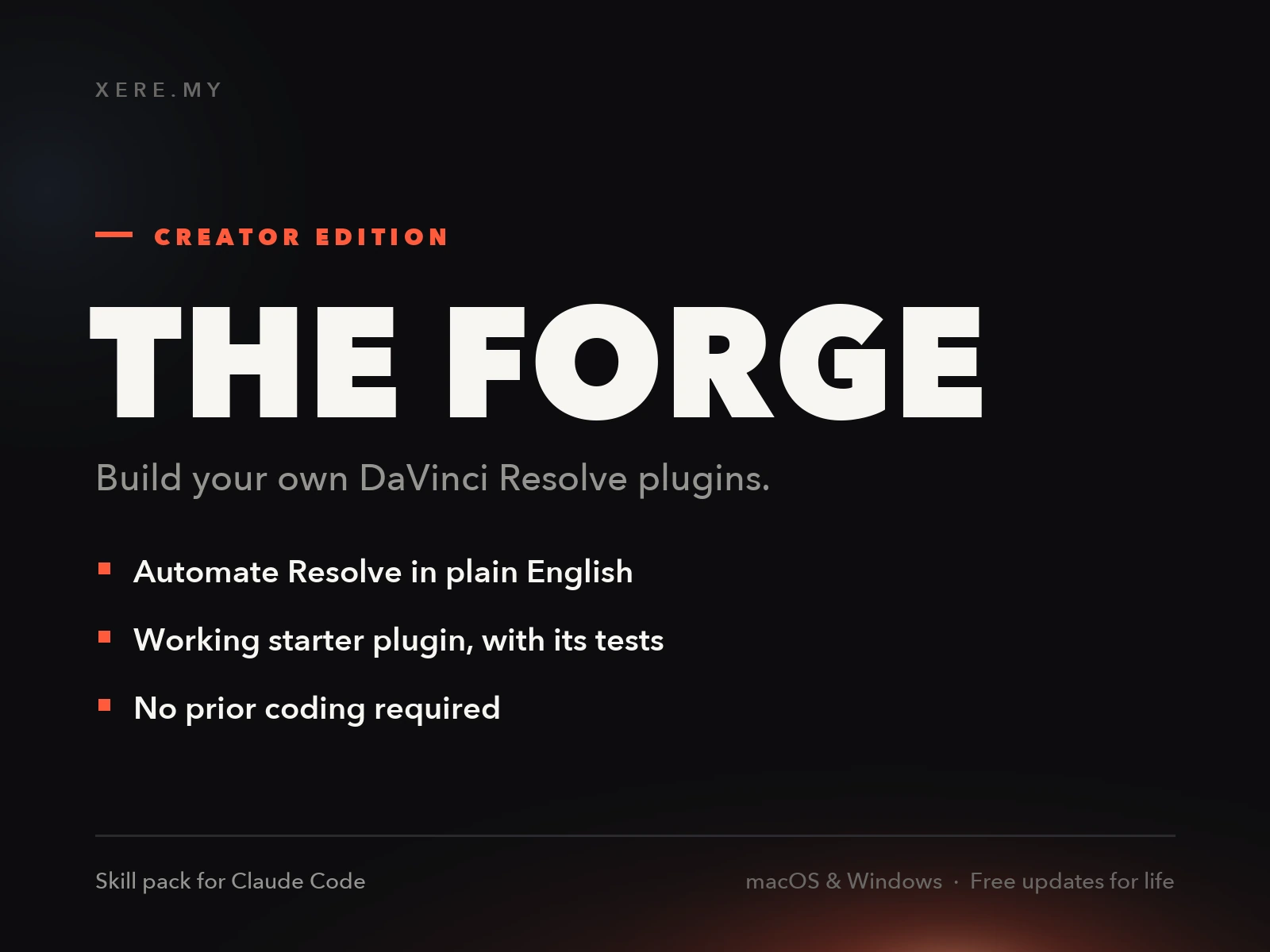
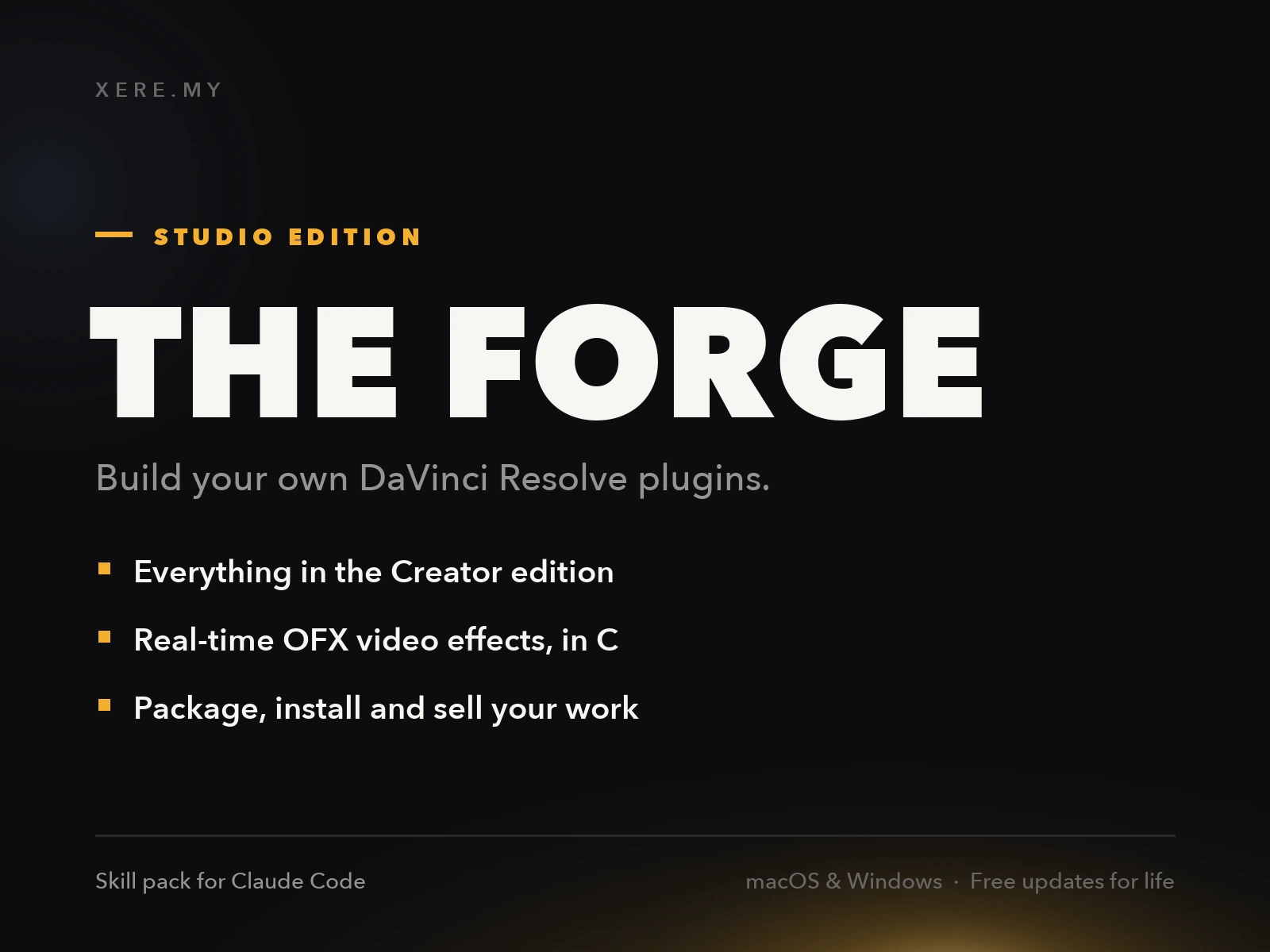
Stop buying plugins. Build your own.
Every plugin you buy solves someone else's problem. Through The Forge skill packs, you can teach Claude Code to write, test, and install custom DaVinci Resolve tools in plain English. Save money, learn the workflow, and own your tools forever.
Pros
- Completely free to download and use forever
- No keyframes or Dynamic Zooms needed
- Smoothest motion blur in its class
- Pitch/Yaw 3D-style effect built in
- Simple DRFX double-click installation
- Toggle Motion Blur without switching tools
- Frequent updates with performance improvements
Cons
- Requires DaVinci Resolve 19.1.1 or later
- Pro version exists with more advanced features (price not listed on free page)
- Email signup required to download
Verdict
It solves a real, specific annoyance, native Resolve zooms without fighting Dynamic Zoom, and it's free. The Pro version exists for more advanced control but isn't priced anywhere on the free page, so you'd need to inquire to know what you're actually upgrading to.
Reviewed by JérémyRelated DaVinci Resolve Plugins from the Store