Overview
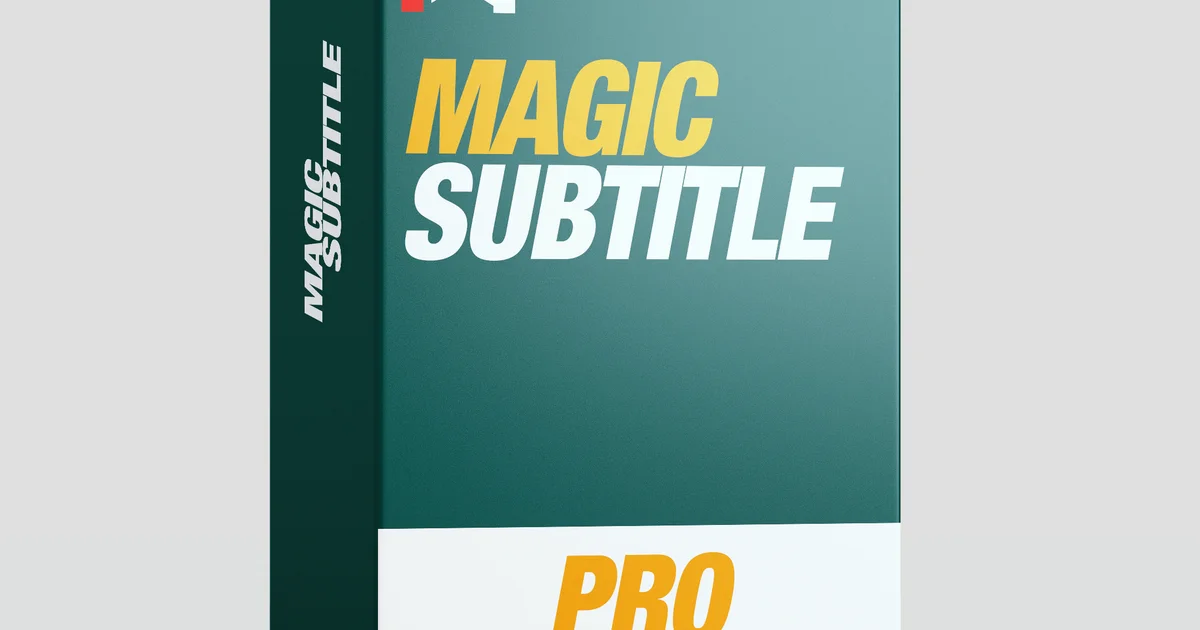
MagicSubtitles Pro by mrAlexTech adds style to social media videos with animated subtitles that generate directly on the timeline and can have effects applied.
The plugin uses DaVinci Resolve Studio's built-in Transcription engine to generate a timecoded script, then feeds spline keyframes into a Text+ node. The result is a single Text+ title on your timeline that displays spoken words in real time.
Because it uses Resolve's native transcription, it works completely offline - no internet connection required. The transcription speed depends on your system but is roughly equivalent to generating standard AI subtitles in Resolve.
MagicSubtitles is designed for short, punchy content up to around 5 minutes. While it will work on longer content, performance degrades progressively. For long-form content like podcasts or documentaries, standard Resolve subtitles are recommended.
Full customization is the main advantage. Unlike standard Studio subtitles that lack deep customization, MagicSubtitles allows you to edit spelling via the built-in Fix Spelling box and pop-out Editor, or edit the transcription directly for a more permanent fix.
MagicSubtitles supports all languages available in Resolve's Transcription engine (tested primarily in English). It does not yet support Right-to-Left languages like Hebrew and Arabic, though updates are planned.
MagicSubtitles Pro is featured in our comparisons The Best Snap Captions Alternative for DaVinci Resolve and 6 Best DaVinci Resolve Caption & Subtitle Plugins (2026).
Stop buying plugins. Build your own.
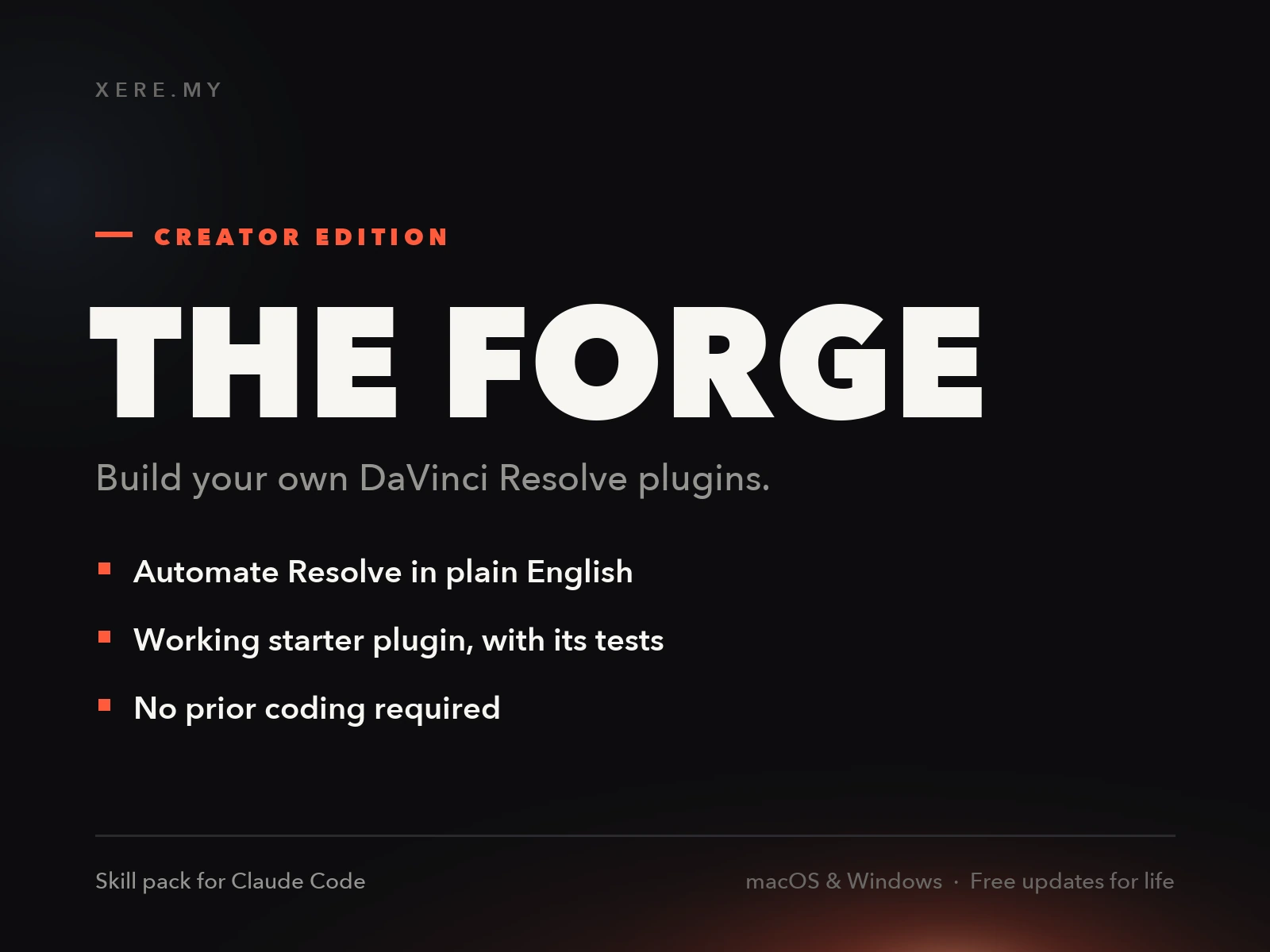
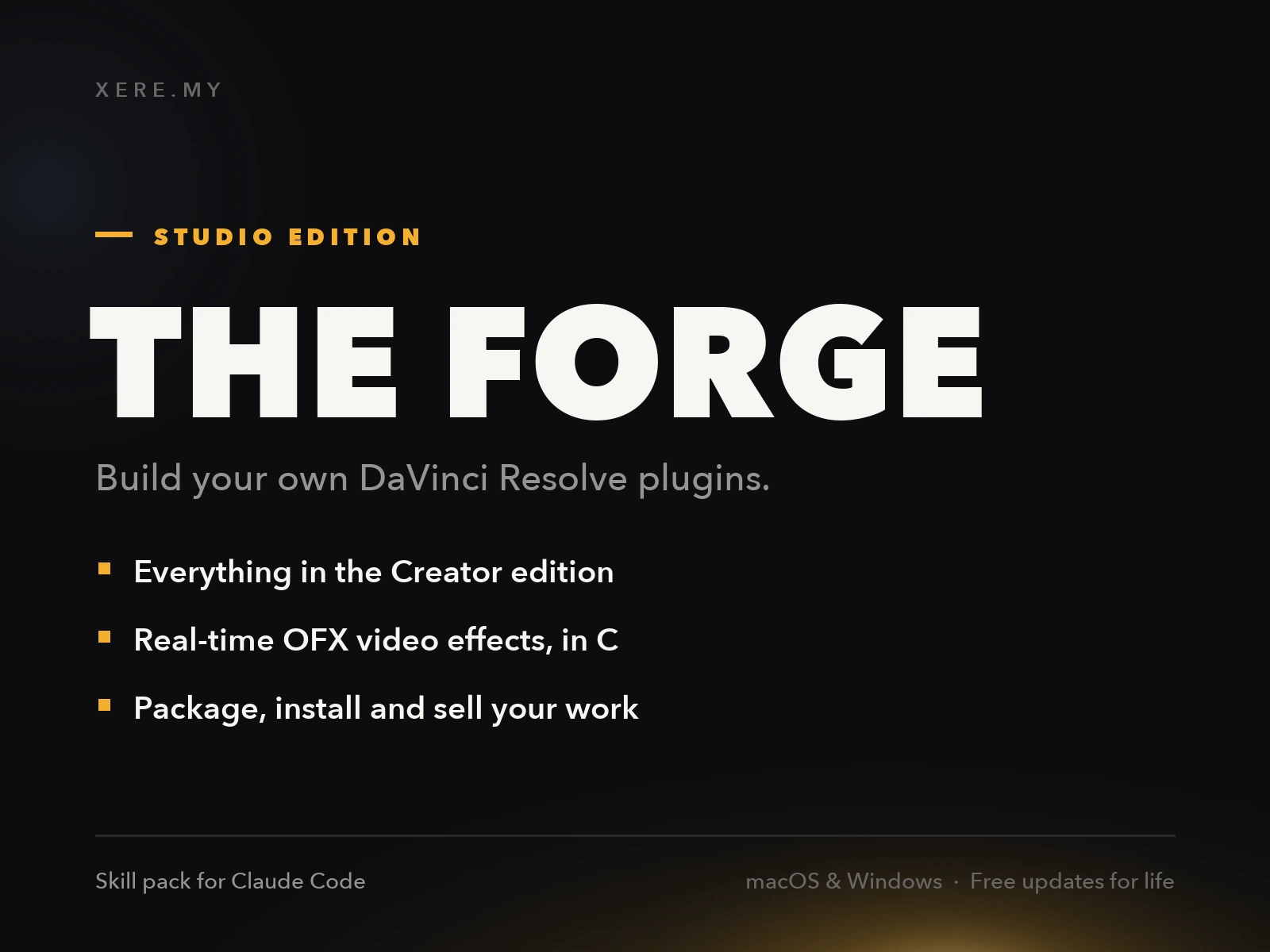
Every plugin you buy solves someone else's problem. Through The Forge skill packs, you can teach Claude Code to write, test, and install custom DaVinci Resolve tools in plain English. Save money, learn the workflow, and own your tools forever.
Pros
- Uses Resolve's native offline transcription - no internet needed
- Single Text+ title with real-time word display
- Fully customizable with built-in editor and spell fix tools
- Effects can be applied to the generated subtitles
- Works with most languages supported by Resolve's transcription engine
- Designed specifically for short, punchy social media content
Cons
- Requires DaVinci Resolve Studio 20+ (Free version not supported)
- Not compatible with App Store or iPad versions of Resolve Studio
- Performance degrades on content longer than ~5 minutes
- Does not support Right-to-Left languages (Hebrew, Arabic) yet
- No Linux support mentioned
Verdict
This is built specifically for short-form content, and it shows: performance degrades noticeably past the 5-minute mark it's designed around. If you're editing podcasts or long-form video, stick with Resolve's standard subtitles. It also doesn't support right-to-left languages yet, which rules it out for Arabic or Hebrew captioning.
Reviewed by JérémyLooking for an alternative to MagicSubtitles Pro?
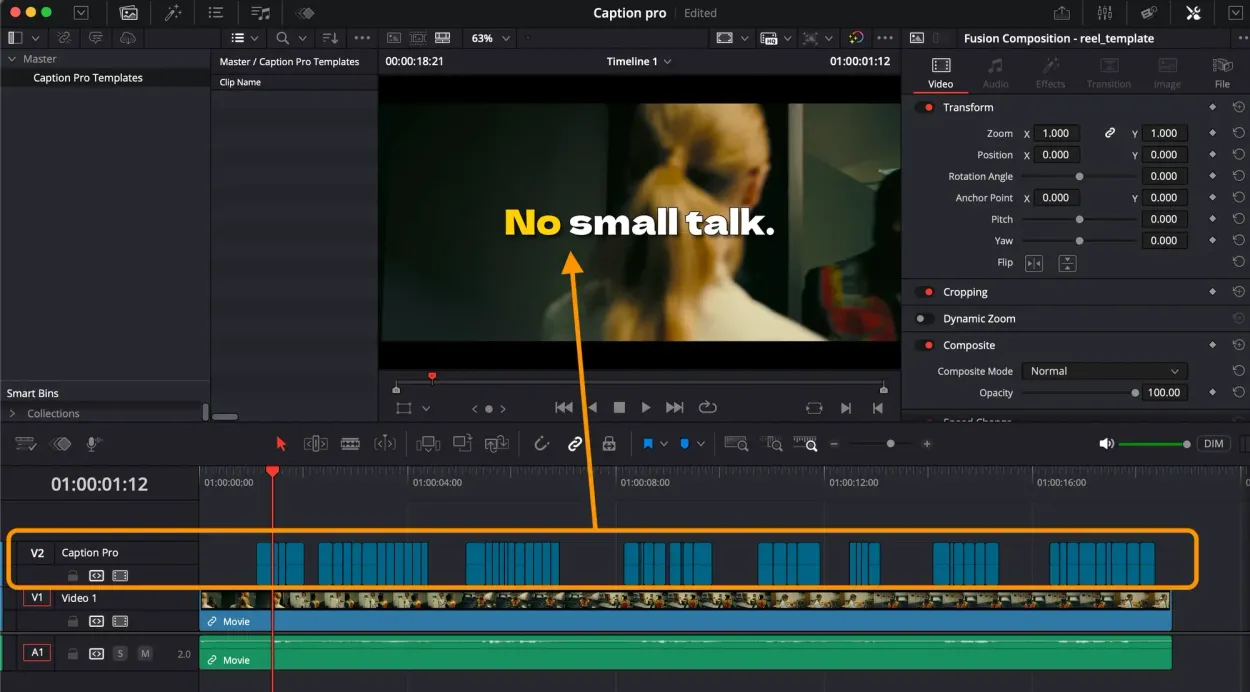
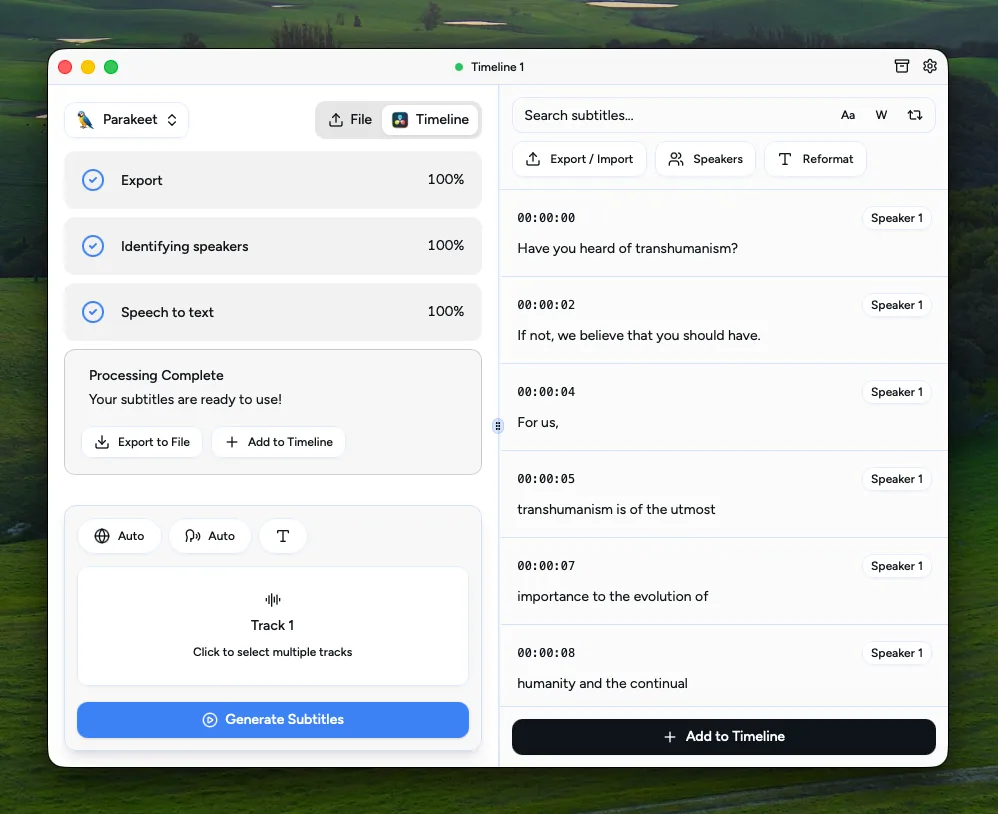
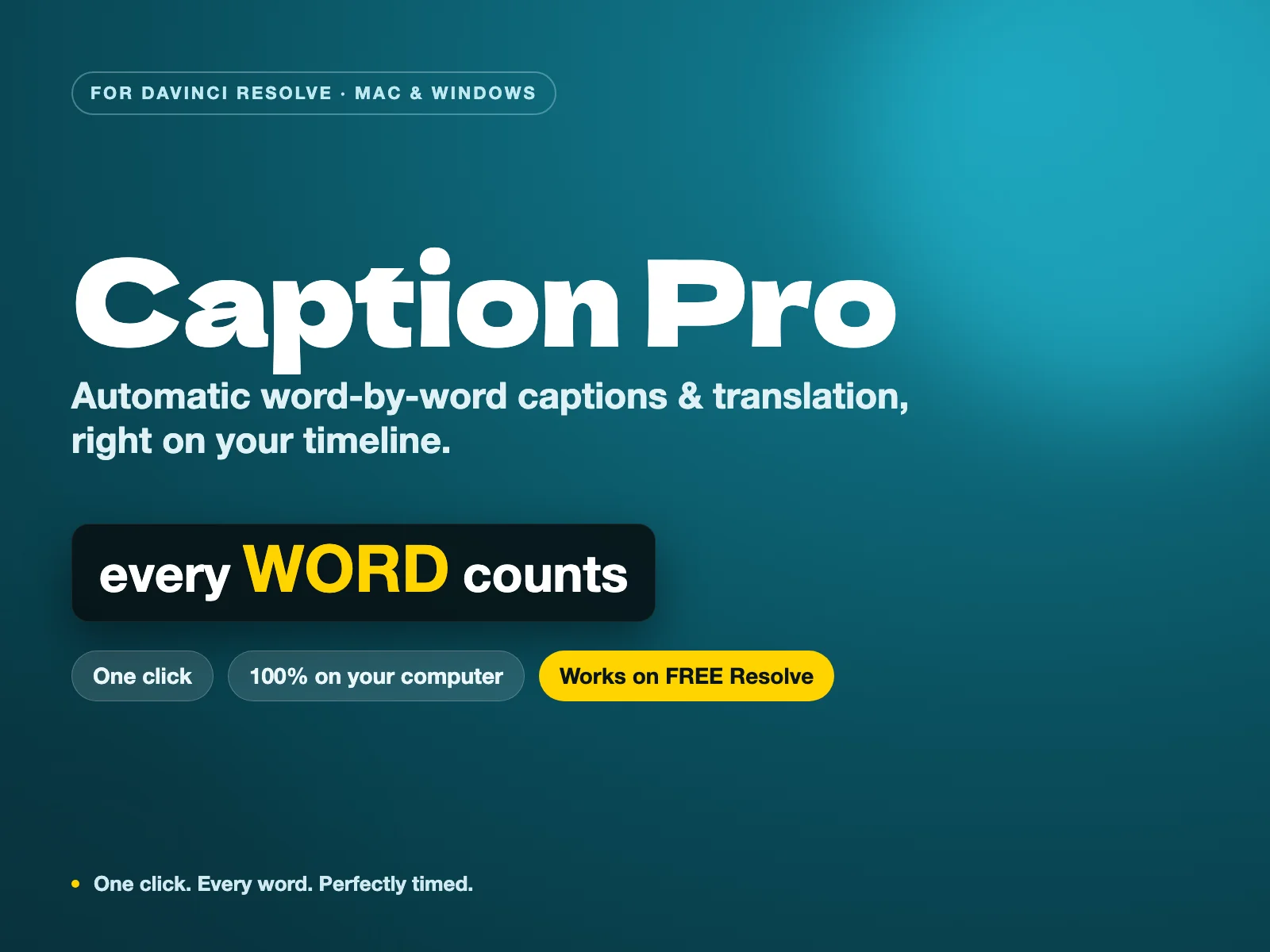
Caption Pro runs Whisper AI 100% locally on your machine. Transcribe your timeline, review and correct the transcript before placement, style animated word-by-word captions, and translate into 100+ languages — for a single perpetual payment with zero subscription.
Related DaVinci Resolve Plugins from the Store