Overview
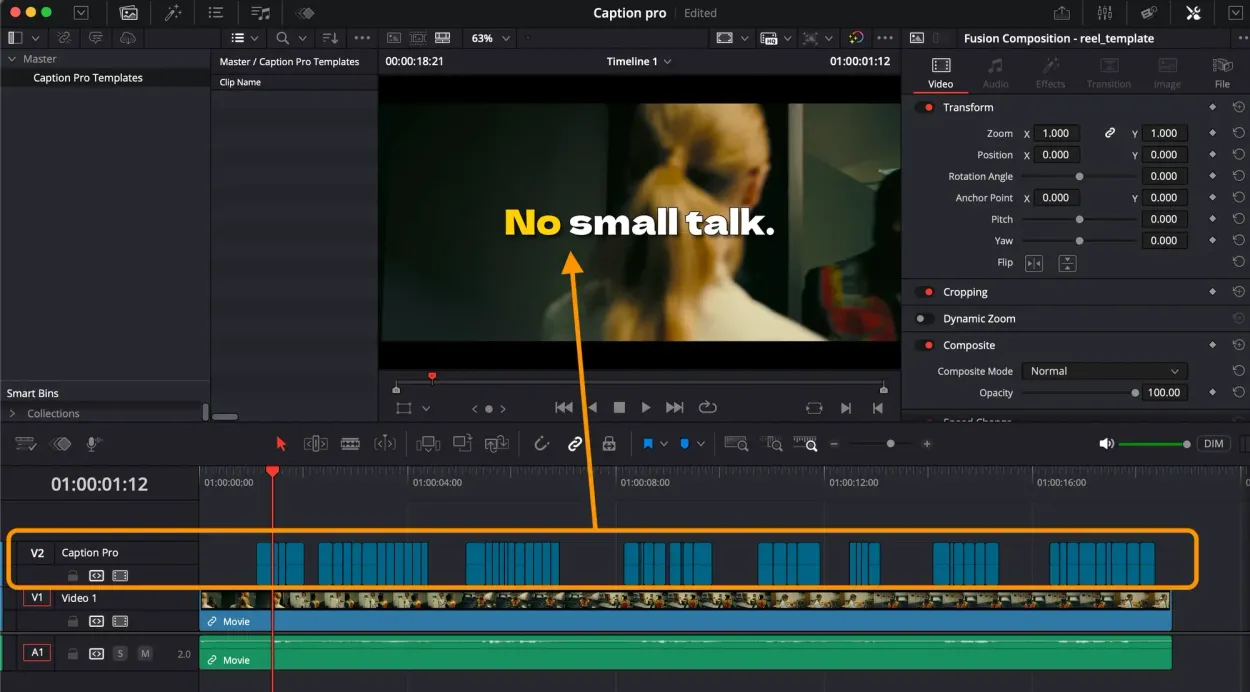
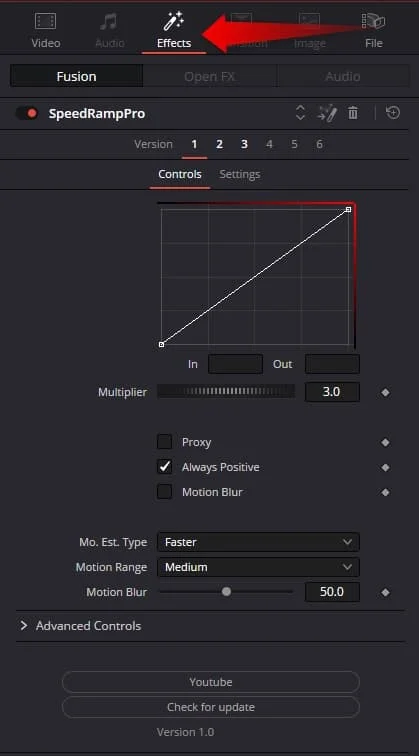
Speed Ramp Lite applies a smooth speed ramp to a clip without touching Resolve's retime curve editor. You set a clip's length, turn it into a compound clip, drop the effect on top, and pick a curve direction: In to accelerate out of a slow start, or Out to ease into a stop.
The timing is preset rather than keyframed by hand, so a usable ramp takes one click and a duration choice. Once the motion looks right you can enable motion blur for the smeared frames a fast ramp needs, then render-cache the Fusion output so playback stays smooth. It is free, but it runs as a Fusion effect on compound clips only, and it needs DaVinci Resolve Studio rather than the free build. macOS and Windows.
Speed Ramp Lite is featured in our comparisons Best Transition Plugins for DaVinci Resolve (2026) and Best Free DaVinci Resolve Plugins (2026).
Stop buying plugins. Build your own.
Every plugin you buy solves someone else's problem. Through The Forge skill packs, you can teach Claude Code to write, test, and install custom DaVinci Resolve tools in plain English. Save money, learn the workflow, and own your tools forever.
Pros
- Completely free with a dead-simple workflow
- No manual keyframes - one-click In/Out curves
- Adds motion blur for polished results
- Fusion-based effect integrates natively into Resolve
Cons
- Requires DaVinci Resolve Studio (not compatible with Free version)
- Works only on compound clips
- Only In and Out curves - no advanced custom curves
- May need render caching for smooth playback
Verdict
This does one job, in and out speed curves on compound clips, and does it without fighting Resolve's native time remapping. It is genuinely limited to that one job though: no custom curve shapes, compound clips only, and it requires Resolve Studio.
Reviewed by JérémyRelated DaVinci Resolve Plugins from the Store