Why I Built a Free Tool to Add White Borders to Photos
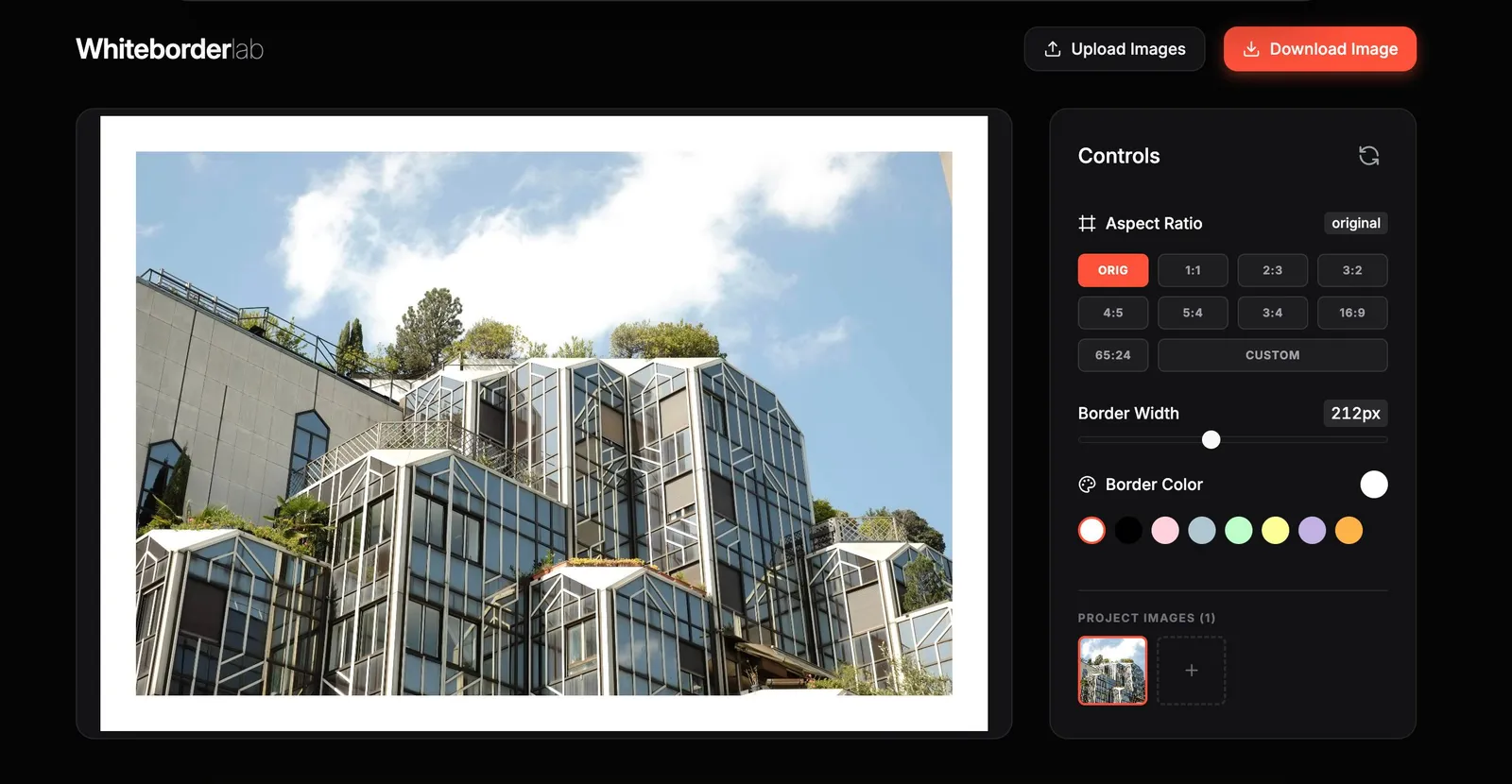
I've been adding white borders to my photos for years. It's a small thing, but it changes how an image feels, especially on social media.
A border frames the photo, it makes it feels more like looking at a print on a wall. But the process of adding borders was not always simple.
Photoshop works, but it's overkill for something so simple. Mobile apps exist (I used snapseed for years), but most are filled with ads or require subscriptions for basic features. Some upload your images to servers you don't control. For something that should take five seconds, it always felt like too much friction.
What it does
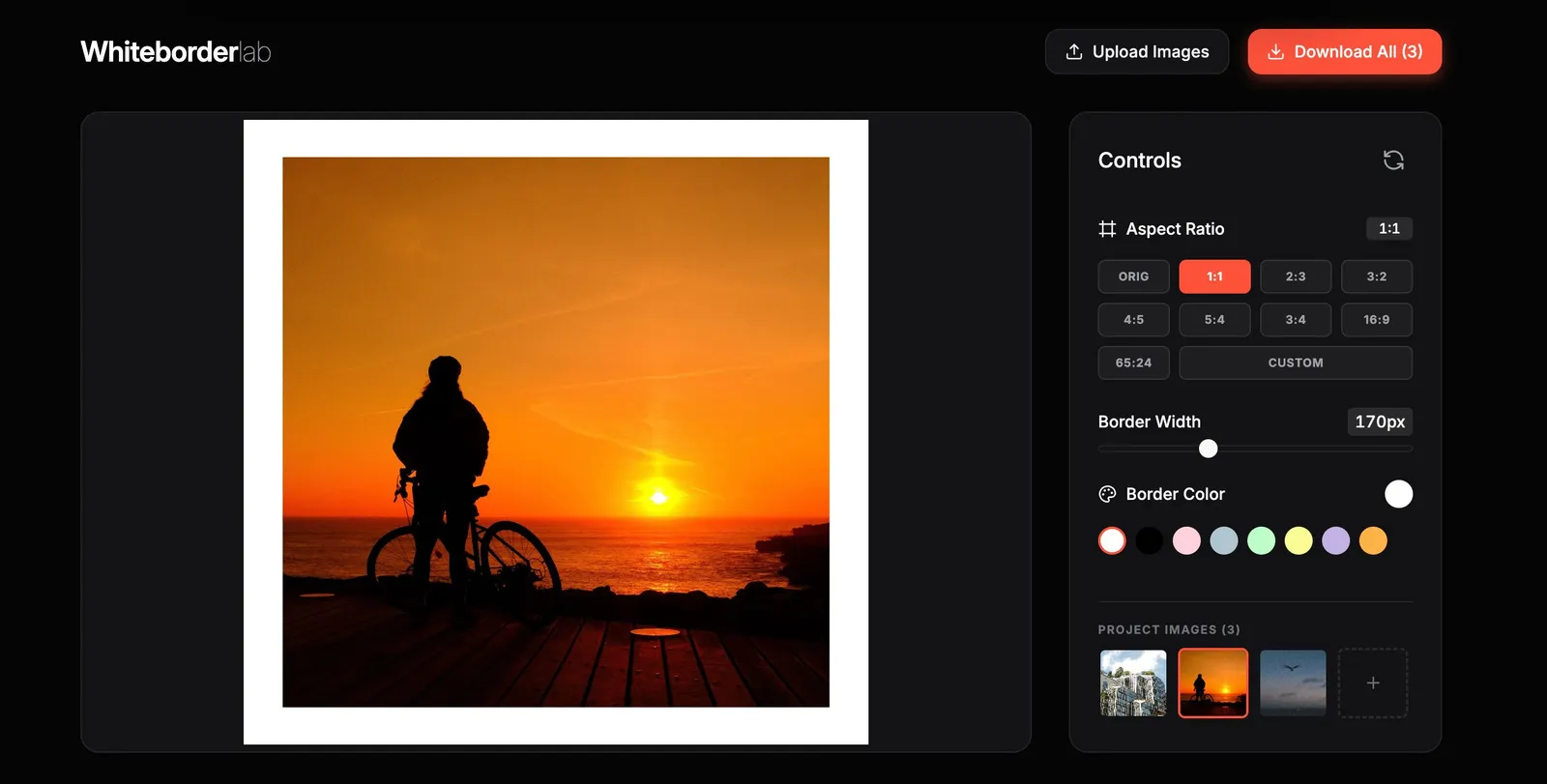
Whiteborder Lab is simple. You upload an image, choose your aspect ratio and border width, pick a color, and download the result.
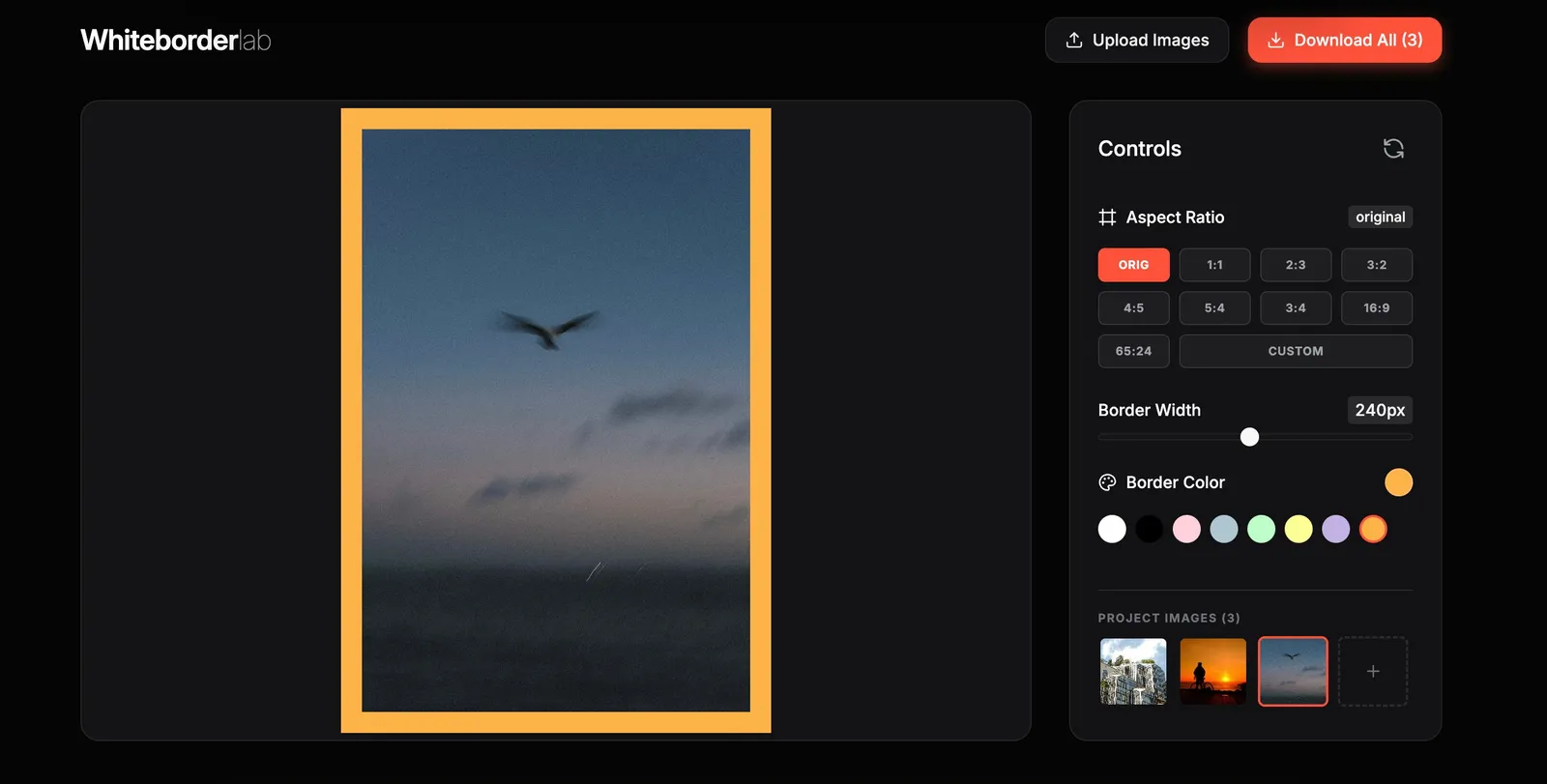
You can keep the original aspect ratio or change it, 1:1 for Instagram, 4:5 for portraits, 3:2 for classic frames, even 65:24 for those xpan-style panoramas. The border width is adjustable. The color can be anything that fits your aesthetic.
It also handles batch processing. You can ipload multiple images, apply the same settings, and download them all. Useful when you're preparing a series for your feed or a carrousel.
Why it's free and private
This was important to me.
Everything runs locally in your browser. Your photos never leave your device. There is no uploads, no cloud storage, and no account required. Just a tool that does one thing and respects your work.
I've seen too many "free" apps that harvest your images or bury basic features behind paywalls. I didn't want to build that. Whiteborder Lab has no subscriptions, no ads, no watermarks. It's free because it should be.
Why I built it
First, I built it for myself. I wanted a fast, clean way to frame my photos before sharing them. Something simple and fast.
Now that I have my own website, I can host tools like this and share them with anyone who finds them useful.
If you use it, I'd love to see the results. Tag me @xere.my on social media, I'm always curious to discover new work.
Try it
Whiteborder Lab is live and free to use.
Help me keep writing
If these articles are useful to you, have a look at what I make.
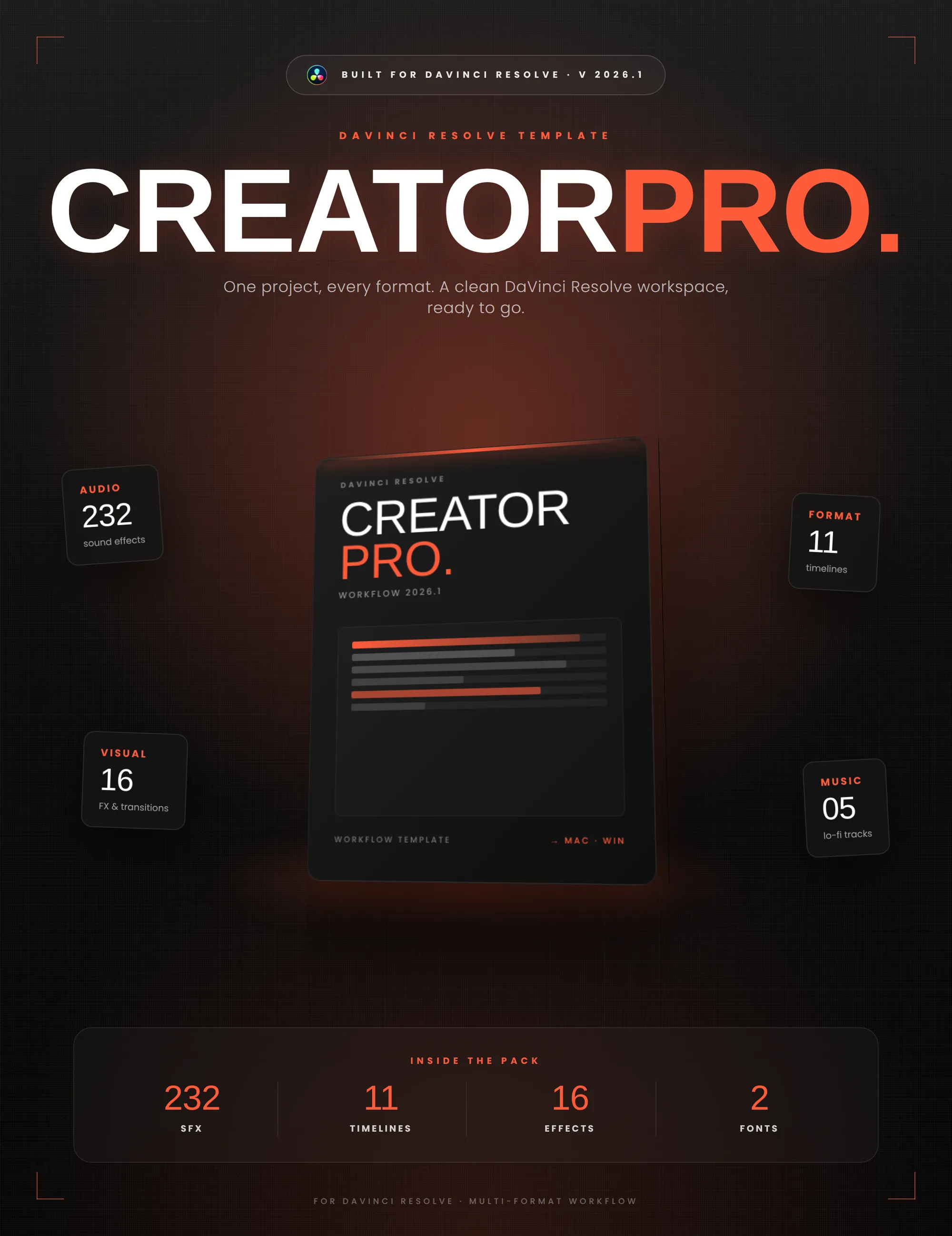
Creator Pro
The ultimate DaVinci Resolve workspace for creators
View plugin — €29.00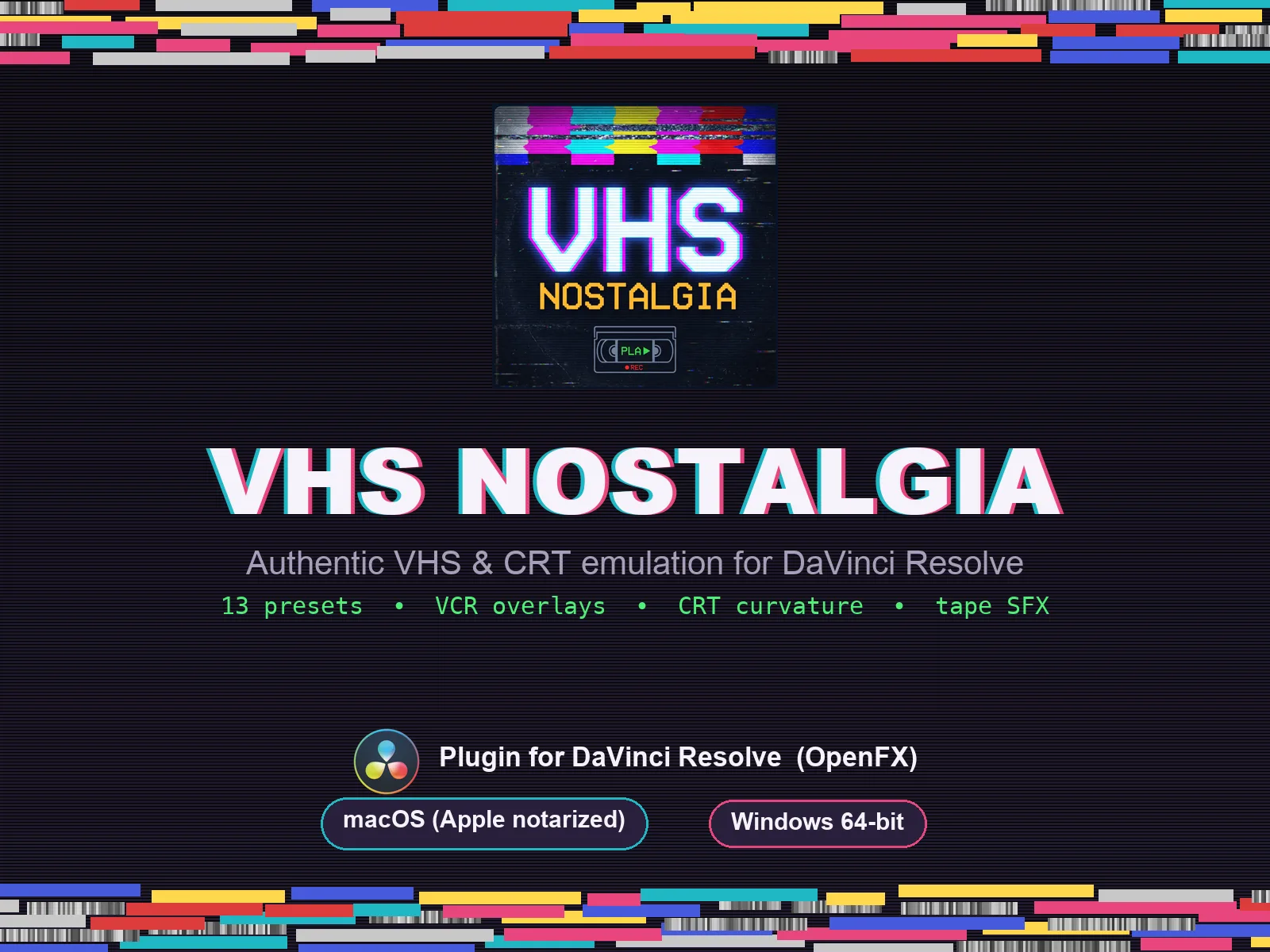
VHS Nostalgia
Real VHS & CRT emulation for DaVinci Resolve
View plugin — €39.00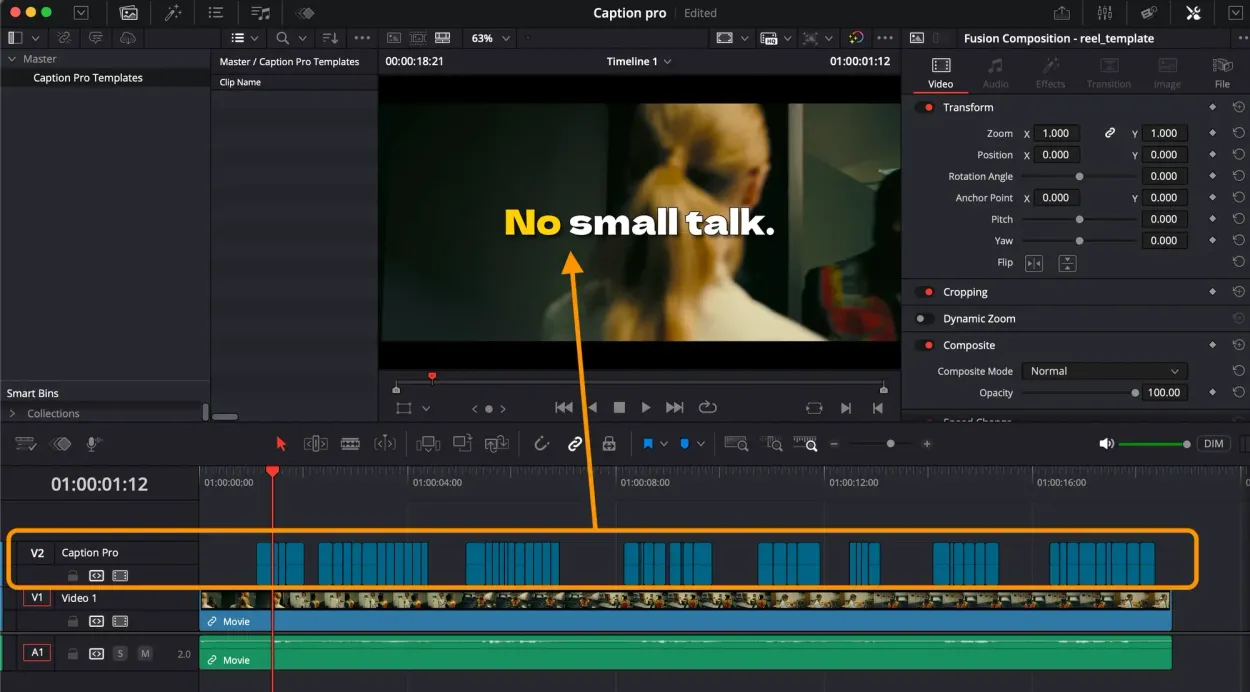
Caption Pro
Automatic word-by-word captions and translation for DaVinci Resolve
View plugin — €29.00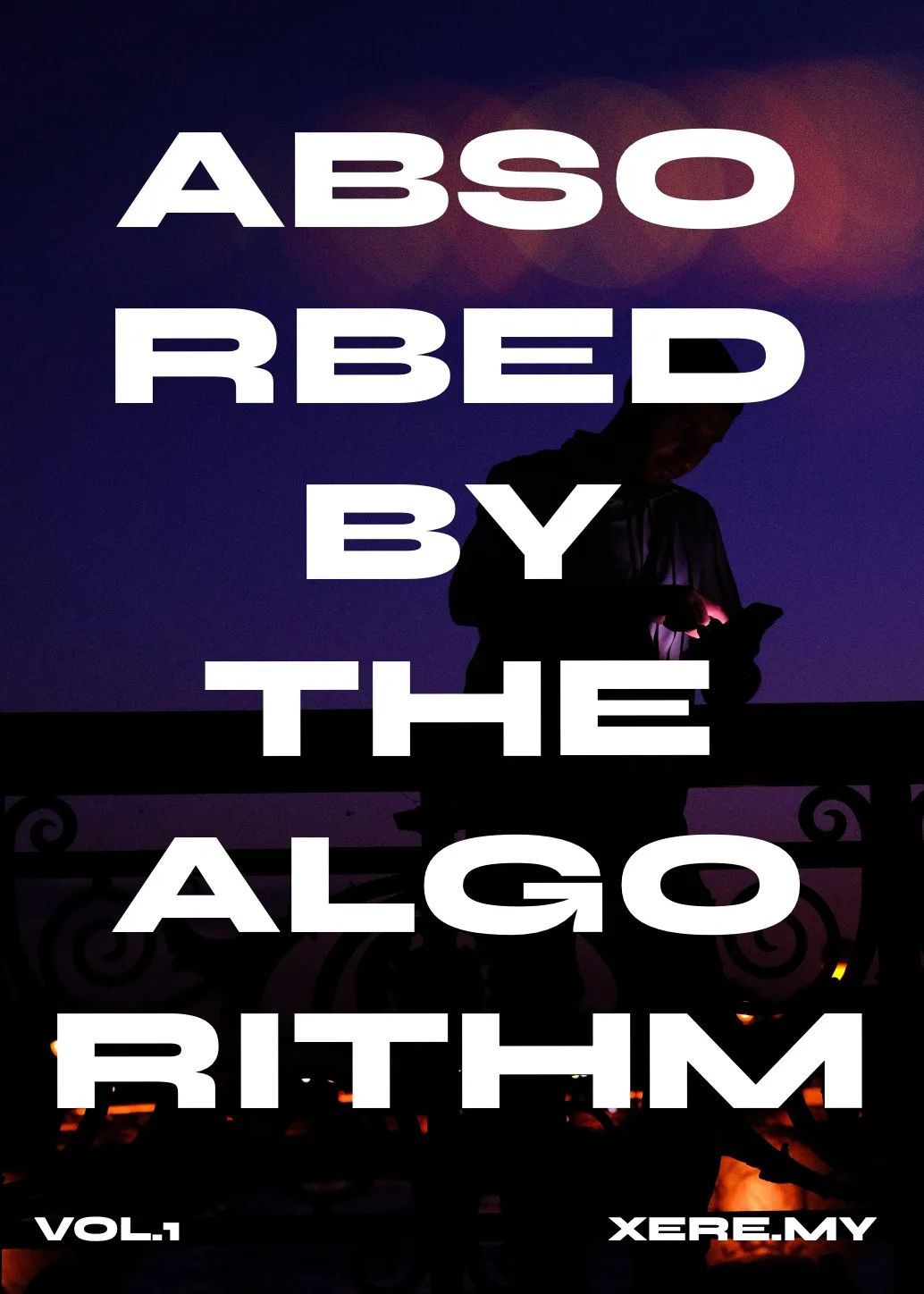
Get the zine
"Absorbed by the algorithm Vol. 1": 33 images shot in Paris, 28 pages, shipped worldwide.