Grading Lab: Why I Built a Color Palette Extractor for Photographers
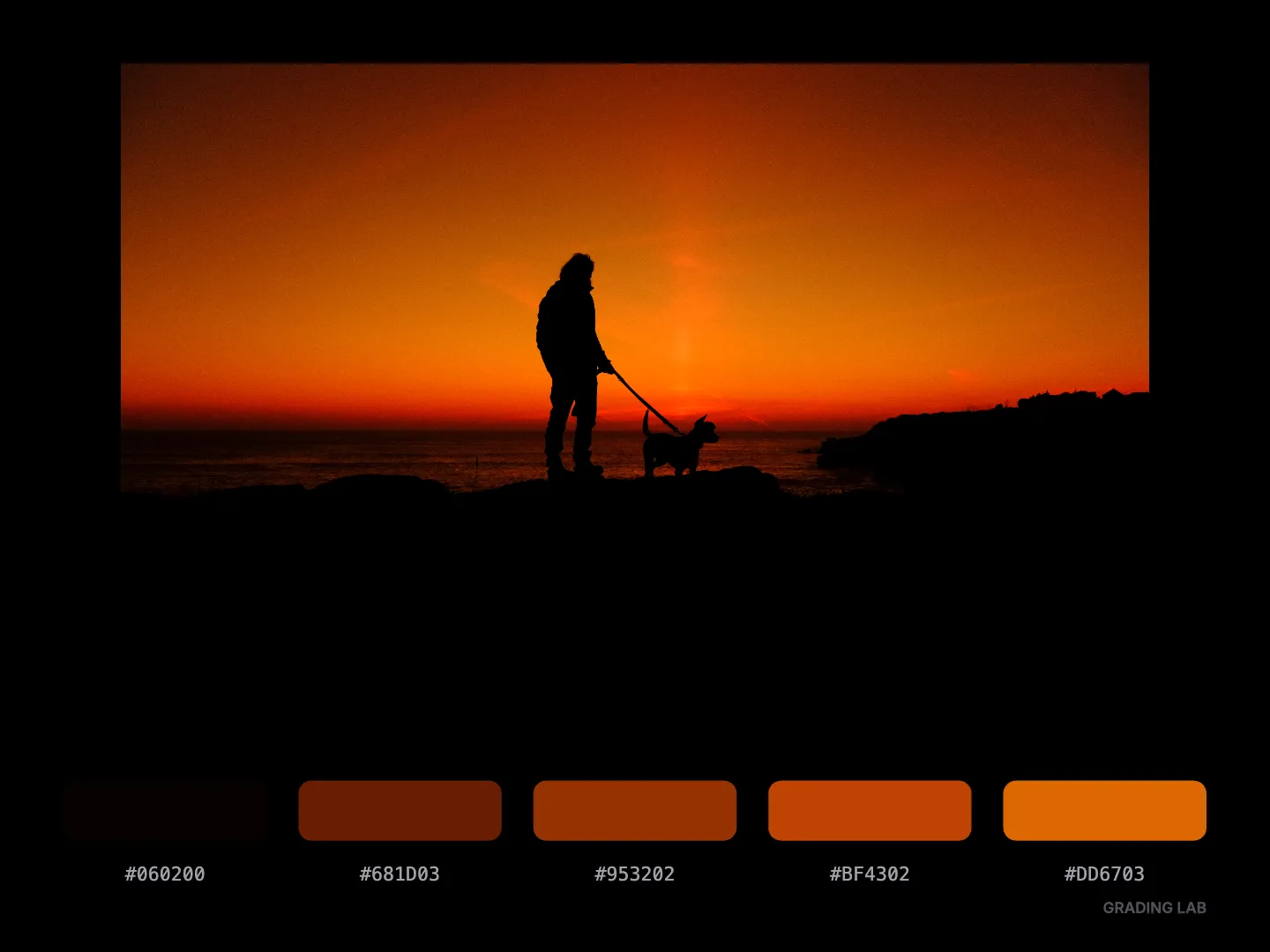
As someone who shoots SOOC, without post-processing in lightroom, understanding color is essential. When I find a look I love, whether it's from a an another photographer work or a frame from a movie, I want to break it down. Understand the colors magic hiding in the image.
But extracting a palette accurately is harder than it looks. Screenshotting and using color pickers is tedious and imprecise.
So I built Grading Lab.
What it does
It's straightforward. You drop in an image, and the tool analyzes the pixels using a median-cut algorithm. It sorts the colors into five distinct tones based on what you're looking for:
- Dominant : The overall main colors of the image
- Shadows : What's happening in the darkest areas
- Highlights : The color signature of the bright parts
You get the hex codes instantly. There is no uploading to external servers, everything happens in your browser, just like my other tools.
I use it mostly to analyze my own SOOC JPEGs. It helps me understand why certain recipes work for certain light, and it helps me stay consistent across a series.
But I also use it on reference images. Frames from films, photos from photographers I admire, or random snapshots that caught my eye. Seeing the breakdown of tones teaches you more about color grading than any tutorial.
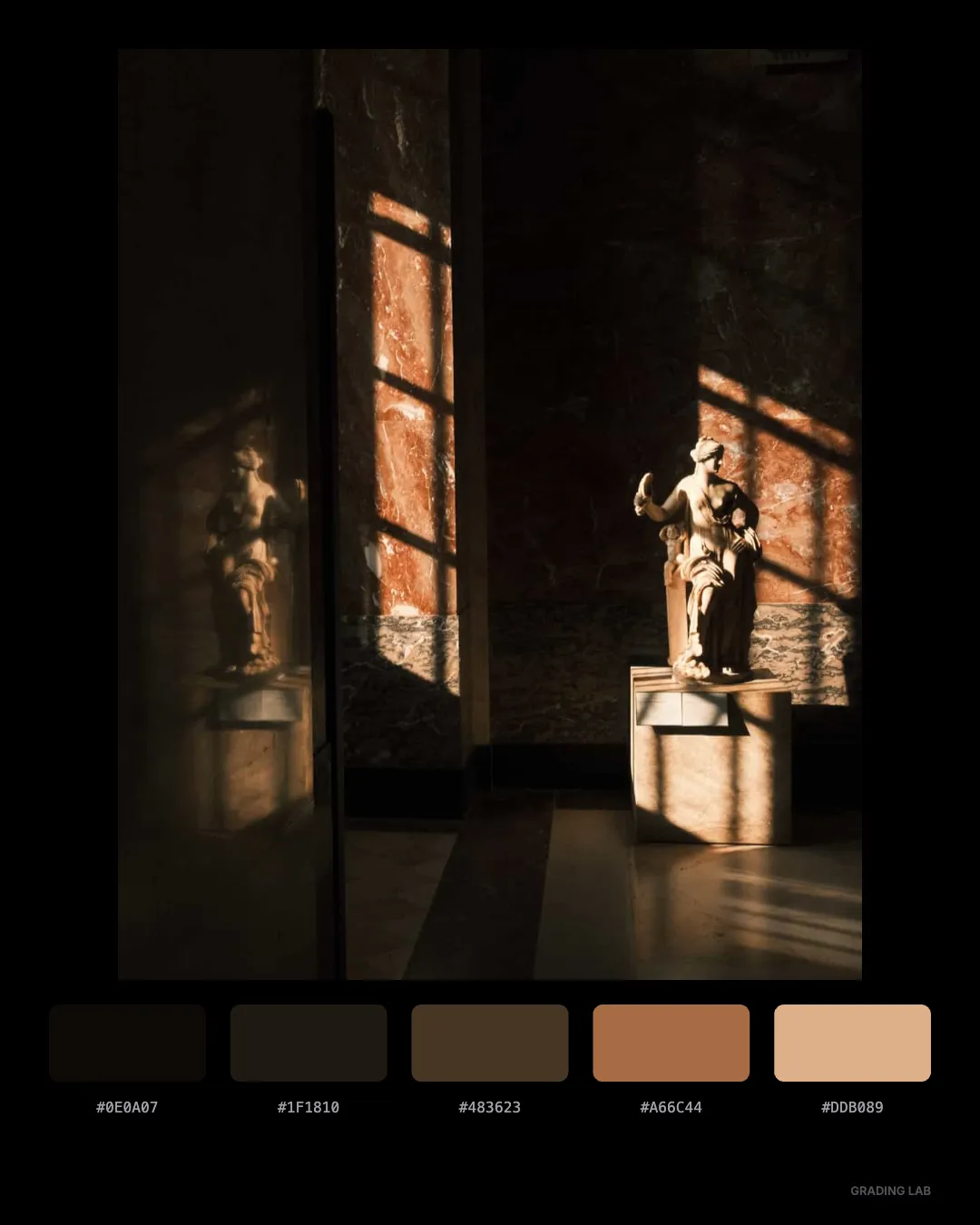
Exporting and sharing
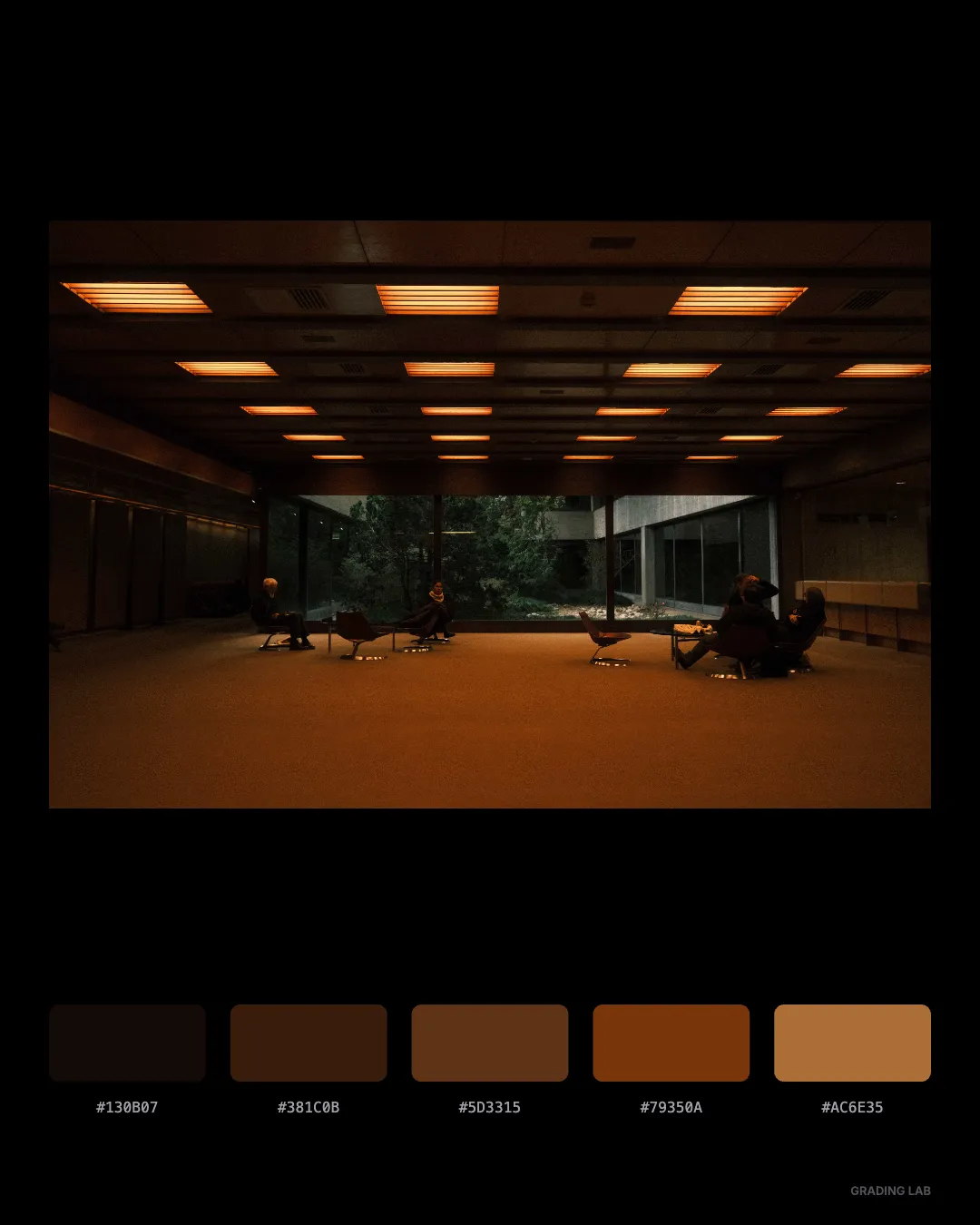
Once you have a palette you like, you can export it as a card in 4:5 or 4:3 format. It is clean and simple. I use these to share on Instagram or save in my notes as a visual reference I can come back to.
If you're into creating Lightroom presets or Capture One styles, those hex codes are a solid starting point for reverse-engineering looks.
Why it's free and private
This goes without saying now, but like everything else on this site: no signup, no fees, no server uploads. Your images stay on your machine. I built this because I needed it, and I'm sharing it because I know other photographers, especially Fujifilm shooters obsessed with recipes, might find it useful.
Try it
If you've ever looked at a photo and wondered what colors are actually in there, give it a shot. Upload a JPEG, switch between the shadow and highlight modes, see what your camera is really doing.
Tag me @xere.my if you discover something interesting. I'm always curious to see what palettes people are working with.
Help me keep writing
If these articles are useful to you, have a look at what I make.
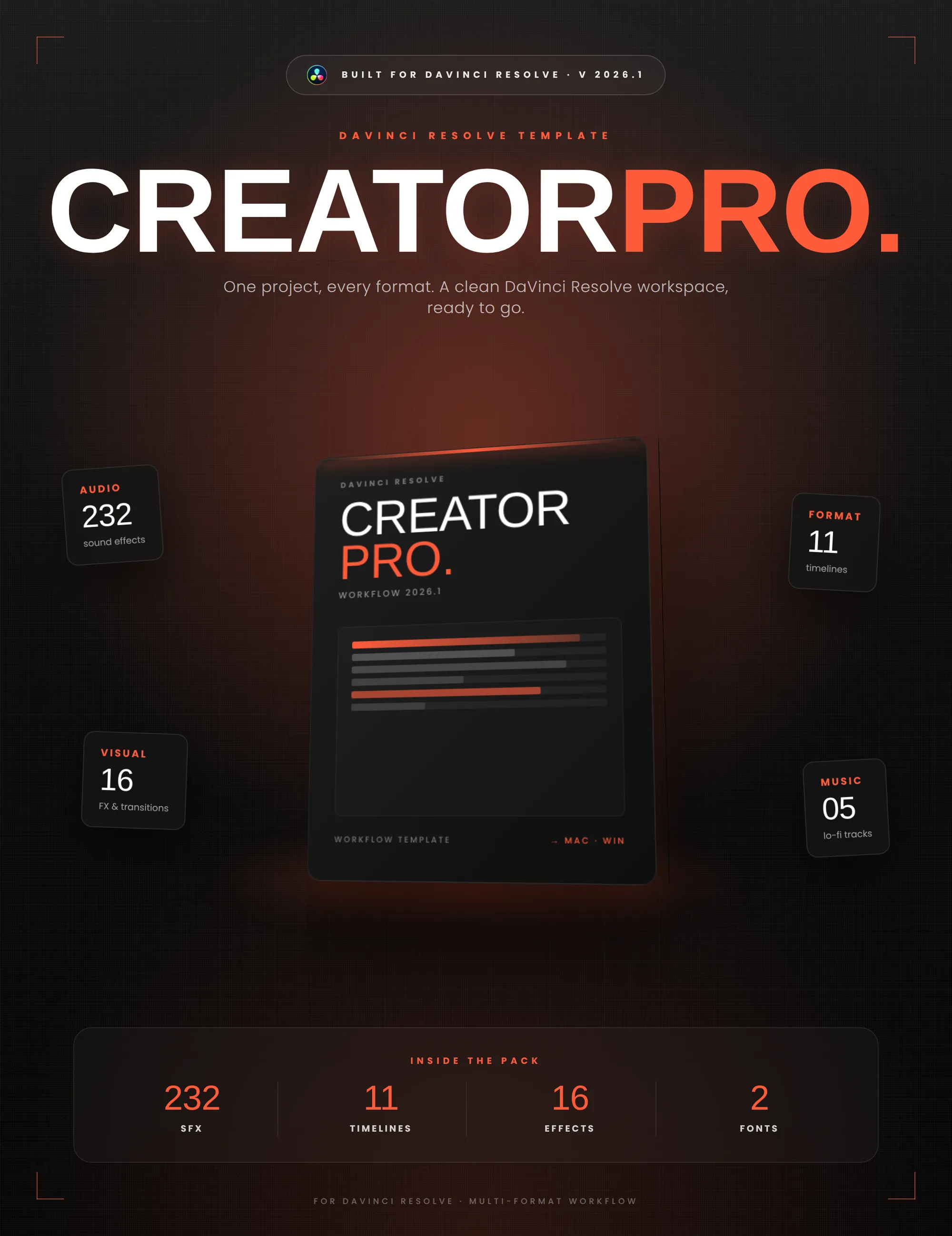
Creator Pro
The ultimate DaVinci Resolve workspace for creators
View plugin — €29.00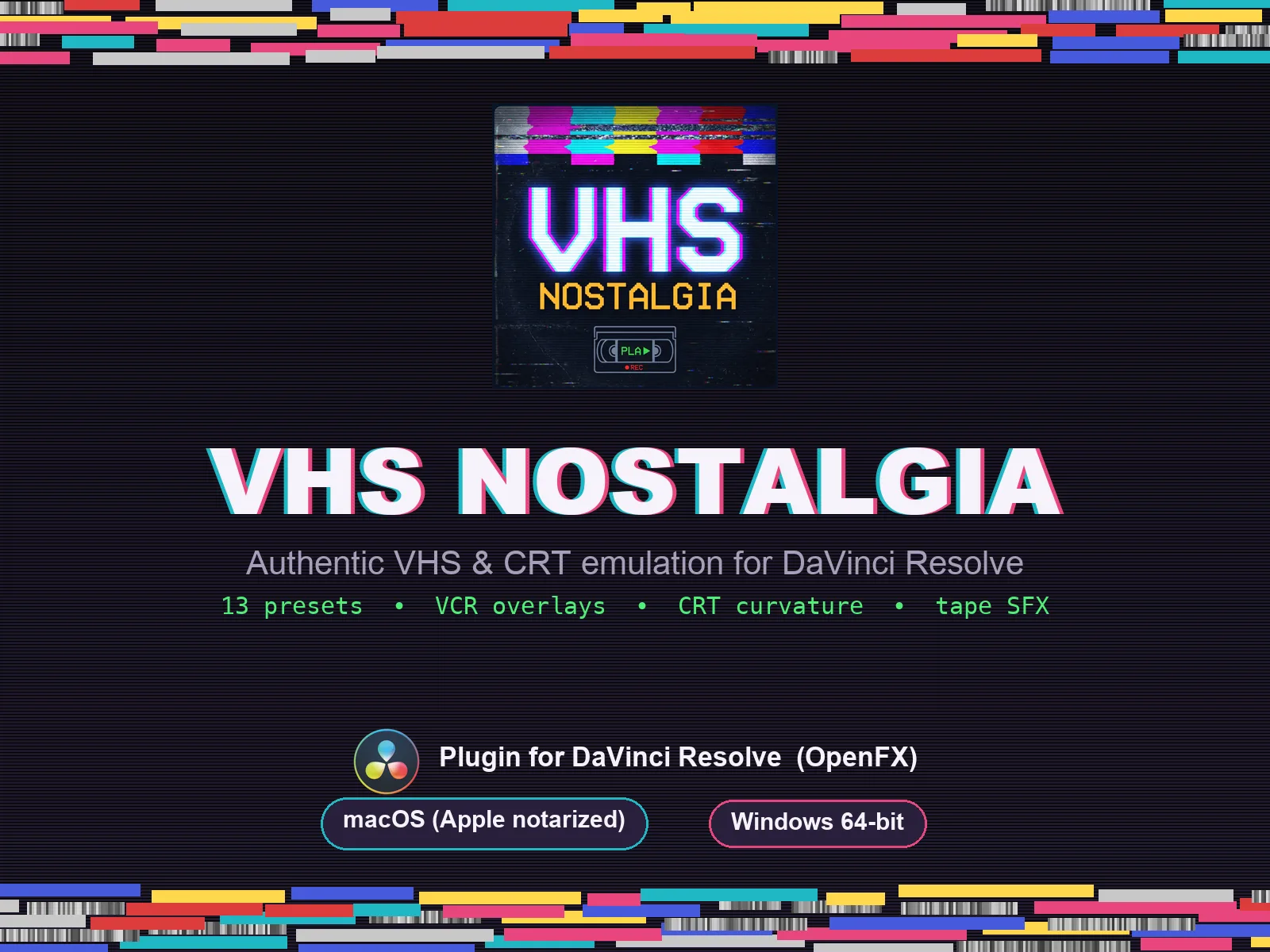
VHS Nostalgia
Real VHS & CRT emulation for DaVinci Resolve
View plugin — €39.00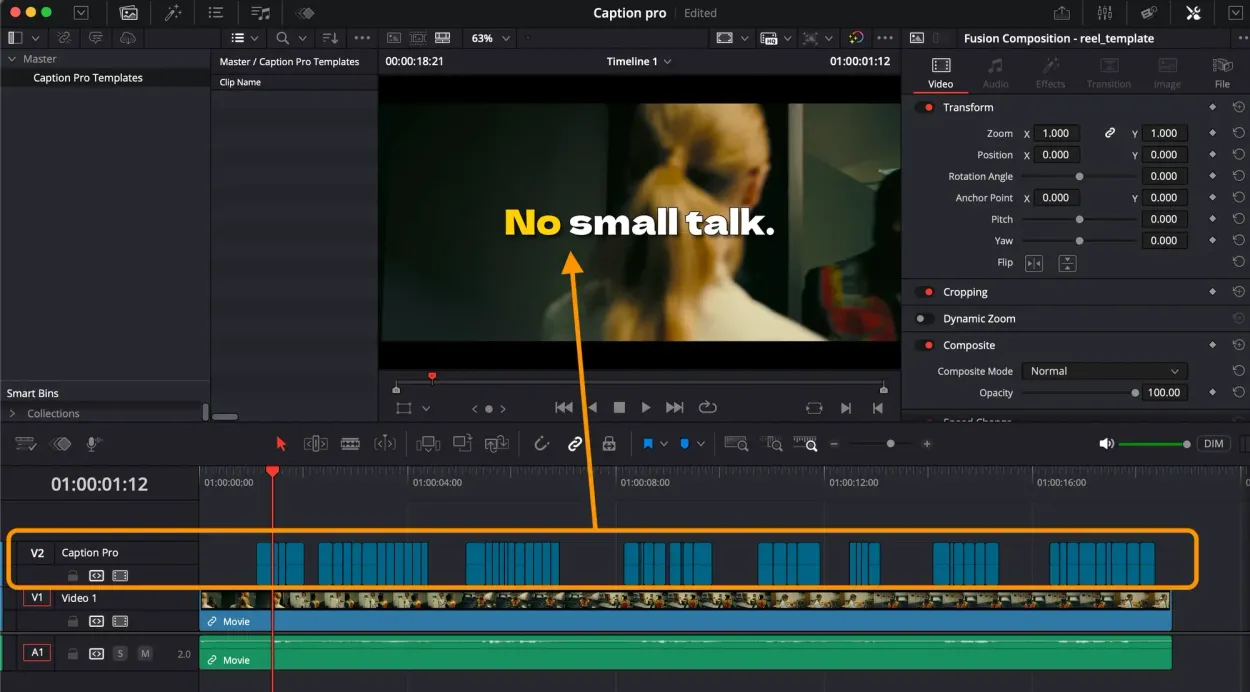
Caption Pro
Automatic word-by-word captions and translation for DaVinci Resolve
View plugin — €29.00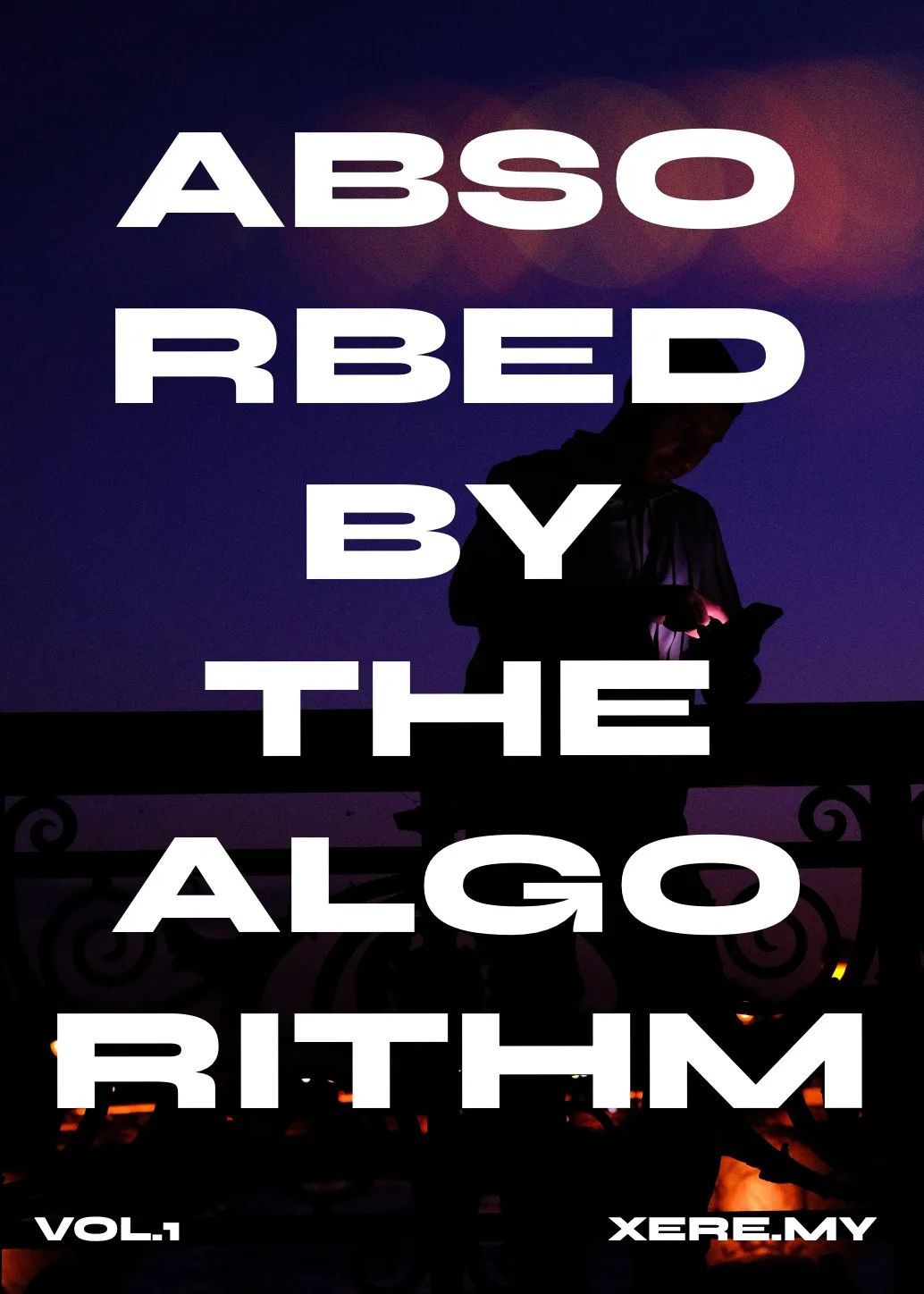
Get the zine
"Absorbed by the algorithm Vol. 1": 33 images shot in Paris, 28 pages, shipped worldwide.