DaVinci Resolve 21.1: AI Assistants, Fujifilm on the Photo Page, and What Actually Matters
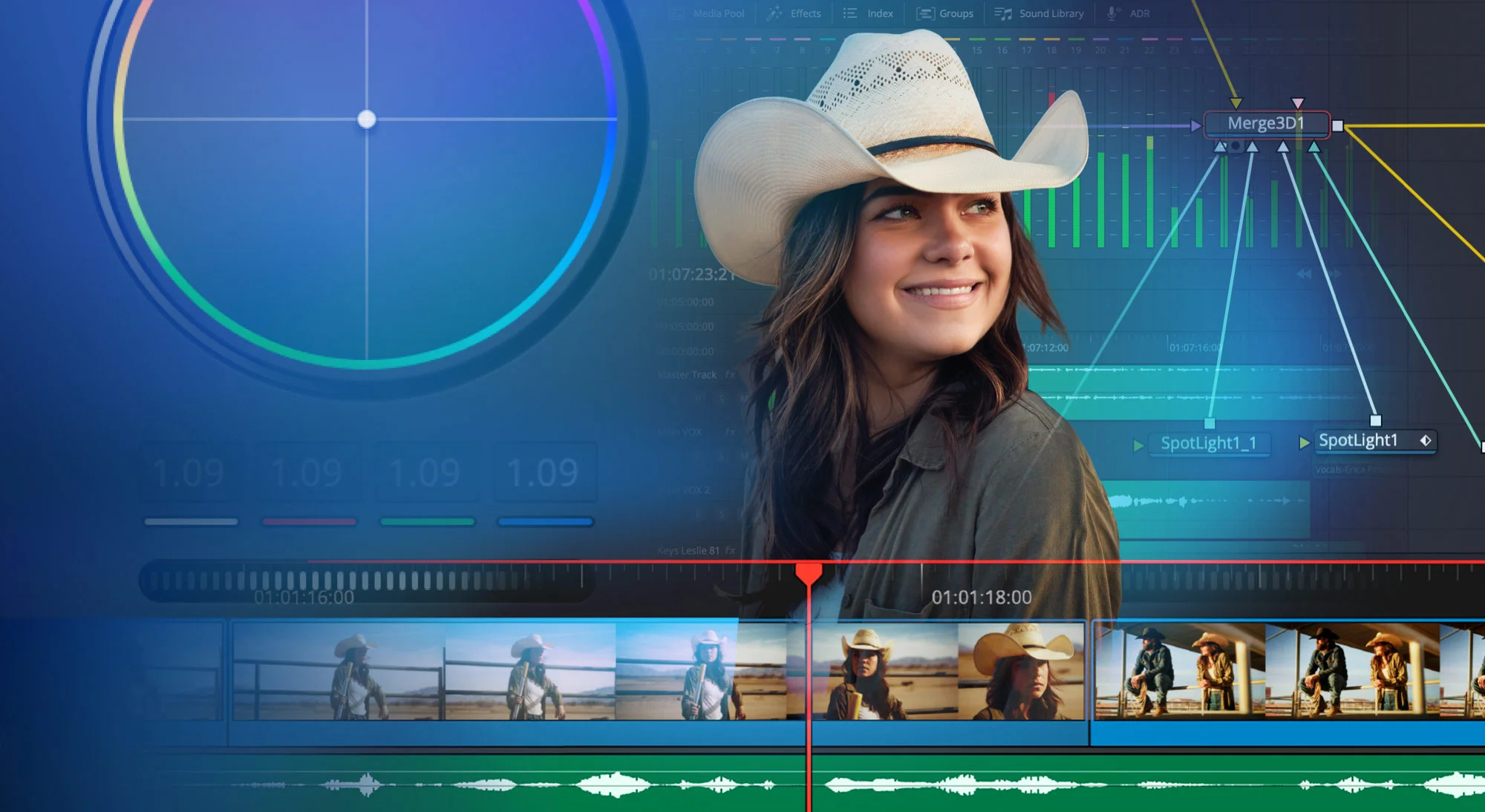
When DaVinci Resolve 21 went stable in early June 2026, it already felt like a turning point. It brought eight neural tools and introduced a dedicated Photo page that put a node-based Hollywood color engine right into Lightroom's backyard.
On 8 September 2026, on the opening eve of IBC in Amsterdam, Blackmagic Design shipped DaVinci Resolve 21.1.
In Blackmagic fashion, what other software vendors call a "point release" is packed like a major upgrade. There is no subscription, no upgrade fee, and the build is available immediately for both the free version and Studio licence holders.
| Announced | 8 September 2026 (IBC Amsterdam) |
|---|---|
| Availability | Immediate stable download |
| Base version | Free |
| Studio upgrade | Free for existing Studio licence holders |
| AI integration | Claude, Claude Code, ChatGPT Codex (MCP / Scripting) |
| Photo page | Fujifilm GFX & X series, Leica SL, Sony A7R VI, Micro Panel |
| Fusion | 25+ new Krokodove tools, DRFX macro auto-detection |
| Scripting | 20 new APIs with console integration |
| macOS / Windows | Hardware HEIC on Apple Silicon, NVIDIA RTX Spark on Windows |
The release contains over a hundred changes. I am not going to regurgitate the entire changelog. I am going to focus on the three shifts that genuinely impact daily post-production: giving AI assistants a real seat on your timeline, opening the Photo page to Fujifilm shooters, and the editing refinements that save hours of clicking.
Blackmagic just gave Claude and ChatGPT a seat on your timeline
This is the headline change, and if you have followed my work over the last few months, you know why it matters to me.
Back in July, I wrote about how six months of plugin work turned into two AI workers for DaVinci Resolve, followed by 10 plugin ideas you can build without coding. The idea was straightforward: the most exhausting parts of editing—organizing incoming media, restructuring bins, renaming deliverables, parsing markers, batch exporting stills—are programmatic grunt work. They do not require creative intuition; they require consistency.
With DaVinci Resolve 21.1, Blackmagic Design built that bridge natively. Resolve now supports direct integration with AI assistants—specifically naming Claude, Claude Code, and ChatGPT Codex—via a native Model Context Protocol (MCP) server and scripting bridge.
What does that look like in practice? Instead of manually digging through bins and menus, you can prompt your assistant in plain English:
- "Scan the media pool, organize today's clips by scene and camera angle, and flag anything with clipped audio."
- "Build a rough highlight reel from the primary interview using the timeline transcript."
- "Remove unselected takes from bin 03 and create proxy render jobs for the remaining B-roll."
- "Queue delivery exports for YouTube 4K, vertical 9:16, and an SDR review copy."
As Grant Petty noted in the announcement, the purpose is not to replace the editor's taste, but to remove the mechanical friction that drains your creative energy before you even lay down the first cut.
For anyone who already uses The Forge, this is massive news. The Forge equips Claude Code with the deep, hard-won knowledge of Resolve's API quirks, OFX specifications, and packaging pipelines. DaVinci Resolve 21.1 adds 20 new scripting APIs with interactive console support, giving our AI workers substantially more surface area to inspect and manipulate. The two do not compete; they compound.
The Forge, Creator edition
Build your own DaVinci Resolve automation tools in plain English with Claude Code. Skill pack, starter plugins with tests, 6-chapter guide, and installers for Mac and Windows.
The Photo page welcomes Fujifilm (and tactile grading panels)
When Resolve 21 introduced the Photo page, I was excited by the concept: ditching Lightroom's rigid sliders in favor of the node-based color engine I already use for video. But version 21.0 had an obvious blind spot for my personal setup.
I shoot almost all my photography on Fujifilm—alternating between my Fujifilm X-E5 with the 23mm pancake, my X-T30 II, and an older X-E1. In 21.0, Fujifilm RAW support was patchy, forcing me to rely on SOOC JPEGs or manual conversions.
Resolve 21.1 fixes this completely. The Photo page now provides native RAW decoding for Fujifilm GFX and X series, alongside the Leica SL and Sony A7R VI.
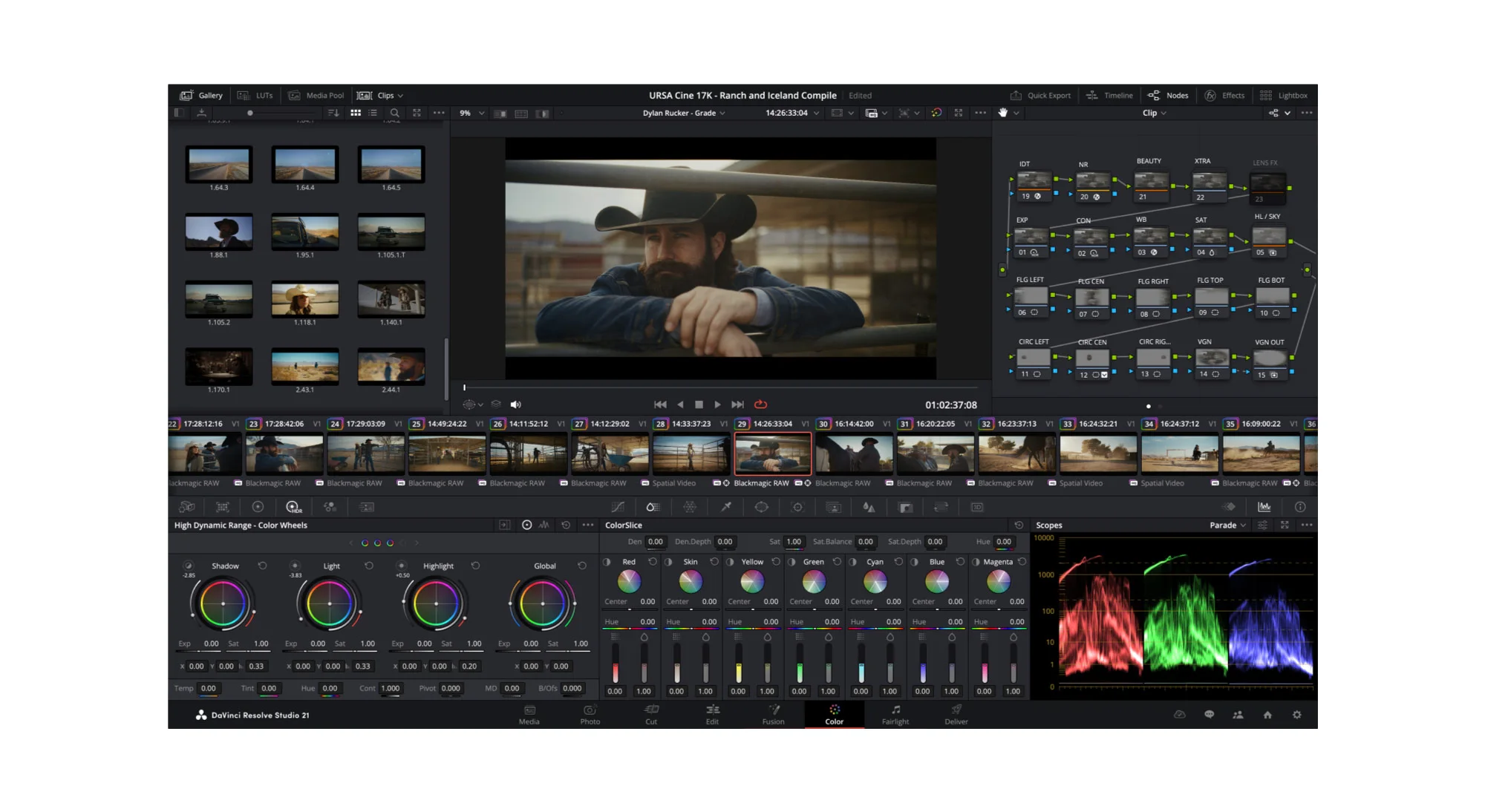
Even better: you can now adjust Photo page parameters in the Inspector using DaVinci Resolve color panels, including the DaVinci Resolve Micro Color Panel.
If you have ever graded stills using physical trackballs and weighted aluminum dials rather than dragging a tiny slider with a mouse, you know how much faster your eye evaluates tonal balance. Having tactile control over lift, gamma, gain, and color balance on a still portrait bridges the physical gap between video post-production and still photography.
For my hybrid stills and video workflow, this brings everything under one roof. I can shoot a travel story on my X-E5, import both 4K footage and RAW stills into a single project, grade the stills on the Photo page using my existing node structure, and finish them with Halation Lab or Whiteborder Lab before publishing.
Multicam, trimming, and editing quality-of-life
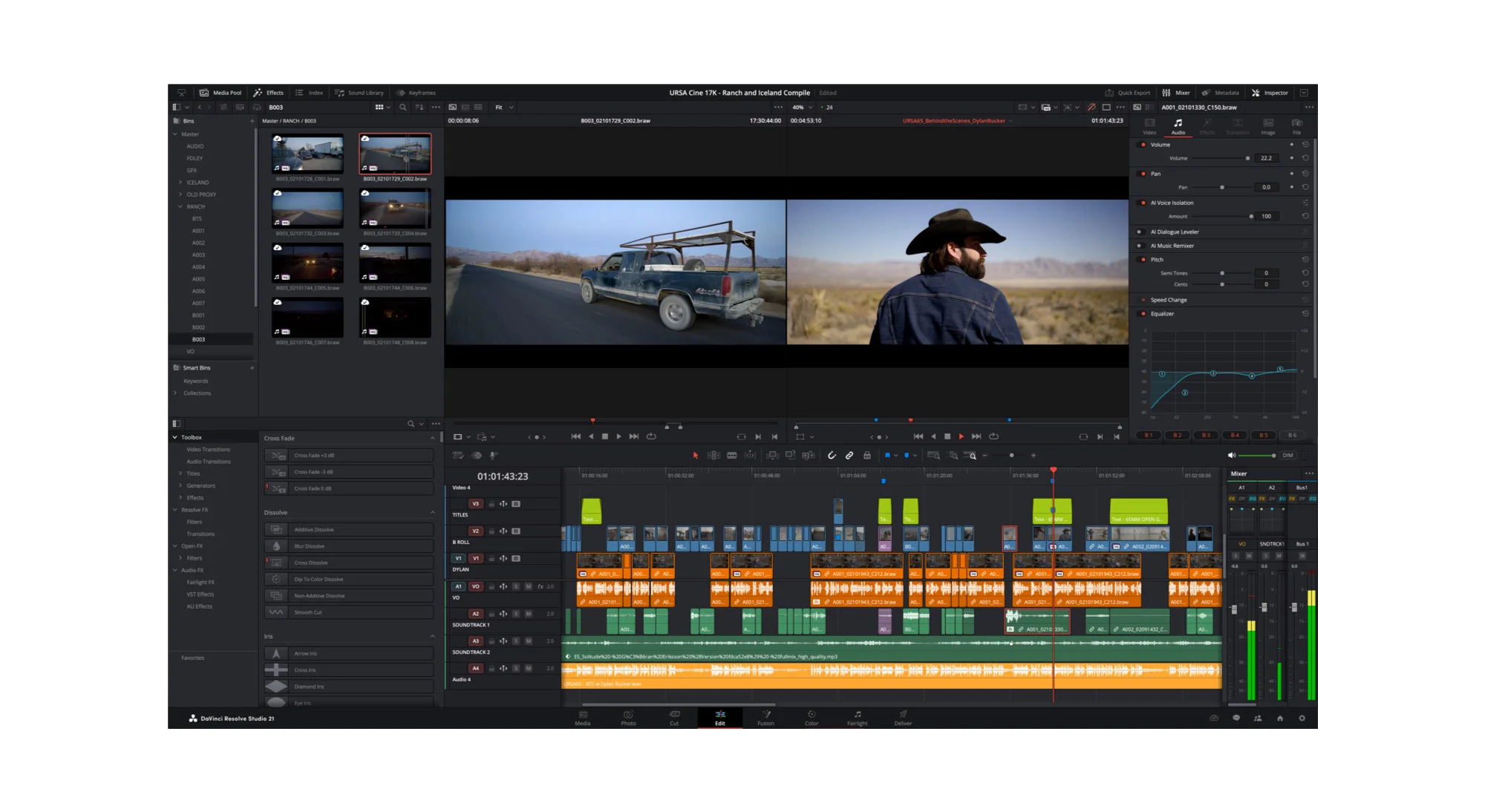
The Edit and Cut pages received several updates that remove everyday annoyances:
- Timeline Multicam Viewer button: A new button on the timeline viewer shows the current clip in the source viewer, letting you switch camera angles seamlessly. Crucially, when you preview other assets in the media pool, the source viewer automatically switches back to multicam mode the moment you return to the timeline.
- Timecode break splitting: When generating multicam clips, Resolve can now automatically split clips at timecode interruptions, speeding up sync on multi-camera documentary and event shoots.
- Expanded keyboard control: Shortcuts now support up to 25 multicam angles and up to 32 audio/video tracks.
- Auto-resizing waveforms: Audio waveforms on the timeline now scale automatically according to the track height, making quiet dialogue clips easy to read without manual level boosting.
- In-viewer trim dragging: The trim editor now supports direct drag adjustments inside the viewer for frame-accurate cuts.
- Inspector presets: You can now save and recall inspector presets for video, audio, transitions, and transforms. If you apply the same scaling, reframe, or audio EQ to specific kinds of assets, you no longer have to copy-paste attributes manually.
- PDF Marker reports from the index: You can now export your marker list as a cleanly formatted
.pdfreport directly from the index. (Ironically, this was tool #2 on my list of 10 plugin ideas you can build without coding—Blackmagic clearly agreed it was needed).
If you work on structured edits, pairing these updates with Creator Pro or my guide on how to organize a DaVinci Resolve project keeps your timeline clean from day one.
Multi-master HDR trims and color science
On the Color page, Blackmagic addressed one of the biggest headaches in high-end delivery: Multi-Master Trim Passes.
Resolve 21.1 introduces independent trim passes for Dolby Vision, HDR10+, and HDR Vivid. Previously, colorists managing multiple HDR deliverable tiers often had to accept shared compromise trims. Now, you can grade each HDR format independently without affecting the others.
Destination scaling can be customized per trim pass (essential when delivering different aspect ratios like 16:9 and vertical), and timeline caching is handled individually per trim so switching passes does not trigger a time-consuming cache rebuild.
Color management also expands with native support for:
- GoPro Log
- Leica L-Log
- DJI D-Gamut2 and D-Log2
- Vivo Wide Gamut and Log
- Additional camera conversion LUTs and updated ACES color space options.
Fusion gets 25+ Krokodove tools and DRFX macros
Motion graphics artists get a massive injection of procedural power. Resolve 21.1 incorporates more than 25 new Krokodove tools into Fusion:
Connect 3D: Generates procedural connections and meshes between vertices.Heightfield Create 3D: Creates depth-based distortions using image displacement maps.Tube Create 3D: Generates paths and geometric extrusions along spline trajectories.3D Region: Restricts volumetric effects to defined boundaries within the 3D scene.sPrimitive: Instant procedural shapes including crosses, polygons, stars, and rectangles, paired with advanced contour operators.
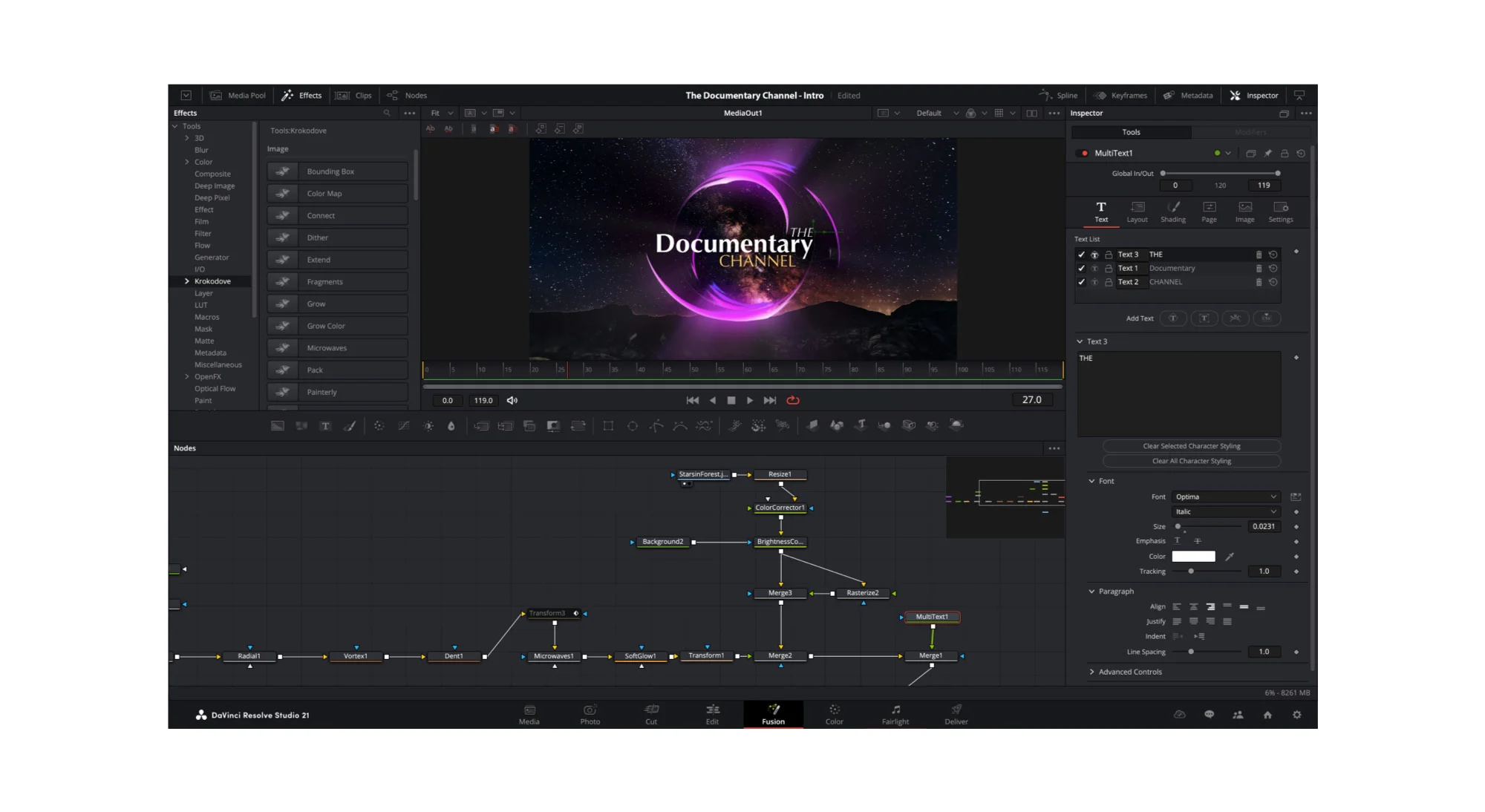
The Fusion macro editor has also been overhauled. It now auto-detects and loads macros directly from .drfx template bundles, allows saving to specific Edit or Cut page categories, and supports updating macros on the fly from selected tools while preserving layout customizations. If you use custom titles or motion packs, check out my breakdown of the best DaVinci Resolve templates.
Performance and hardware acceleration
Under the hood, 21.1 takes advantage of newer silicon:
- Apple Silicon: Hardware-accelerated HEIC image decoding, making photo browsing on Mac blazingly fast.
- GPU acceleration: GPU-accelerated HTJ2K decoding via Kakadu for faster playback and rendering.
- Windows: Support for NVIDIA RTX Spark systems.
- Blackmagic Cloud Presentations: Adds support for subtitle rendering, annotation sharing, and threaded comment replies for streamlined client review.
If you generate subtitles or work with multilingual timelines, pair this with Caption Pro to generate frame-accurate word-by-word animated captions locally without recurring cloud transcription bills.
Caption Pro for DaVinci Resolve
Generate frame-accurate, word-by-word animated captions directly on your timeline. Runs Whisper locally on your machine with zero subscription fees.
What it costs and where to get it
As always with Blackmagic Design:
- The update is free. If you already own a DaVinci Resolve Studio licence (dongle or activation code), version 21.1 is a free download.
- The free version of Resolve 21.1 is also available immediately with no time limit or watermark, supporting resolutions up to Ultra HD 4K at 60 fps.
You can download the installer directly from Blackmagic Design's official support page, or read their official press announcement.
The verdict
DaVinci Resolve 21.1 is not just a bug-fix update. By opening a native channel to AI assistants like Claude and ChatGPT, Blackmagic is validating the very workflow shift we have been experimenting with in The Forge.
Add native Fujifilm RAW support, tactile color panel integration for photographers, and multi-master HDR trim passes, and 21.1 solidifies Resolve's position as the most versatile, forward-looking post-production environment available today.
Help me keep writing
If these articles are useful to you, have a look at what I make.
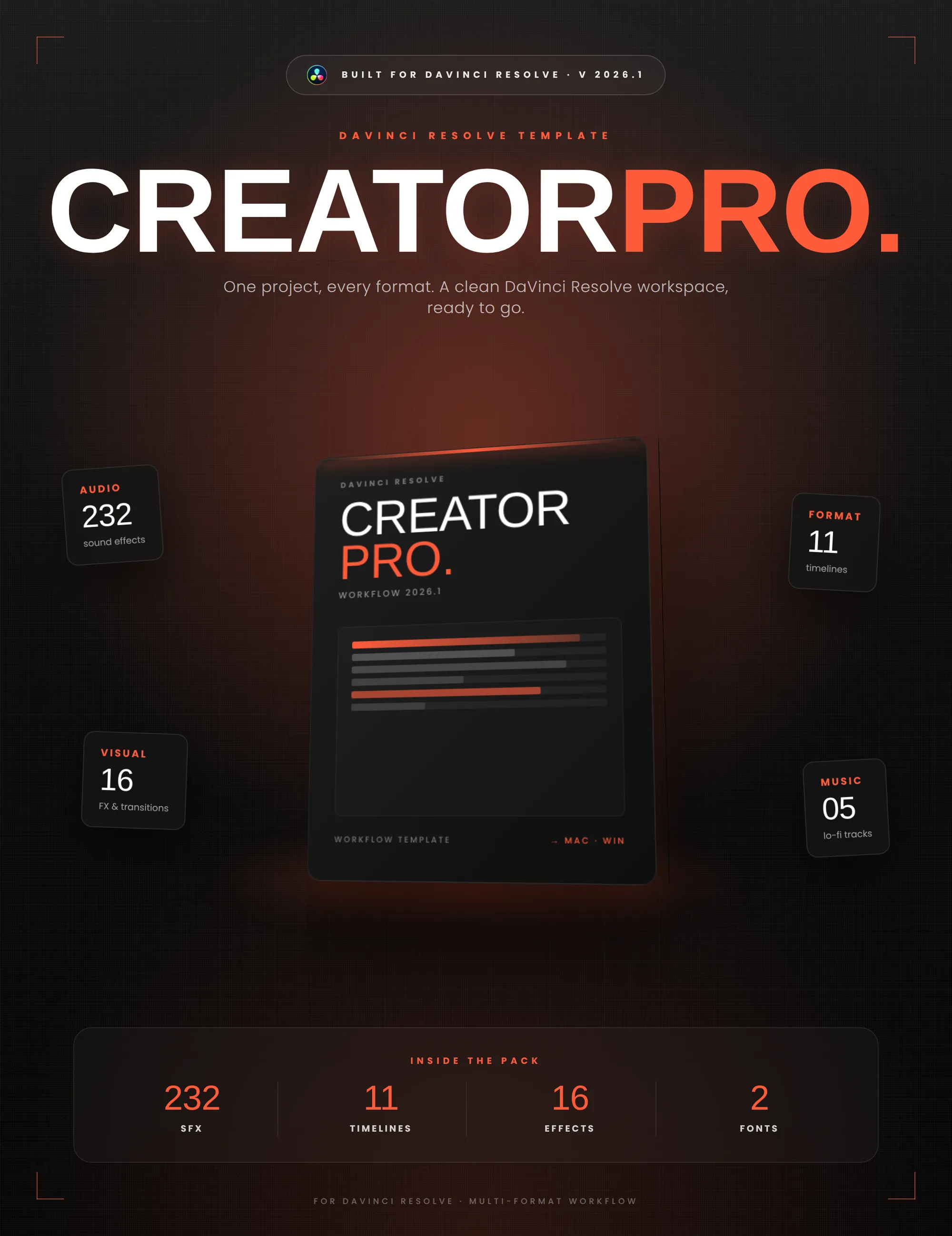
Creator Pro
The ultimate DaVinci Resolve workspace for creators
View plugin — €29.00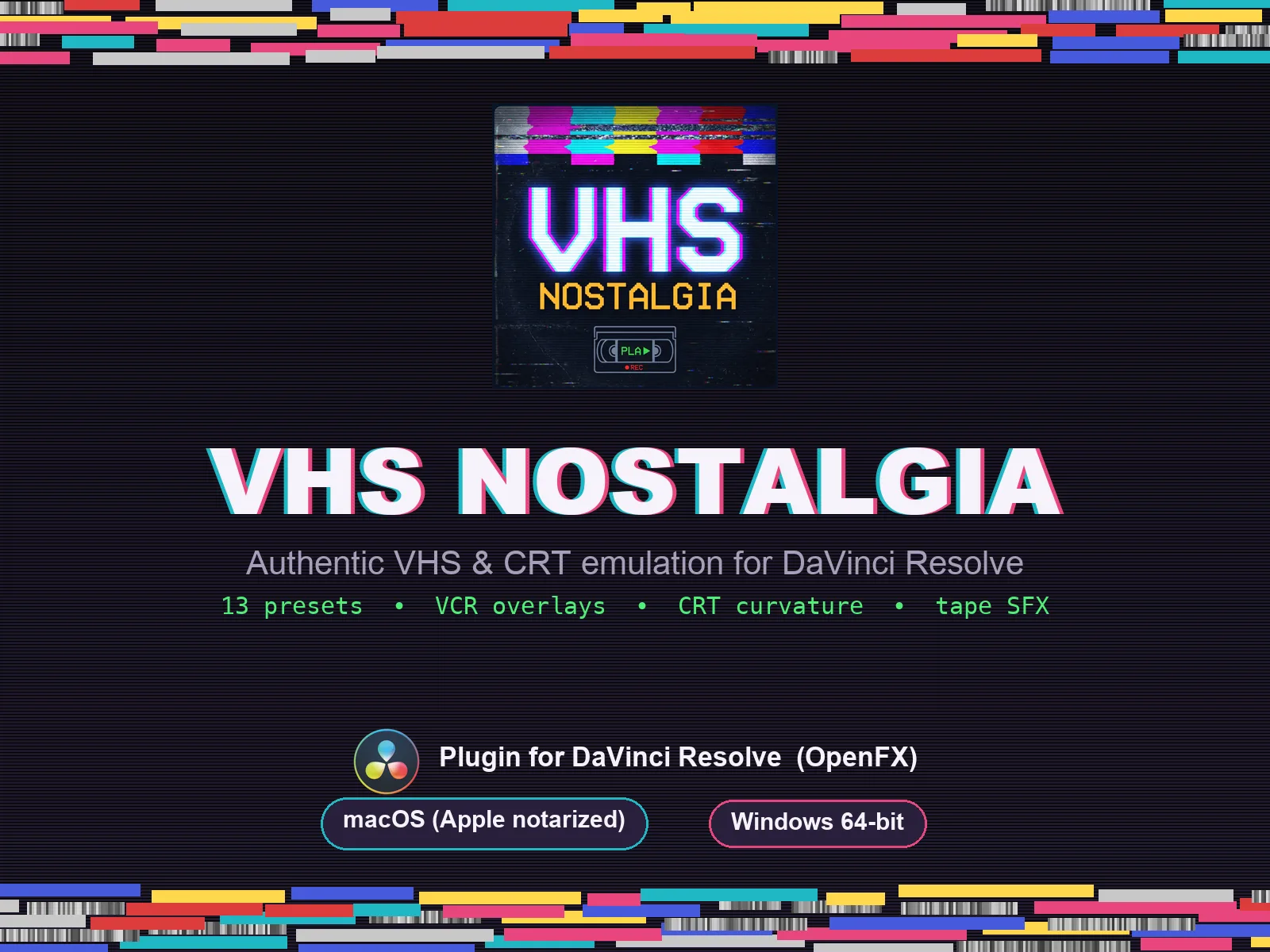
VHS Nostalgia
Real VHS & CRT emulation for DaVinci Resolve
View plugin — €39.00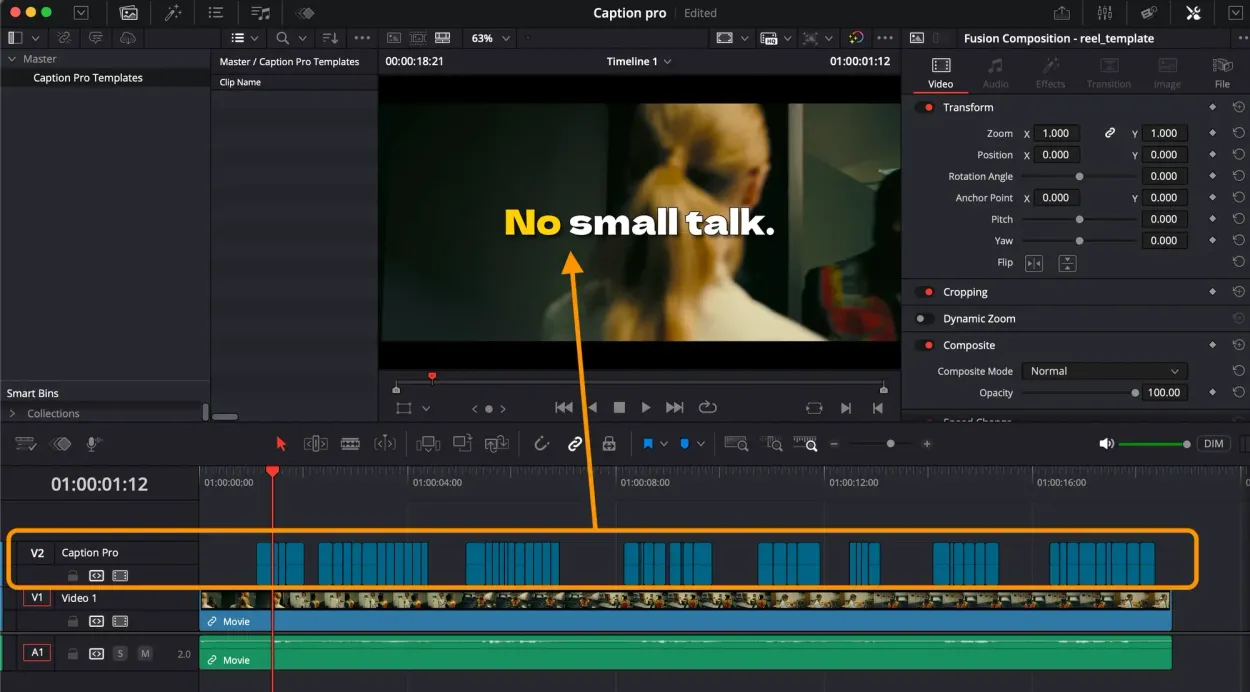
Caption Pro
Automatic word-by-word captions and translation for DaVinci Resolve
View plugin — €29.00
Get the zine
"Absorbed by the algorithm Vol. 1": 33 images shot in Paris, 28 pages, shipped worldwide.