Canon Selphy CP1500 Review: Real-World Test for Photographers
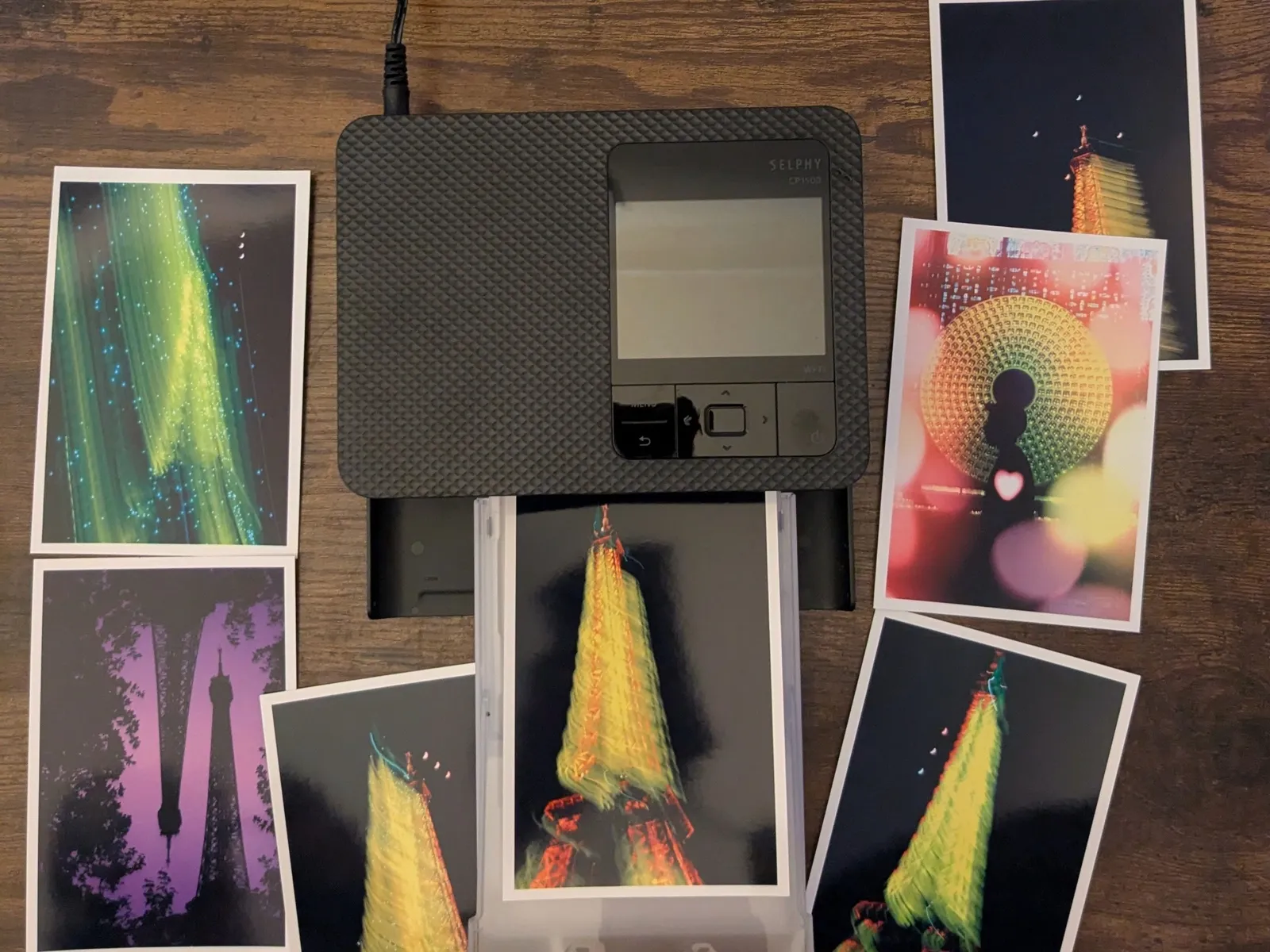
The Canon Selphy CP1500 prints a 4x6 inch (10x15 cm) photo in about 40 seconds, for roughly 35 cents a print, using dye-sublimation ribbons instead of liquid ink. I have been printing on it for about a year. Here is what holds up and what does not.
| Technology | Dye-sublimation (ribbon, no liquid ink) |
|---|---|
| Print size | 4x6 in / 10x15 cm |
| Time per print | ~40 seconds |
| Cost per print | ~35 cents (paper + ribbon pack) |
| Passes | 4 (yellow, magenta, cyan, clear coat) |
| Colours | 3, versus 6 on a photo inkjet |
| Borderless | Yes, snap off the perforated tabs |
| Connection | Wi-Fi from phone, USB, SD card |
| Battery | Optional 2000 mAh pack, sold separately |
| Idle tolerance | Months unused, no head cleaning |
I started printing more in 2025 to fight the sense that my photos only existed as files (I wrote about that here). I often use my Instax Mini Link for quick prints, but I wanted something bigger, more precise, and cheaper per print. The Selphy became as much a part of the routine as the cameras.
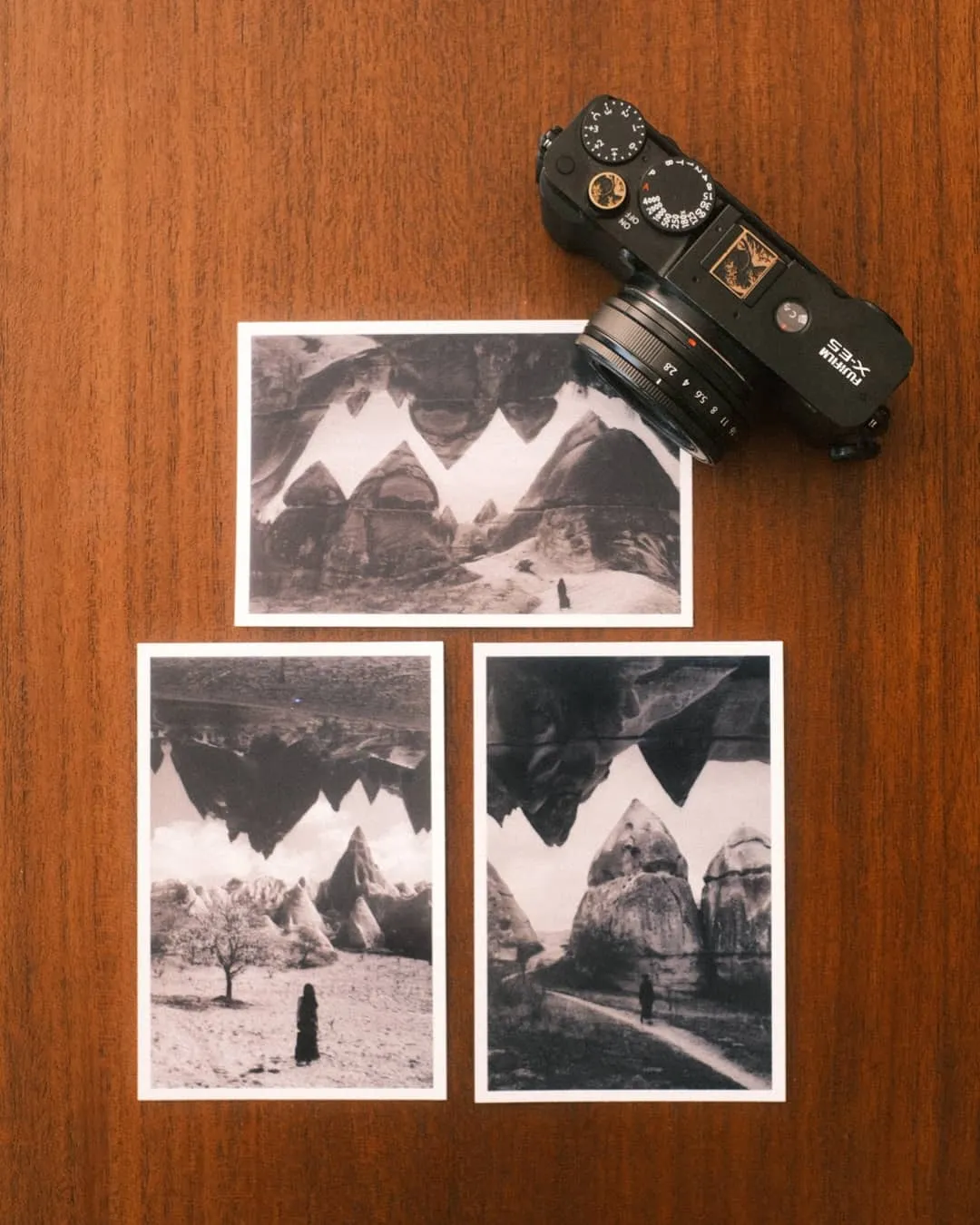
The dye-sublimation process
The CP1500 is a dye-sublimation printer. It heats up ink ribbons and transfers colors onto the paper in passes. The setup is simple. You plug it in, insert the ink cassette on the side, and load the paper tray in the front.
The printer pulls the sheet in and out four times. It applies yellow, magenta, cyan, and a clear protective coating. A single print takes about 40 seconds. The standard paper size is 4x6 inches (10x15 cm). The sheets come with perforated tabs on the ends. You snap them off to get a borderless photo.
Print quality and the dust problem
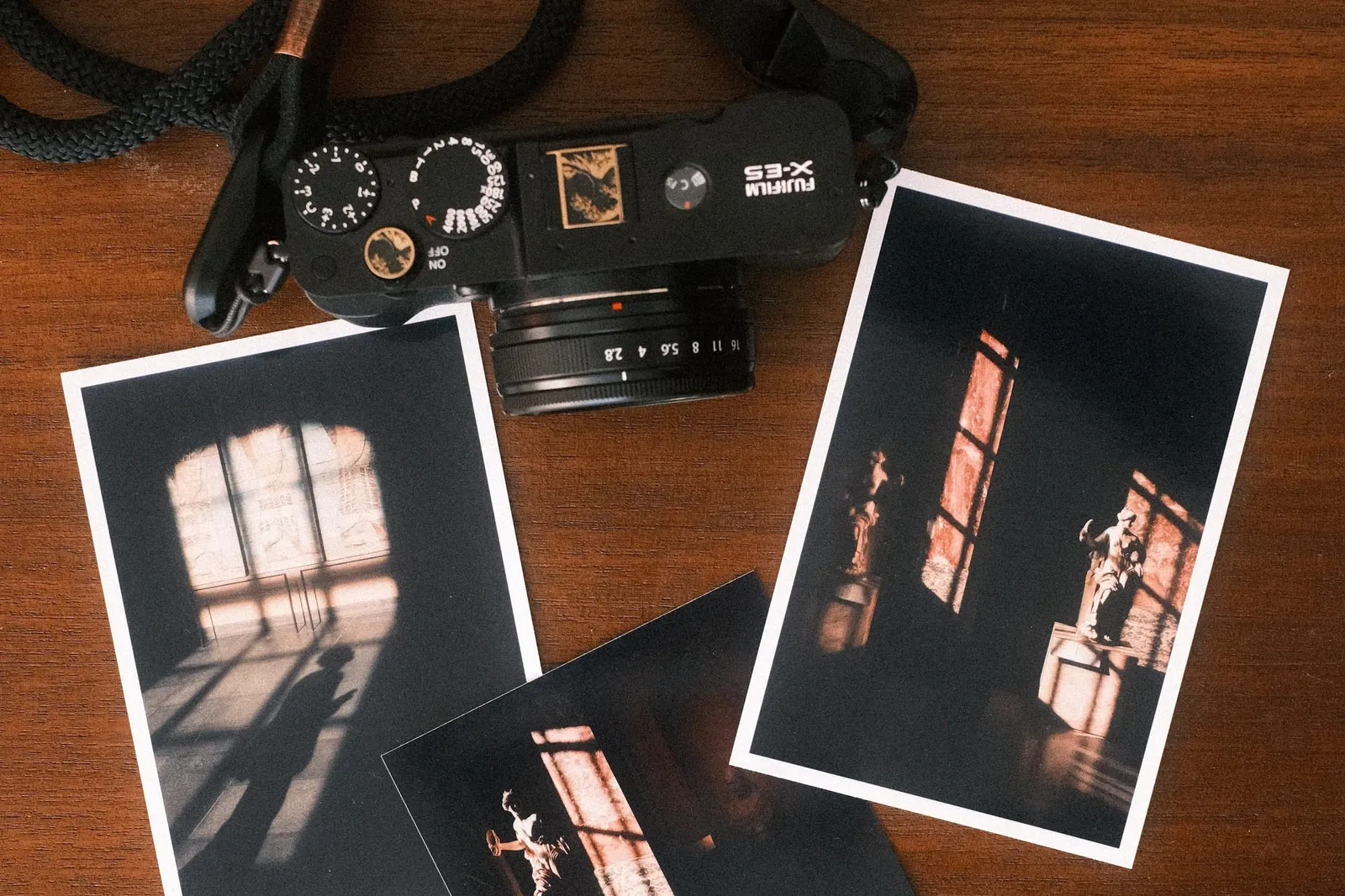
You will not get the exact quality of a professional photo lab. If you expect the dynamic range of a high-end inkjet printer with six color cartridges, you will feel let down. The Selphy uses exactly three colors. This limits the color reproduction.
Some users report prints coming out with a slight greenish tint and low contrast out of the box. Turning brightness and saturation up by one notch in the app fixes it. You can do the same from the printer's internal menu.
You also have to keep the printer and the paper completely clean. Dust ruins dye-sublimation prints. If a speck of dust gets inside the paper tray, it blocks the ink transfer. This leaves a permanent white spot on your photo. There is no way to fix it once it happens. I always keep my unused paper in a sealed plastic bag.
Running costs versus inkjet printers
Canon sells combined packs of paper and ink. You get exactly enough ink to print the number of sheets in the box. It costs more per page than generic inkjet paper, but it makes sense for my routine. And it cost much less per print than the instax mini.
You never have to worry about clogged print heads or dried-out ink cartridges. The Selphy can sit in a closet for a few months (spoiler: it never does) and work perfectly the next time I turn it on. I try to print at least one photo per photography set now. This predictable cost structure (around 35 cents/print) makes that ritual easy to sustain.
Print durability
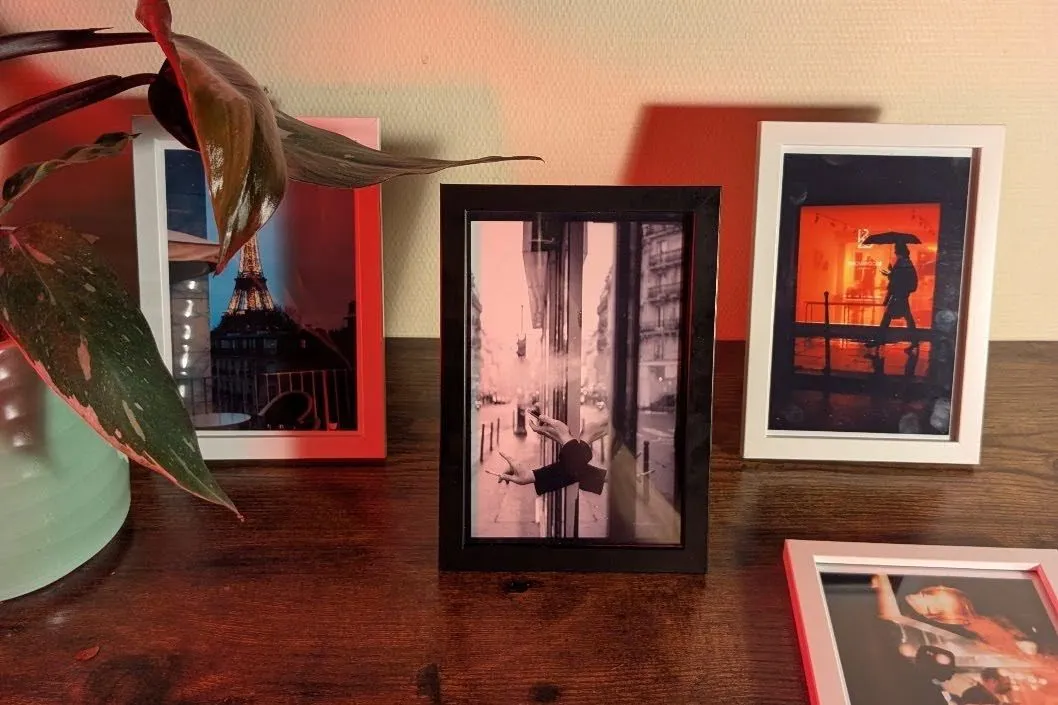
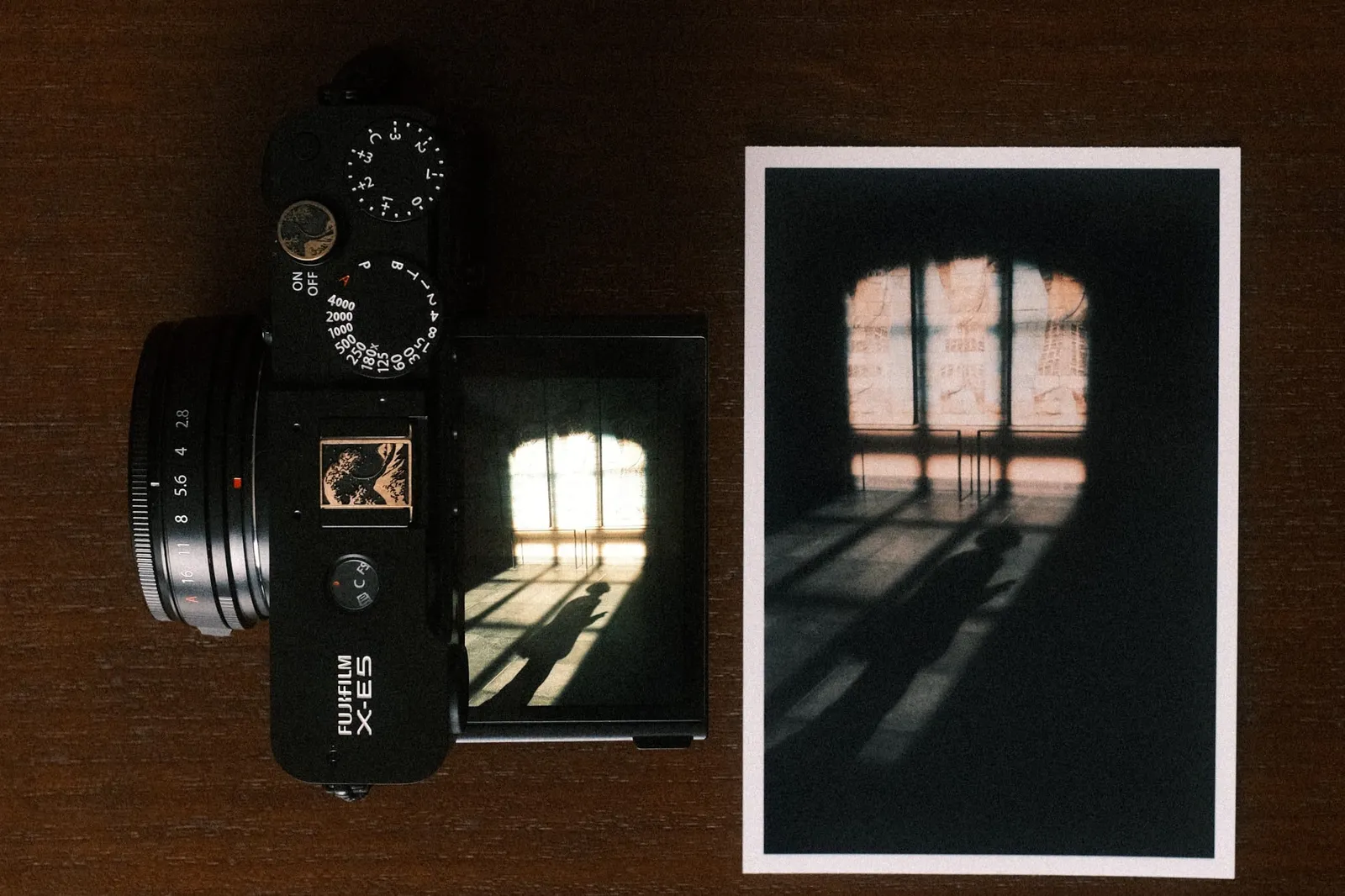
I use this printer to make physical albums, gifts to friends and family, and now even sending postcards. It is also the step before the bigger format: once a set of prints holds together on the desk, it usually becomes a zine. The prints survive daily handling. The clear top coat makes them resistant to water droplets and fingerprints. A year in, the ones sitting on my desk show no fading I can see, and the size works for a quick gift or a postcard.
Portability and connection
Portability is the main reason I chose this model over a desktop printer. It fits in a camera bag. Canon sells an optional battery pack with a 2000mAh capacity, I haven't tried it yet. But I already travelled with the printer and the cable charger. It was amazing to be able to print some quick photos and gift them to friends during the trip.
I also find the printing process extremely smooth. I connect my phone to the printer over Wi-Fi and send the files directly. I wrote before (here) about how handing someone a physical print creates a connection that digital sharing cannot match. No algorithm decides who sees it. I print photos for friends and people I meet on the road. It forces me to slow down. It proves that a human made the image and that the moment mattered enough to exist in the real world.
Common questions about the Selphy CP1500
How much does one print cost?
Around 35 cents. Canon sells paper and ribbon together, sized so the ribbon runs out exactly when the paper does. There is no half-used cartridge left over and no way to buy one without the other.
How long does a 4x6 print take?
About 40 seconds. The sheet passes through the printer four times: yellow, magenta, cyan, then the clear protective coat.
What sizes can it print?
The standard sheet is 4x6 inches, or 10x15 cm. The sheets have perforated tabs at each end. Snap them off and the print is borderless.
Does the Canon Selphy use ink?
Not liquid ink. It uses a dye-sublimation ribbon in a cassette that heats up and transfers colour onto the paper. That is why there are no print heads to clog and no cartridges to dry out, and why it still prints after sitting unused for months.
Are the prints water resistant?
The fourth pass lays a clear coat over the image, which handles water droplets and fingerprints. It is not a laminate, so I would not call it waterproof, but the prints survive being handled and posted.
Is the print quality good enough?
For a print on a desk, in an album, or handed to someone, yes. Against a six-cartridge photo inkjet or a lab print, no. The Selphy lays down three colours, which limits how far the colour can go, and the dynamic range is narrower than a good inkjet. That narrower range matters least on black and white work, which is part of why my black and white Fujifilm recipes are the ones I print most.
What ruins a print?
Dust. A speck inside the paper tray blocks the transfer and leaves a permanent white spot on the photo. Nothing fixes it afterwards. I keep unused paper in a sealed bag between sessions.
Help me keep writing
If these articles are useful to you, have a look at what I make.
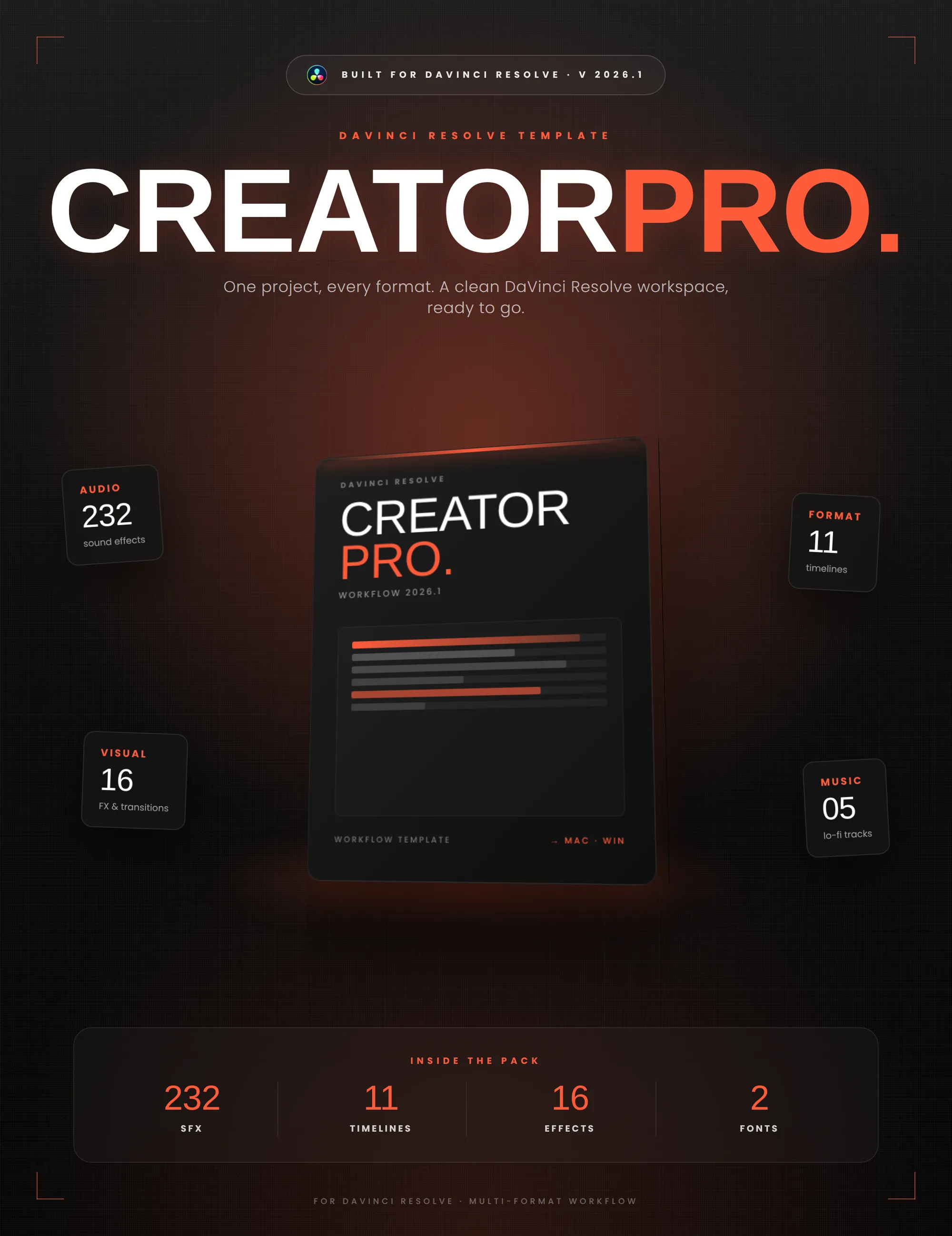
Creator Pro
The ultimate DaVinci Resolve workspace for creators
View plugin — €29.00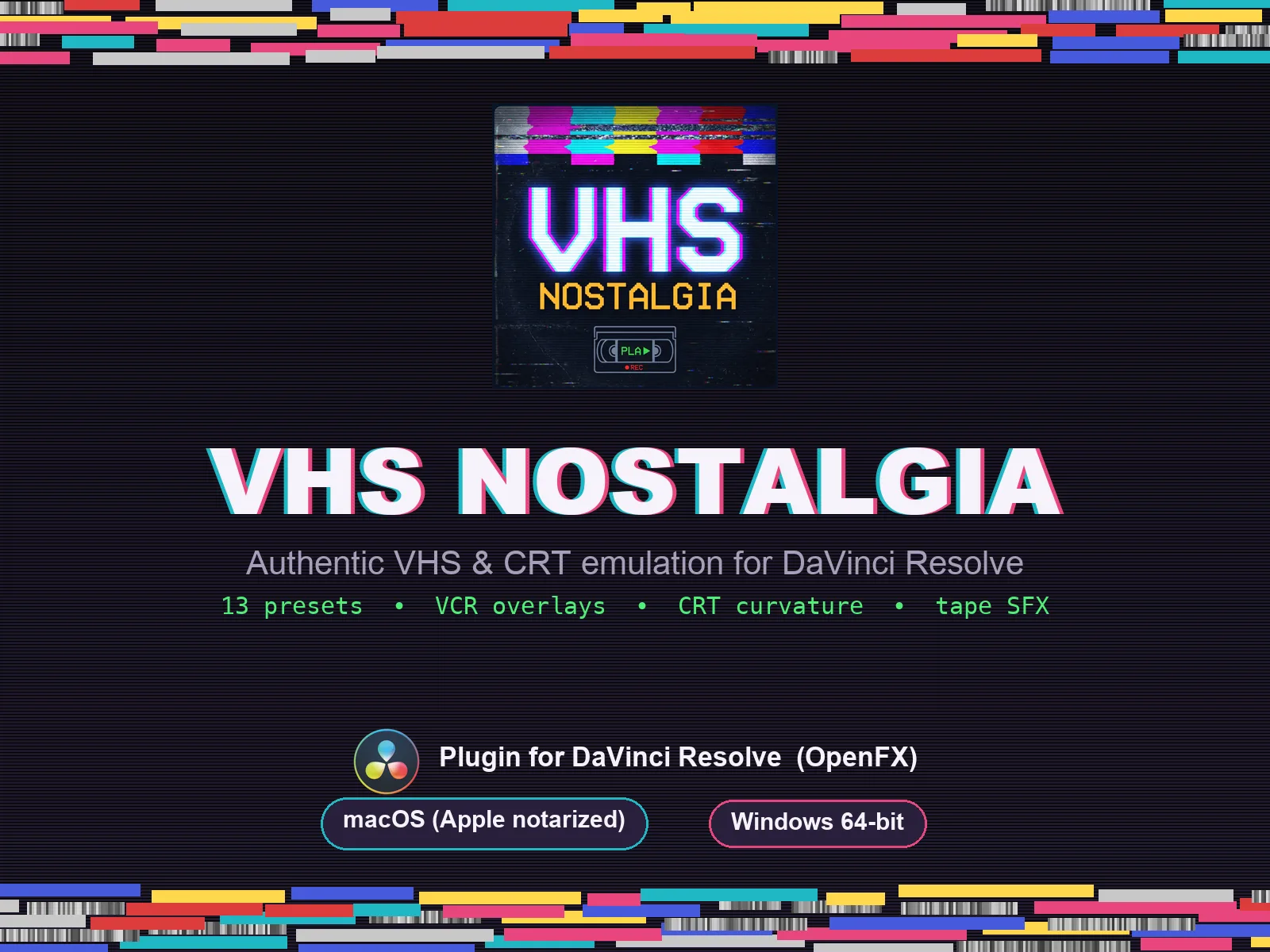
VHS Nostalgia
Real VHS & CRT emulation for DaVinci Resolve
View plugin — €39.00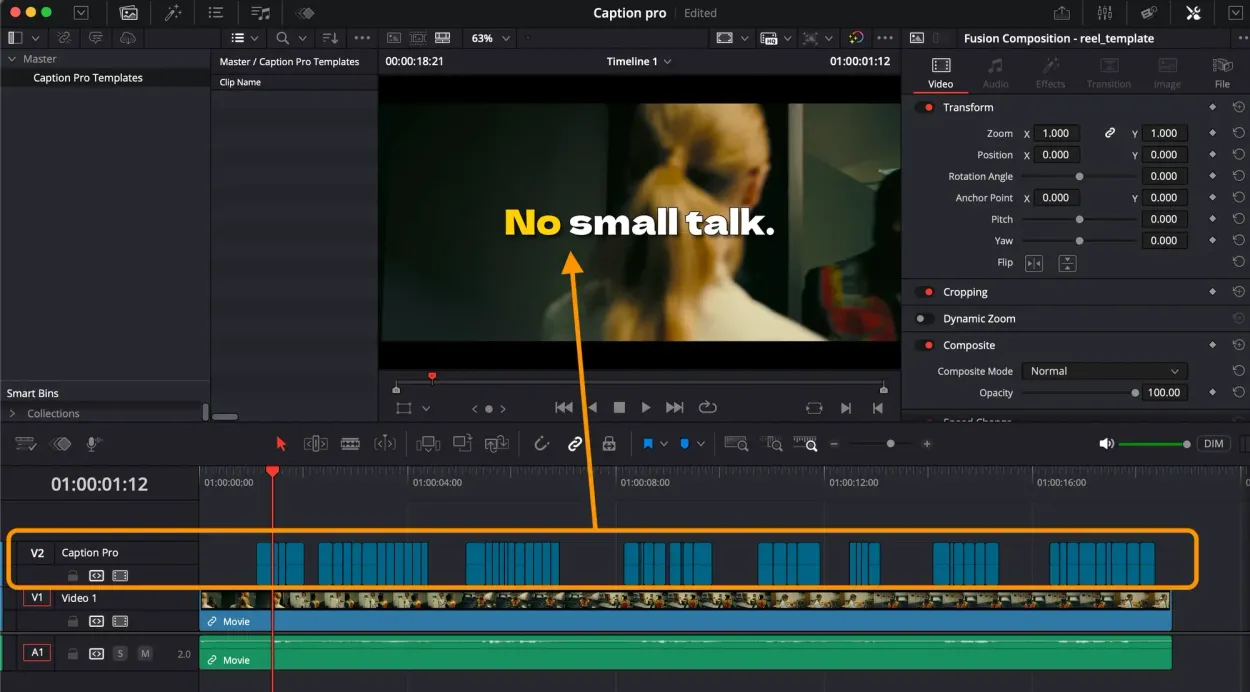
Caption Pro
Automatic word-by-word captions and translation for DaVinci Resolve
View plugin — €29.00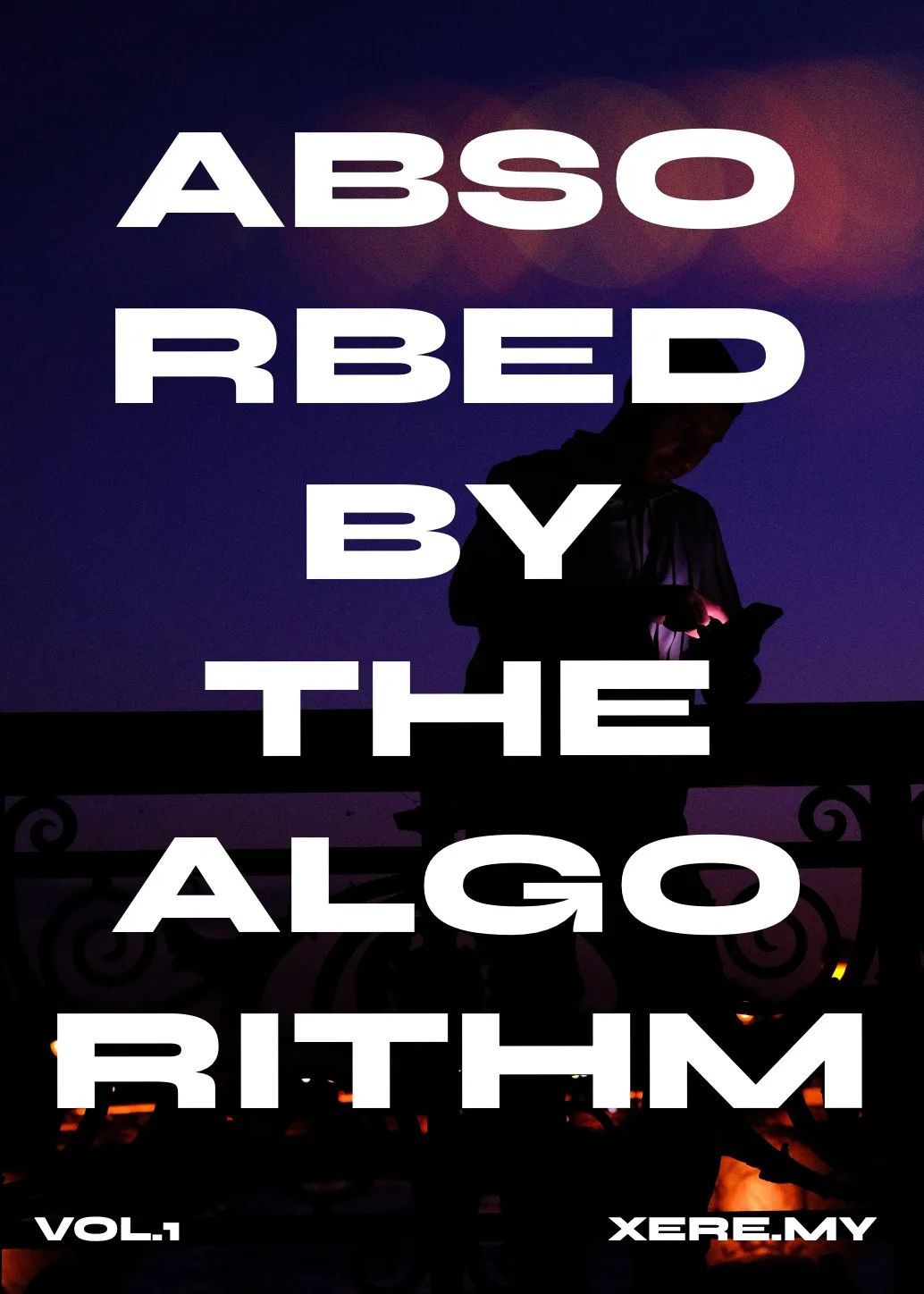
Get the zine
"Absorbed by the algorithm Vol. 1": 33 images shot in Paris, 28 pages, shipped worldwide.