 DaVinci Resolve plugin · v1.1 · macOS
Stop guessing what a job took.
You finish the edit, open the invoice, and estimate. Almost everyone estimates low. Time Ledger keeps a separate clock, hourly rate and session history for every Resolve project, and turns them into a spreadsheet you can hand straight to a client.
Sales temporarily paused
In DaVinci Resolve 21.1, Blackmagic moved Python scripting to the Studio version. Time Ledger relies on it, so it no longer runs on the free edition of Resolve 21.1 and later.
Sales are paused while I work out the best path forward for free-version users. Time Ledger continues to work normally on DaVinci Resolve Studio (any version) and on Resolve free up to 21.0.4.
Already a customer? Nothing changes for you right now — see the note above.
Questions: hello@xere.my
The hours you never wrote down.
A timer you have to remember is a timer you forget. This one lives where the work happens and follows you between jobs.
click to start
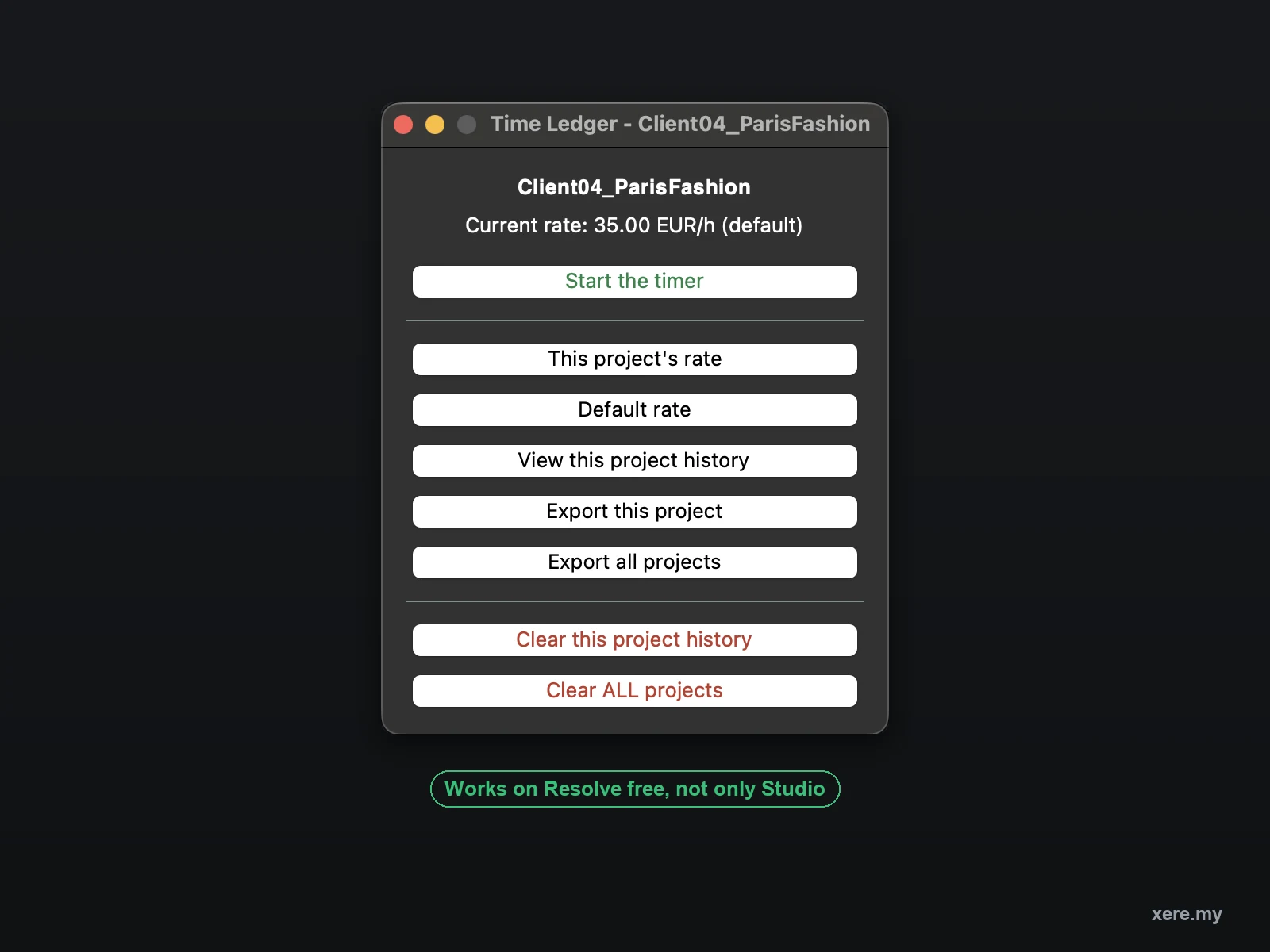
Press start, work, press stop. The window stays open and out of the way, and minimising it does not stop the clock.
sessions lost
A running session is written to disk the moment it starts. A crash, a force quit or a closed window all survive it.
forgot-to-stop guard
A timer left running overnight is offered up for review rather than quietly billed.
rates, not twenty
One default rate covers every project. Give a particular client their own when they need it.
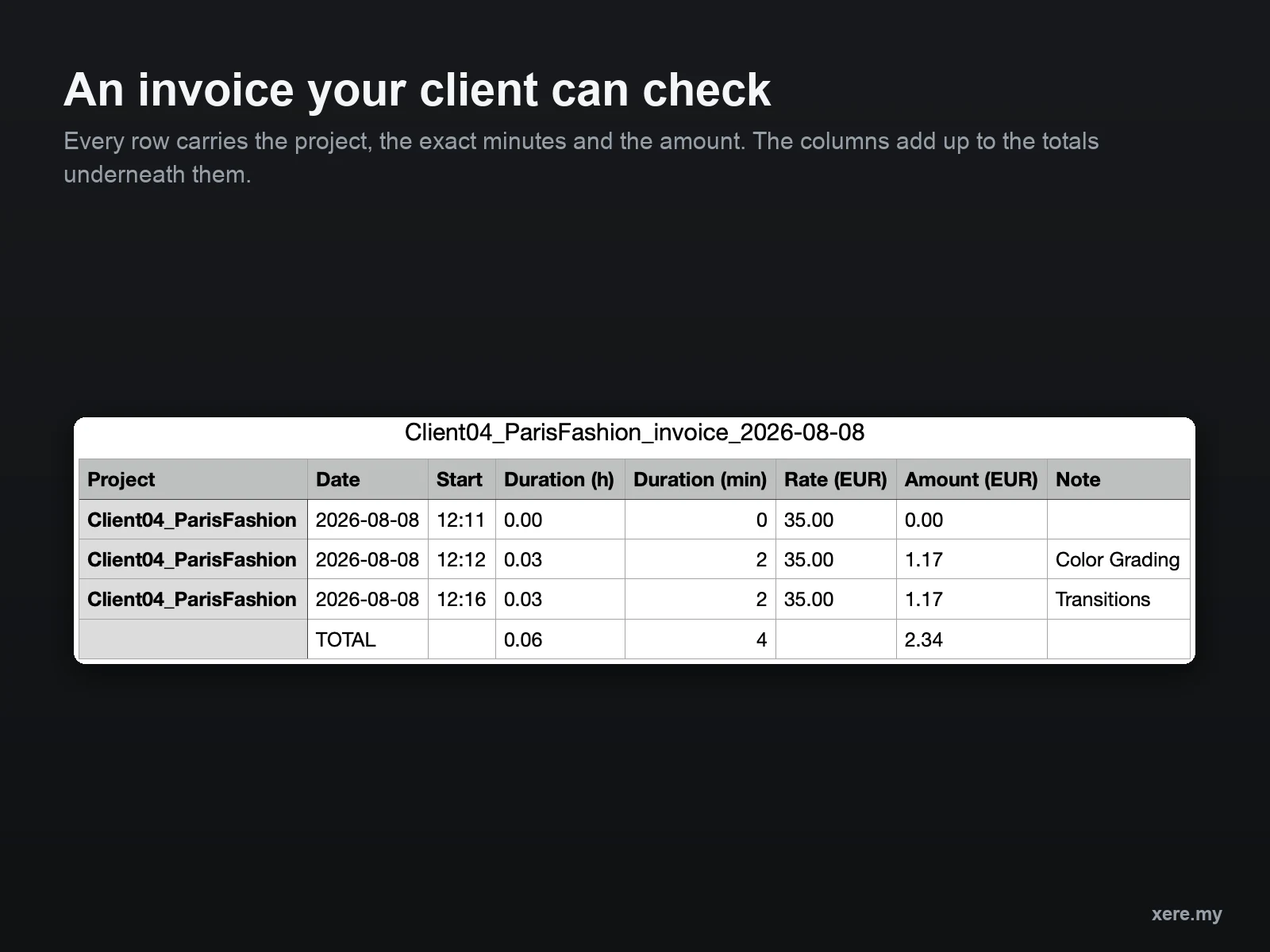
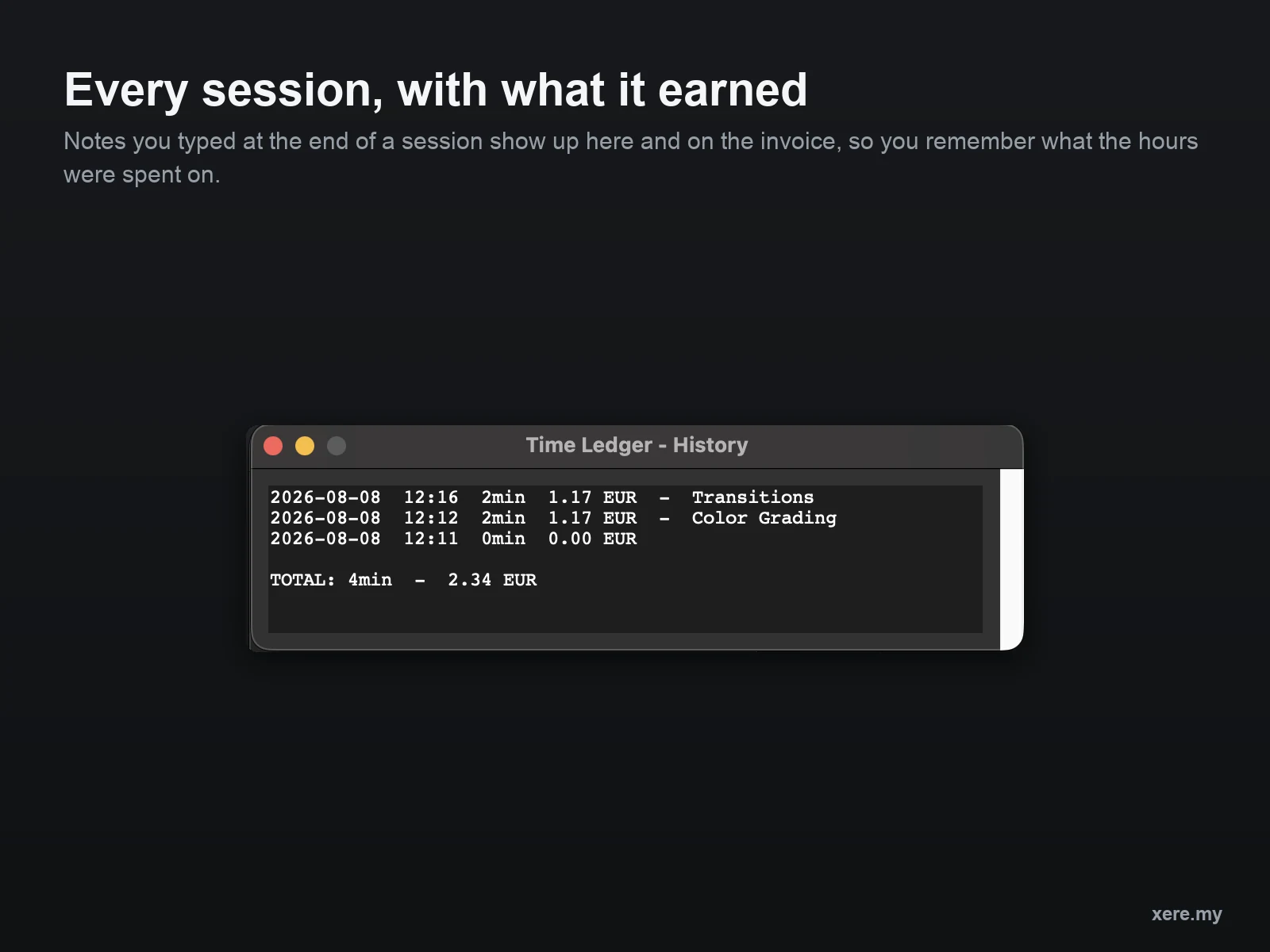
A spreadsheet your client can check
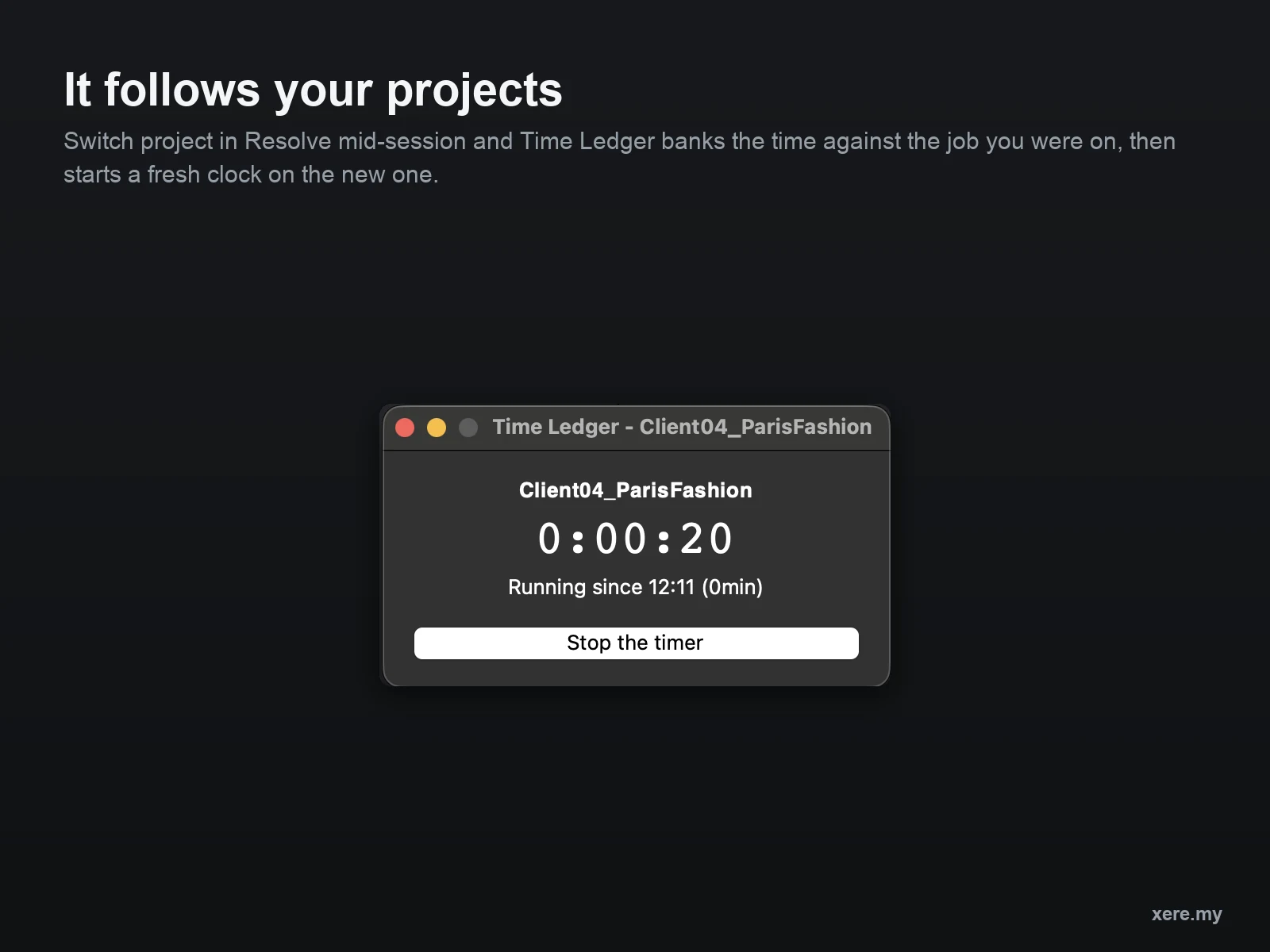
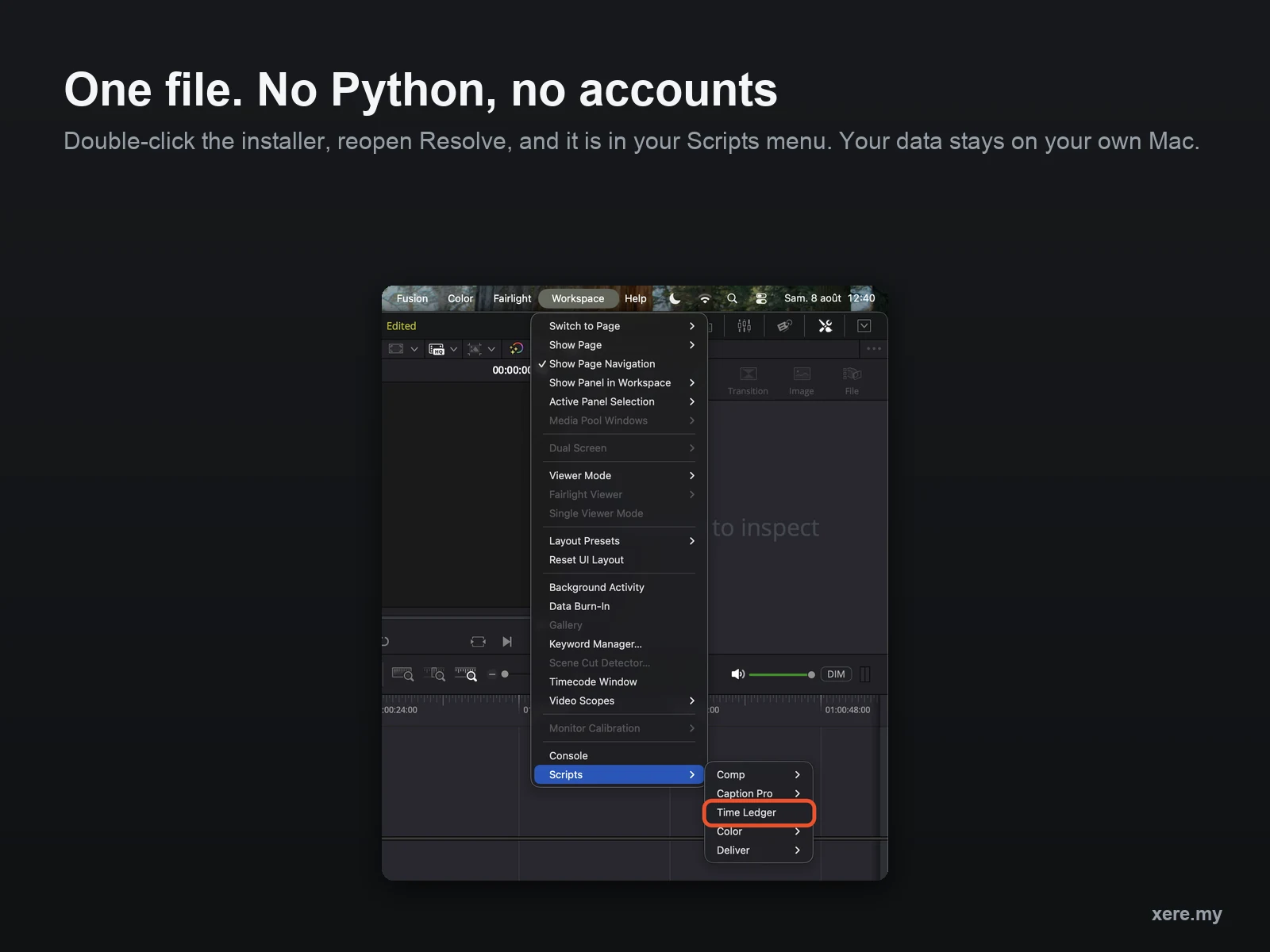
A window that follows your projects
What it looks like in use.
Real screenshots, not mock-ups.
It pays for itself on the first job
Find out where the hours actually go, then charge for them.
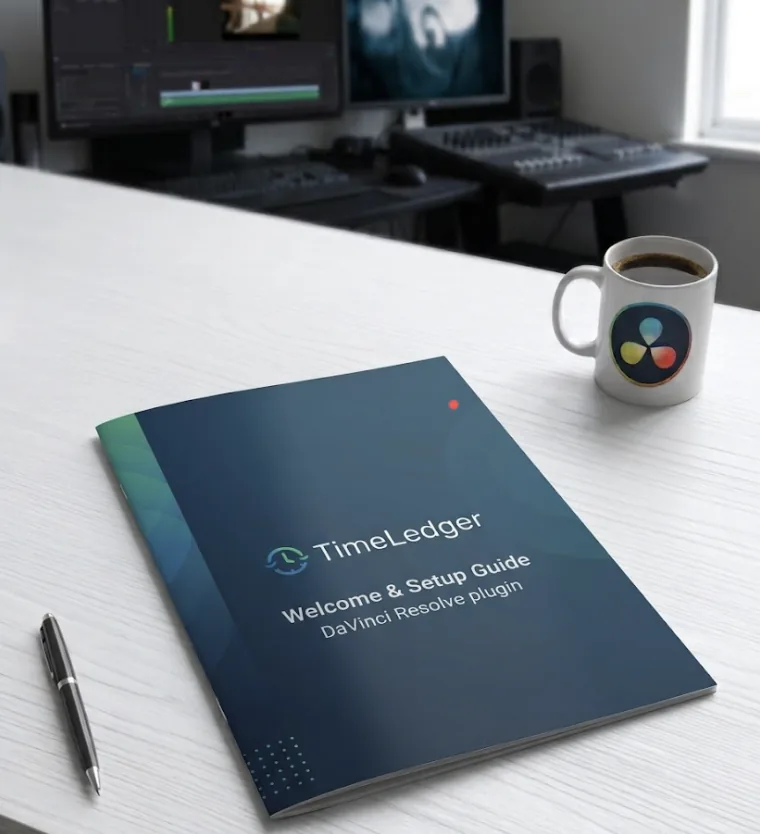
Welcome & Setup Guide, 8 pages
An illustrated PDF that walks through installing, tracking a first session, setting the two rates, reading an invoice and clearing history safely. Written for someone who has never opened a script in Resolve.
- 01Install, step by step with screenshots
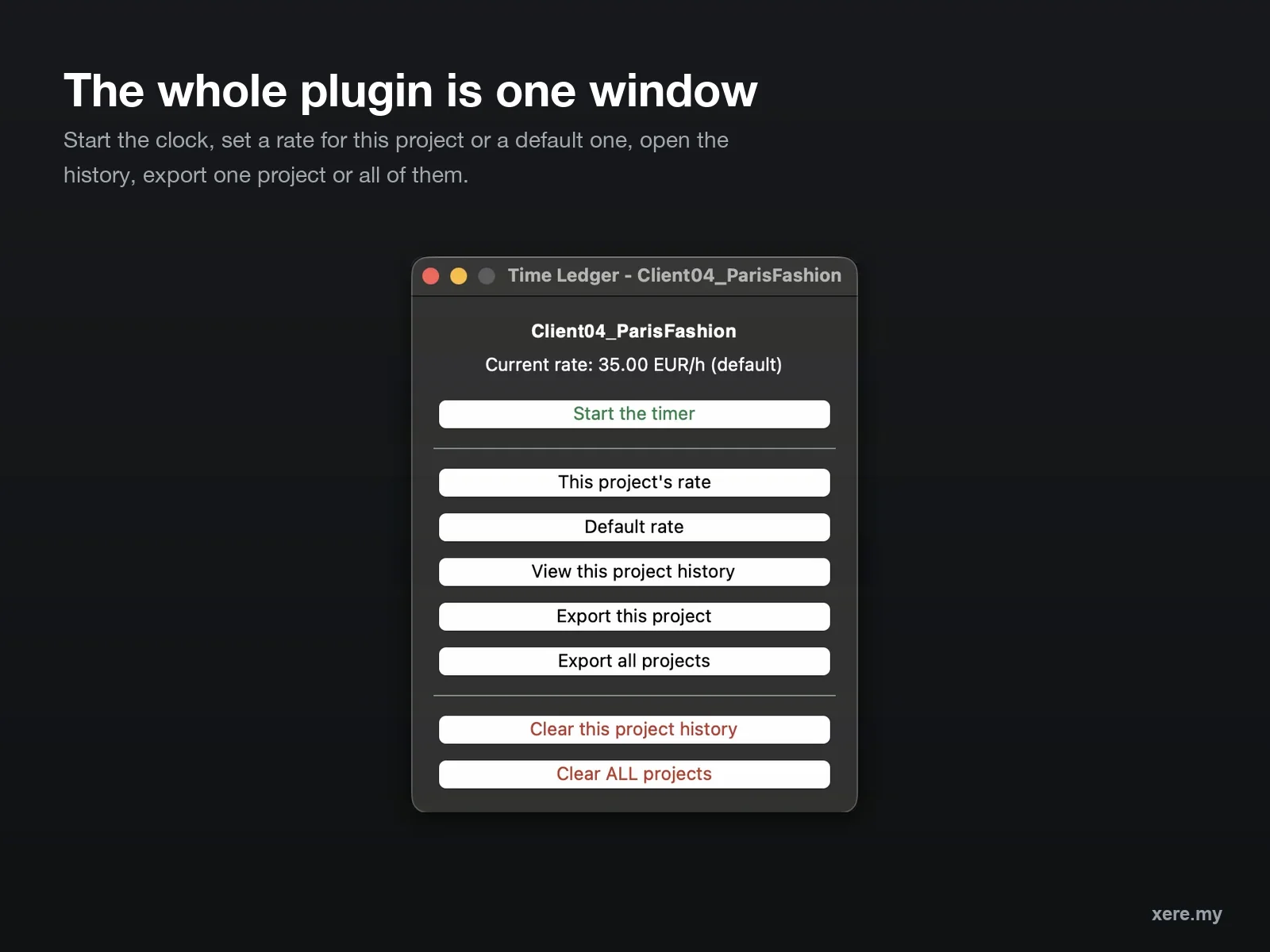
- 02The window and what each button does
- 03Tracking your first session
- 04Rates: the default and the override
- 05Invoices, and why there are two duration columns
- 06Clearing history, and how to get it back
- 07Where your data lives
- 08Good to know
One undercharged job costs more than this.
One payment. No subscription, no account, no licence to renew.
Time Ledger
The plugin, the guide, and every update after this one.
One-time purchase · instant download
Sales temporarily paused
In DaVinci Resolve 21.1, Blackmagic moved Python scripting to the Studio version. Time Ledger relies on it, so it no longer runs on the free edition of Resolve 21.1 and later.
Sales are paused while I work out the best path forward for free-version users. Time Ledger continues to work normally on DaVinci Resolve Studio (any version) and on Resolve free up to 21.0.4.
Already a customer? Nothing changes for you right now — see the note above.
Questions: hello@xere.my
macOS only for now. The plugin is written for Windows too, but it has not been tested there and will not be sold as supported until it has.
- Time Ledger, installed by double-clicking one file
- Works on DaVinci Resolve free and Studio
- Per-project clock, rate and session history
- CSV invoice export, plus an all-projects report
- Welcome & Setup Guide, PDF, 8 pages
- Free updates for life
Before you buy.
Do I need DaVinci Resolve Studio?
No. The live window with the running clock works on the free version too. This is worth saying because it is often assumed otherwise: Blackmagic's Studio-only restriction on script windows applies to Resolve's own interface toolkit, not to the one Time Ledger uses. One edition, same features, either version.
Does it work on Windows?
Not yet, and I would rather say so than sell it and find out. The code is written for Windows and the installer exists, but it has not been tested on a real Windows machine. When it has, it becomes a free update for everyone who already bought.
Is this a subscription?
No. One payment, and updates are free for life from the same download link.
What happens if I forget to stop the timer?
If a session has been running more than eight hours, Time Ledger assumes you forgot and offers to either record it up to that moment or drop it, rather than quietly billing the night. And if Resolve crashes or you close the window, the running timer survives and picks up where it left off.
I raised my rate. Does my old work get repriced?
Never. The rate is frozen into each session the moment you start it, so an invoice you sent last month still reproduces exactly. Changing a rate only affects sessions you start afterwards.
I charge flat rates. Is this still useful?
That is arguably when it matters most. A flat fee only tells you what you were paid, not what it cost you. Tracking the hours tells you your real hourly rate on that job, which is the number you need before quoting the next one.
Where does my data go?
Nowhere. One small file per project in your own Library folder. No account, no server, no internet connection needed, and nothing to delete anywhere but your own Mac.
Who it is for
Editors and colourists who bill by the hour
Freelancers who finish a job and have to guess what it took, and anyone who suspects a particular client is quietly costing more than they pay. If you have ever raised a rate and wondered whether it was enough, this tells you.
It is probably not for you if
- ·You work on Windows — support is written but not tested yet, so it is not sold as supported
- ·You are salaried and never invoice anyone
- ·You already track time in a tool you actually open every day
- ·You want automatic idle detection — Time Ledger counts until you stop it